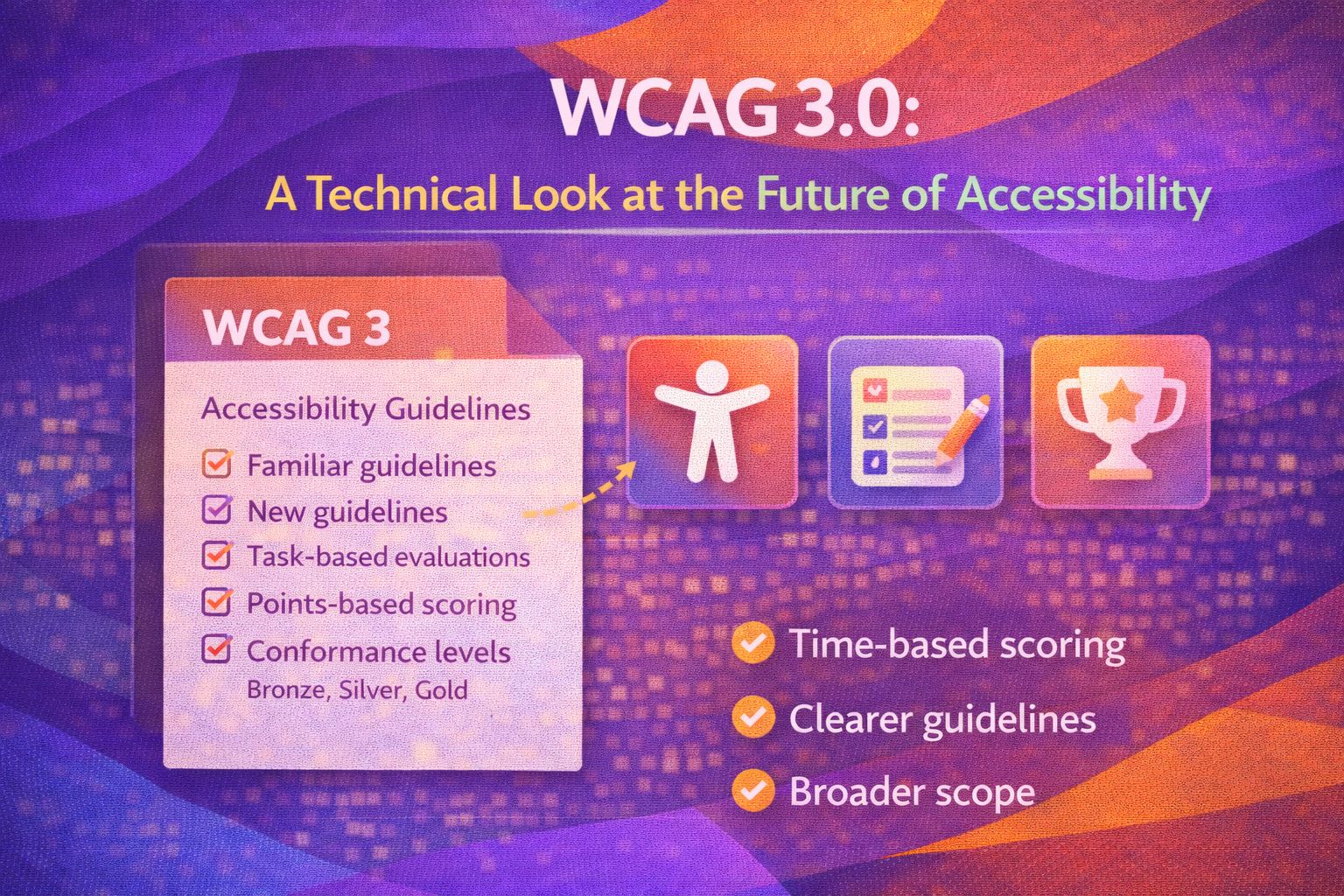
Let's be honest - WCAG 2.x can sometimes feel like reading a legal document rather than a technical manual. I've spent plenty of time scratching my head over 'success criteria' that feel a bit abstract, which is why I'm genuinely excited about where WCAG 3.0 (also known as 'Silver') is heading. It's moving towards plain-language outcomes and a more flexible scoring system that actually makes sense for modern web apps.
The Transition to Plain-Language Outcomes
The new draft shifts away from rigid pass/fail rules toward 'Outcomes'. Here is how a requirement might look in the new GitHub-based structure for text alternatives.
/* Example of a WCAG 3.0 Requirement Structure (Draft) */
---
title: Text alternatives
status: developing
type: foundational
children:
  - alt-text-assertion
  - decorative-image-assertion
---

:::outcome
Provide text alternatives for non-text content so that it can be
changed into other forms people need, such as large print,
braille, speech, symbols or simpler language.
:::
What I love about this is the use of 'Assertions' to test specific outcomes. For example, ensuring an image has a meaningful alternative text isn't just about the attribute existing, but its quality.
<!-- WCAG 3.0 Compliant: Meaningful Alt Text -->
<img
  src="/assets/charts/revenue-q4.png"
  alt="Bar chart showing a 15% increase in Q4 revenue, reaching £2.4M."
>

<!-- WCAG 3.0 Compliant: Decorative Image -->
<img
  src="/assets/design/hero-blob.svg"
  alt=""
  role="presentation"
>Text Presentation and Readability
WCAG 3.0 introduces more specific requirements for text presentation, such as block margins and alignment to improve cognitive accessibility. Here's how we can implement the draft requirement for paragraph spacing using modern CSS.
/*
  WCAG 3.0 Draft Requirement:
  Block margin around paragraphs should be ≥0.5em
*/

.content-body p {
  margin-block-start: 0.5em;
  margin-block-end: 0.5em;

  /* Ensuring left-alignment/justified as per draft */
  text-align: left;
  line-height: 1.5;
}
We should also consider the draft's focus on 'Clear Language' by avoiding justified text which creates 'rivers' of white space that can be difficult for dyslexic users to navigate.
/* Pro move: Use 'hyphens' carefully to maintain readability without full justification */
.article-text {
  text-align: left;
  hyphens: auto;
  max-width: 65ch; /* Optimal line length for readability */
}Programmatic Error Handling
WCAG 3.0 emphasises that errors must be programmatically indicated and include the specific element name. Here's a React-based approach to handling this with ARIA.
// React component following WCAG 3.0 error patterns
const EmailField = ({ error, value }) => {
  const errorId = "email-error-msg";

  return (
    <div className="form-group">
      <label htmlFor="email-input">Email Address</label>
      <input
        id="email-input"
        type="email"
        value={value}
        aria-invalid={!!error}
        aria-describedby={error ? errorId : undefined}
      />
      {error && (
        <span id={errorId} role="alert" className="error-text">
          {/* Note: Explicitly naming the field in the error message */}
          Error in Email Address: {error}
        </span>
      )}
    </div>
  );
};
The key here is the `role="alert"` and the `aria-describedby` link, ensuring the relationship is clear to assistive technology immediately.
/* Styling the error state for high visibility */
[aria-invalid="true"] {
  border: 2px solid var(--error-colour);
  outline: 2px solid transparent;
}

.error-text {
  display: block;
  margin-top: 0.25em;
  font-weight: bold;
  color: var(--error-colour);
}Visual Contrast and APCA
While WCAG 2.1 uses a simple ratio (4.5:1), WCAG 3.0 explores the Advanced Perceptual Contrast Algorithm (APCA). It's more complex because it considers font weight and context. While it's in draft, I've started using CSS variables to make future adjustments easier.
:root {
  /* Defining tokens based on contrast needs */
  --text-primary: #1a1a1a;
  --bg-primary: #ffffff;

  /* Prospective APCA-friendly combinations */
  --text-on-accent: #ffffff;
  --accent-colour: #005bb5;
}

.button-primary {
  background-color: var(--accent-colour);
  color: var(--text-on-accent);
  font-weight: 600; /* APCA factors in weight! */
}
Trust me on this one - start thinking about your colour palette in terms of 'lightness' and 'perceived contrast' now, and you'll save yourself a massive headache later.
/* Fallback strategy for production today */
.card {
  background: var(--bg-primary);
  color: var(--text-primary);
}

@media (prefers-contrast: more) {
  :root {
    --text-primary: #000000;
    --accent-colour: #002d5a;
  }
}Status and Browser Support
It is vital to remember that WCAG 3.0 is a Working Draft. This isn't a browser feature that gets 'supported' like a CSS property; it's a set of guidelines. Browsers don't support WCAG—your code does. Currently, you should still aim for WCAG 2.2 compliance for legal and production standards, using 3.0 as a roadmap for where the industry is heading.
Wrapping Up
WCAG 3.0 is going to be a game-changer for how we approach inclusive design. It's more holistic, covers more platforms, and finally moves towards language that humans (not just lawyers) can understand.
- Focus on Outcomes: Start thinking about the user's end goal rather than just ticking a checkbox.
- Semantic Structure: Keep using clean HTML, as the 'foundational' requirements still rely heavily on it.
- Stay Updated: Monitor the W3C GitHub repo for the latest 'developing' requirements.
If you want to go deeper and learn how to build real, production-ready CSS design systems step by step, check out my full course here: CSS Design Systems Course
Got questions or want to share how you're using this? Drop me a message on LinkedIn - I always enjoy chatting about this stuff!