Ever wondered why we spend so much time chasing green ticks on automated audits, only to find that users with disabilities still struggle to navigate our apps? It's a frustrating gap that's existed for years, but the latest updates to the WCAG 3 working draft suggest a massive shift in how we'll approach accessibility in the near future.
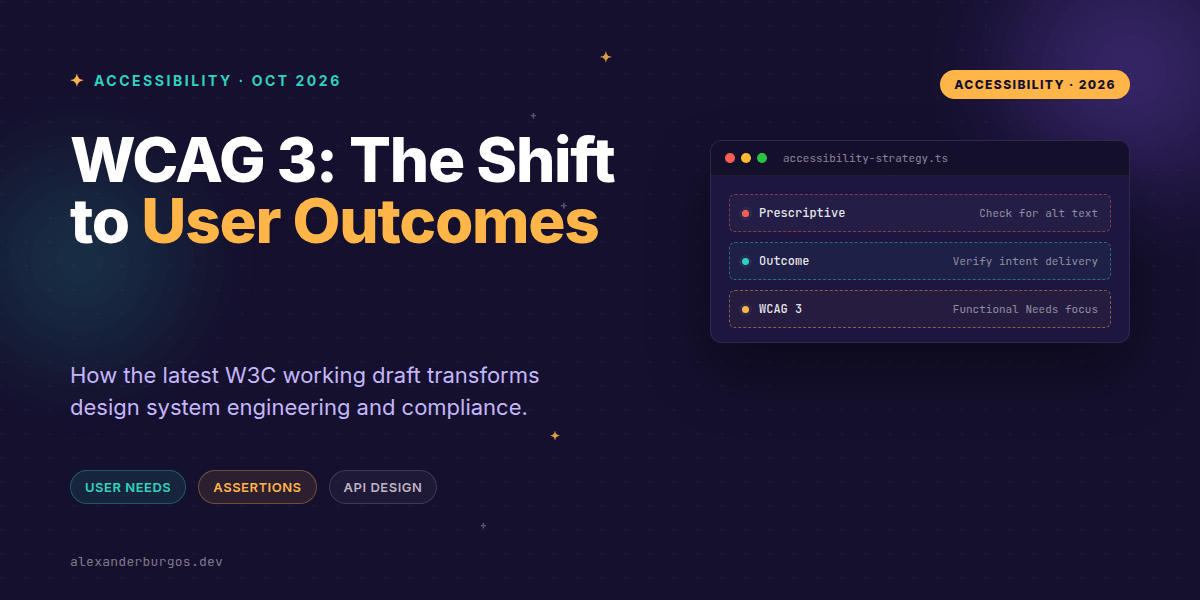
Right now, we're living in a world of prescriptive success criteria. We check for alt attributes, we ensure contrast ratios hit 4.5:1, and we check for keyboard traps. But the October draft of WCAG 3 (often called Silver) is moving the goalposts from rules to outcomes. It's a subtle change in language, but for those of us building design systems and complex React applications, it's going to change everything about how we write code.
The Shift: From Guidelines to Functional Needs
The latest W3C working draft organises guidance into a new hierarchy. Instead of the rigid A/AA/AAA levels we've grown accustomed to, WCAG 3 focuses on "the functional needs of users." This means the focus is moving toward whether a user can actually complete a task, rather than just whether a specific HTML element was used correctly.
According to the draft, Outcomes are normative statements that can be tested. They are supplemented by Assertions—formal claims of fact about your processes—and technology-specific methods. It's a more holistic approach that recognises that a technically "valid" page can still be a UX nightmare.
1. Acceptance Criteria become Outcome-Based
In our current workflows, a ticket might say "Ensure all images have alt tags." Under WCAG 3's influence, I'm already seeing senior teams shift their acceptance criteria (AC) to be more descriptive of the user experience. Instead of attribute inspection, we're looking for evidence of communication.
A better AC might look like this: "A user who cannot see an image can determine its purpose or equivalent information." This forces us to think about the context. Is the information in the alt text? Is it in the surrounding caption? Is the image truly decorative? We're testing the result, not just the code.
Scenario: Informative image
  Given an image conveys product status
  When a screen-reader user encounters it
  Then the accessible name or adjacent text communicates that status
2. Component APIs: Exposing Intent Over Markup
As UX engineers, we have a lot of power in how we design our component props. If we want to align with the outcome-oriented direction of WCAG 3, our APIs should make the accessible outcome achievable by construction. I've found that the best way to do this is to stop letting consumers "accidentally" forget accessibility.
Consider a status icon. A "lazy" API might just take an icon name. But a WCAG 3-aligned API requires the developer to define the meaning of that icon. If the icon conveys status, the label shouldn't be optional.
type StatusIconProps = {
  status: "success" | "warning" | "error";
  label: string;          // required user-facing meaning
  decorative?: false;     // status icons are meaningful by default
};

// Usage that satisfies the outcome
<StatusIcon status="warning" label="Payment requires attention" />
By moving away from APIs that let consumers silently omit accessible meaning, we're encoding the information needed to satisfy the user's functional needs directly into our design system's DNA.
3. The Layered Testing Stack
WCAG 3's requirements emphasise supporting automation where it makes sense, but also providing repeatable procedures for manual testing. I like to think of this as a four-layer cake of accessibility assurance:
- Automated: DOM validity, accessible-name presence, and contrast calculations.
- Component-level Manual: Testing keyboard operation, focus order, and screen-reader announcements.
- Flow-level Testing: Real-world task completion by users with disabilities.
- Process Evidence (Assertions): Documenting that your team actually performed these tests.
The "Assertion" part is particularly interesting. It's a formal claim that you've followed a specific process, like plain-language reviews or usability testing. While an assertion isn't proof that a user succeeded, it's a vital part of the new model for documenting organisational commitment.
Important Caveats
It's important to remember that WCAG 3 is not final. The W3C has been very clear that it will change substantially and is likely years away from being a formal recommendation. You should absolutely not throw away your WCAG 2.1 or 2.2 checklists yet—those are still the legal standards.
However, tracking these drafts allows us to future-proof our design systems. If we start building with outcomes in mind today, we won't have to rewrite our entire component library when the new standards eventually land.
If you want the long-form version of this with 23 chapters and runnable code, Ship Your Design System on Amazon is the handbook.
Wrapping Up
- Focus on outcomes: ask if the user can achieve their goal, not just if the code is valid.
- Design component APIs that require intent, making it harder for consumers to skip accessibility details.
- Adopt a layered testing approach that combines automation with documented manual assertions.
I'd encourage you to start experimenting with outcome-based ACs in your next sprint. It's a great way to get the team thinking about the human on the other side of the screen.
If you want to go deeper and learn how to build real, production-ready CSS design systems step by step, check out my full course here: CSS Design Systems Course
Let's keep the conversation going! You can find me sharing more CSS and design system tips on Twitter or connect with me for professional insights on LinkedIn.