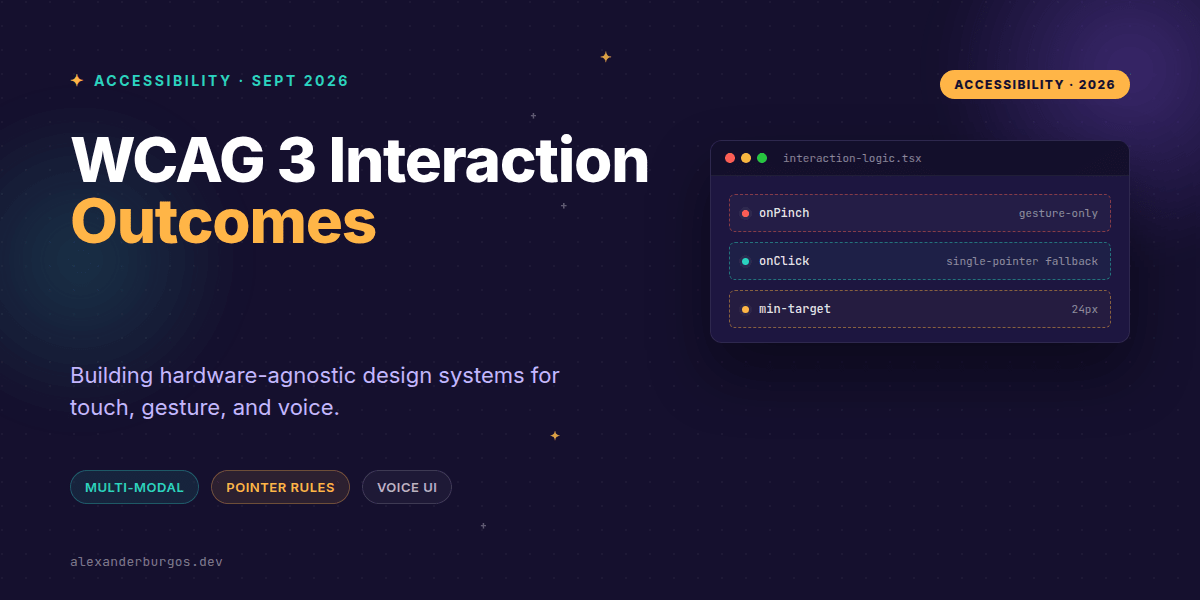
Right, let's talk about the elephant in the room: the September 2026 draft of WCAG 3.0. If you've been coasting on the idea that "mobile-friendly" just means big buttons, I've got some news that might make your morning coffee taste a bit sharper.
The latest W3C working draft has officially turned input and interaction into a first-class, hardware-agnostic concern. We're moving away from specific "mobile" rules toward a world where design systems must expose the same functionality across touch, gesture, voice, and hardware controllers simultaneously.
The Shift to Hardware-Agnostic Input
In the past, we treated mouse users and touch users as two distinct buckets. WCAG 3.0 throws that out the window. It defines a "hardware-agnostic representation" of input devices. Whether it's a pen, a finger, or a specialized controller, the outcome must be the same.
The draft explicitly states: "Users have the option to use different input techniques and combinations and switch between them." This means your React components can't just detect a touch screen and disable keyboard shortcuts, or vice versa. They need to be multi-modal by default.
Single-Pointer vs. Path-Based Gestures
We've seen the seeds of this in WCAG 2.2, but WCAG 3 doubles down. If you're building a fancy swipe-to-delete pattern or a pinch-to-zoom map, you're now mandated to provide a single-pointer, non-path alternative.
- Pointer Gestures (2.5.1): Multi-point or path-based gestures must have a single-pointer alternative.
- Dragging Movements (2.5.7): Drag-and-drop must be achievable via a simple click-to-select and click-to-move flow.
- Target Size (2.5.8): The 24x24 CSS pixel minimum is no longer a suggestion; it's a design system token requirement.
/* Design System Token Example */
:root {
  --ds-size-tap-target-min: 24px;
  --ds-spacing-interactive: 8px;
}

.c-button--icon-only {
  min-width: var(--ds-size-tap-target-min);
  min-height: var(--ds-size-tap-target-min);
  padding: var(--ds-spacing-interactive);
}
Voice and Speech: The New Frontier
This is where it gets interesting for UX Engineers. Under Guideline 2.4.4, WCAG 3 requires us to "Provide alternatives to speech input and facilitate speech control."
If your application uses voice commands for navigation or data entry, you must provide a real-time text option. Think of it as 'reverse captioning.' You aren't just showing what the user said; you're providing a way for them to interact without saying a word, ensuring users with speech impairments or those in loud environments aren't locked out.
Practical Implementation in React
When I'm building a draggable list component, I've found that the best way to handle this is by implementing a 'Mode Switcher' logic within the hook. You shouldn't just rely on HTML5 Drag and Drop; you need a state machine that handles click-to-reorder.
const DraggableItem = ({ id, onMove }) => {
  // Support for standard dragging
  const handleDrag = (e) => { /* ... */ };

  // WCAG 3 compliant single-click alternative
  const handleSelect = () => {
    if (isSelectionMode) {
      onMove(id, targetIndex);
    }
  };

  return (
    <div
      draggable
      onDragStart={handleDrag}
      onClick={handleSelect}
      aria-describedby="instructions-id"
    >
      {/* Item Content */}
    </div>
  );
};
Common Gotchas to Avoid
Don't fall into the trap of thinking common gestures are exempt. I've seen teams argue that "everyone knows how to pinch-zoom." WCAG doesn't care about what's common; it cares about what's possible for a user with limited motor control. Unless the gesture is essential (like a piano app or a digital signature), you need that fallback.
Another one is Motion Actuation (2.5.4). If your app refreshes when you shake the phone, you must provide a button to do the same thing, and you must give users a way to turn off the shake-to-refresh entirely.
Wrapping Up
- Treat all inputs as hardware-agnostic; never assume a user only has one way to interact.
- Audit your design system for path-based gestures and ensure a single-click alternative exists for each.
- Standardise your 24px tap targets as a core design token to meet the new spacing outcomes.
The WCAG 3.0 draft is a wake-up call for us to build more resilient interfaces. I'd encourage you to pick one complex gesture in your current project and try building a single-pointer alternative today. It’s a great exercise in empathy and engineering.
If you want to go deeper and learn how to build real, production-ready CSS design systems step by step, check out my full course here: CSS Design Systems Course
If you want the long-form version of this with 23 chapters and runnable code, Ship Your Design System on Amazon is the handbook.
For more updates on CSS architecture and accessibility, let's connect on Twitter or LinkedIn. I'd love to hear how you're tackling these new standards.