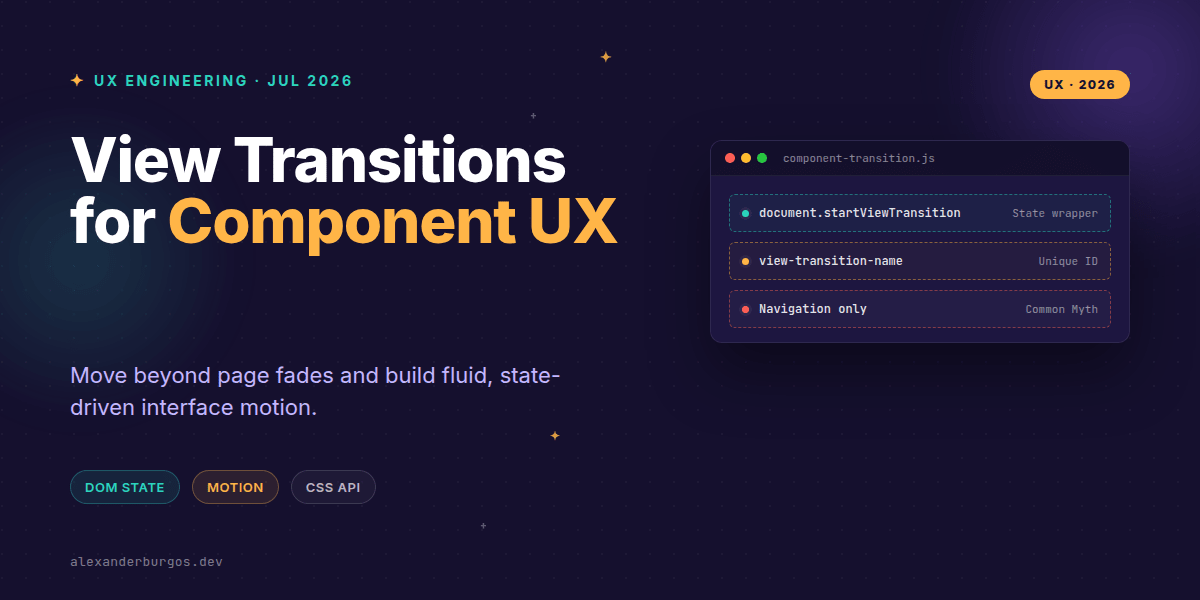
Ever wondered why most web animations feel slightly... off? We've spent a decade wrestling with Framer Motion, GSAP, or complex CSS transition groups just to make a card expand smoothly. But there's a shift happening that changes the game for how we handle component-level motion.
The View Transitions API has arrived, and it's not just for sliding between pages. While the buzz usually centres on Multi-Page Application (MPA) navigation, the real power for UX engineers lies in same-document transitions. It allows us to animate between DOM states without the overhead of tracking every single property manually.
The Component-Level Mindset
Right, let's clear up a massive misconception. Many developers think View Transitions are only for when a user clicks a link. In reality, the spec is built to animate between any two DOM states. If you're toggling a class, appending a child, or updating a React state, you can wrap that logic in a view transition.
When you call document.startViewTransition(), the browser takes a snapshot of the current state, runs your DOM update, takes a snapshot of the new state, and then performs a cross-fade by default. It's like magic, but it's just efficient rendering.
Handling In-Page State Changes
I've found that the best place to start is with simple state toggles, like expanding a card or a sidebar. Instead of writing complex height: auto hacks, you let the browser handle the heavy lifting.
function toggleCard(card) {
  // Fallback for browsers that don't support it yet
  if (!document.startViewTransition) {
    card.classList.toggle('is-expanded');
    return;
  }

  document.startViewTransition(() => {
    card.classList.toggle('is-expanded');
  });
}
By wrapping the classList.toggle in the transition callback, you've just unlocked native-feeling motion. The browser sees the element in its old position/size and its new one, then interpolates the difference.
Building Better Modals
We've all been there: trying to make a modal fade in while also scaling up, only to realise the Z-index or the initial display property is fighting you. With View Transitions, we can treat the modal opening as a state change that deserves a specific motion pattern.
/* Targeted motion for a modal component */
.modal-overlay {
  view-transition-name: main-modal;
}

::view-transition-new(main-modal) {
  animation: 300ms cubic-bezier(0.4, 0, 0.2, 1) scale-up;
}

@keyframes scale-up {
  from { opacity: 0; transform: scale(0.95); }
  to { opacity: 1; transform: scale(1); }
}
This approach keeps your logic clean. Your JavaScript just says "the modal is now open," and your CSS defines how that specific view-transition-name should behave. It's a perfect separation of concerns for any robust design system.
Common Pitfalls to Avoid
- Same-origin only: Remember that cross-document transitions only work on the same protocol and domain.
- Forgetting fallbacks: Safari and Firefox are catching up, but always check if
startViewTransitionexists before calling it. - Over-naming: Don't give every element a
view-transition-name. Use them sparingly for specific semantic elements to avoid performance hits.
As noted by Smashing Magazine, this API is a game-changer because it allows for reactive, state-based UI motion that used to be the exclusive domain of heavy JavaScript frameworks. It's currently a W3C Candidate Recommendation, meaning it's stable enough to start implementing with proper progressive enhancement.
I cover this and the other twenty-seven CSS shifts of 2026 in Modern CSS 2026 on Amazon, my catch-up book for people who learned CSS five years ago.
Wrapping Up
- Use
document.startViewTransitionfor in-page state changes like toggles and modals. - Leverage
view-transition-nameto create unique motion paths for specific design system components. - Always provide a functional fallback for browsers that haven't implemented the spec yet.
If you want to go deeper and learn how to build real, production-ready CSS design systems step by step, check out my full course here: CSS Design Systems Course
I'd love to see what you're building with these new APIs! Feel free to reach out and share your experiments over on Twitter or connect with me on LinkedIn.