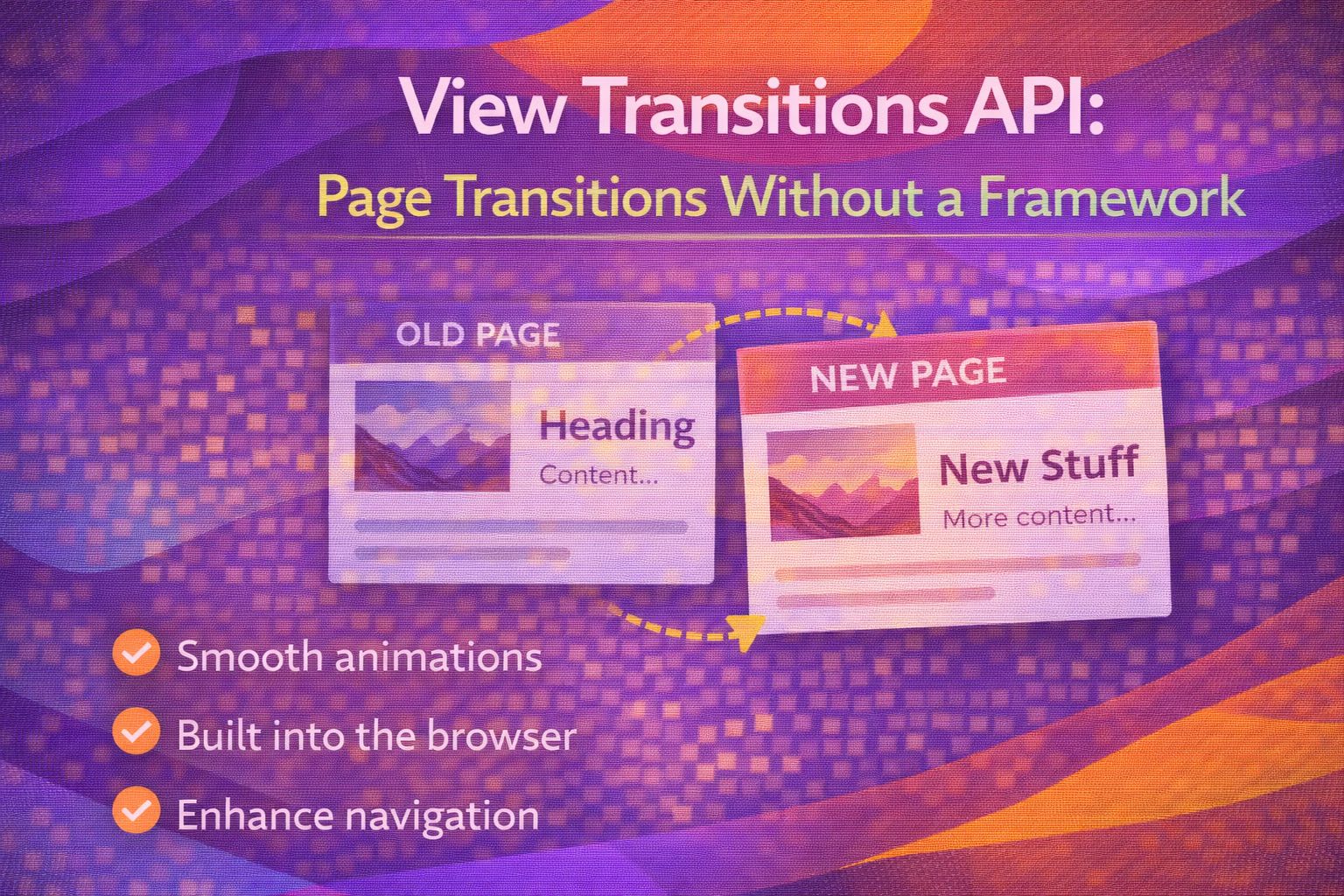
Finally! After years of wrestling with complex libraries just to make one page slide into another, we can finally do it natively. The View Transitions API is the kind of thing that makes me love CSS all over again—it's clean, it's powerful, and it doesn't require a 50kb JavaScript bundle just to fade a div.
The Magic of Cross-Document Transitions
If you're building a traditional Multi-Page Application (MPA), you can now opt-in to automatic transitions between pages with a single CSS rule.
/* CSS */
@view-transition {
  navigation: auto;
}
This tells the browser to capture a snapshot of the current state and animate it to the next page automatically. If you want to customise how that transition looks, you can target the pseudo-elements created during the process.
/* Customising the default fade */
::view-transition-old(root) {
  animation: 400ms ease-out both fade-out;
}

::view-transition-new(root) {
  animation: 400ms ease-in both fade-in;
}Morphing Elements with View Transition Names
The real 'wow' factor comes when you morph a specific element, like a thumbnail moving from a gallery into a full-width hero image. To do this, you give the elements on both pages the same unique name.
/* On Page A (Gallery) */
.card-image {
  view-transition-name: hero-image;
}

/* On Page B (Product Detail) */
.product-hero {
  view-transition-name: hero-image;
}
The browser sees the matching names and handles the interpolation of size and position for you. Just remember: these names must be unique on the page at any given time, or the transition will fail.
/* Pro move: Using dynamic names in inline styles for lists */
<img src="..." style="view-transition-name: item-{{id}}" />Handling Single Page App (SPA) Transitions
For state changes within the same document, we use the JavaScript API to wrap our DOM updates. This is perfect for dark mode toggles or dynamic content loading.
// JavaScript
function updateContent() {
  const transition = document.startViewTransition(() => {
    // This is where you actually change the DOM
    document.querySelector('.content').innerHTML = 'New Content Loaded';
  });
}
The cool bit? The `startViewTransition` method returns a promise-based object, allowing you to wait for the animation to finish or handle errors gracefully.
// Waiting for the transition to finish
const transition = document.startViewTransition(updateTheDOM);

transition.finished.then(() => {
  console.log('Animation complete!');
});Safe Implementation & Fallbacks
Since not every browser is quite there yet, we need to ensure our code doesn't break for users on older versions. Here is how I usually wrap my transitions.
// Progressive enhancement wrapper
function safeTransition(updateCallback) {
  if (!document.startViewTransition) {
    updateCallback();
    return;
  }

  document.startViewTransition(updateCallback);
}
For cross-document transitions, the fallback is even easier: browsers that don't support `@view-transition` simply ignore the rule and perform a standard page load.
/* Check for support in CSS */
@supports (view-transition-name: none) {
  .hero {
    view-transition-name: hero-morph;
  }
}Browser Support
As of early 2026, we're in a great spot for production use, but there are some nuances to keep in mind regarding Firefox.
- Chrome/Edge/Opera: Full support (v126+) including cross-document transitions.
- Safari: Full support (v18.2+) as of late 2024.
- Firefox: Partial support. SPA transitions work in v144+, but cross-document support is still rolling out (v147+).
Wrapping Up
The View Transitions API is a game changer for UX engineering. It bridges the gap between the simplicity of MPAs and the fluid feel of high-end SPAs without the overhead.
- Use @view-transition { navigation: auto; } for instant MPA animations.
- Match view-transition-name on two different elements to create a morphing effect.
- Always wrap your JS updates in document.startViewTransition for a polished feel.
Give it a go on your next project—even a simple fade-in can make a site feel significantly more premium! Trust me on this one, once you start using it, you won't want to go back to static jumps.
If you want to go deeper and learn how to build real, production-ready CSS design systems step by step, check out my full course here: CSS Design Systems Course
If you found this helpful, I'd love to connect! Follow me on Twitter/X @alexandersstudi or LinkedIn for more CSS and design system tips.