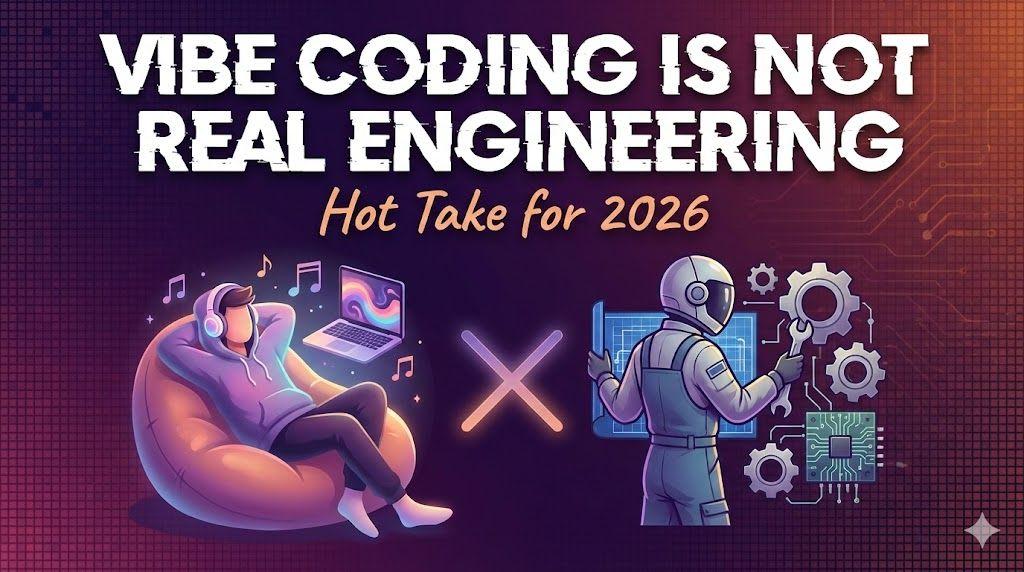
Let's be honest — 'vibe coding' is broken. While it's brilliant for spinning up a prototype in five minutes using tools like Cursor or v0, there's a massive difference between a prompt-generated UI and a production-grade Design System that won't fall over the moment a stakeholder asks for a breaking change.
The Maintenance Trap: AI vs. Architecture
Vibe coding often produces 'flat' code that lacks intent. Here is what a typical AI-generated component might look like versus a structured, engineered version.
/* The 'Vibe' approach: Hardcoded values and magic numbers */
.card {
  padding: 17px;
  background: #f3f4f6;
  border-radius: 8px;
  box-shadow: 0 4px 6px -1px rgba(0, 0, 0, 0.1);
  display: flex;
  gap: 12px;
}
The issue here is the lack of a scale. In a real engineering environment, we use design tokens to ensure consistency across the entire application.
/* The Engineering approach: Systemic tokens */
.card {
  padding: var(--space-m);
  background: var(--color-surface-muted);
  border-radius: var(--radius-l);
  box-shadow: var(--shadow-subtle);
  display: flex;
  gap: var(--grid-gutter);
}Accessibility is Not a 'Vibe'
AI tools often prioritise looks over semantics. I've seen countless generated 'buttons' that are actually just styled divs, which is a nightmare for screen readers.
// Vibe check: This looks like a button but is broken for accessibility
const VibeButton = ({ onClick, children }) => (
  <div className="btn-style" onClick={onClick}>
    {children}
  </div>
);
Real engineering ensures we use the correct semantic elements and ARIA attributes where necessary to meet WCAG standards.
// Engineering: Semantic, focusable, and accessible
const RealButton = ({ onClick, children, ariaLabel }) => (
  <button
    type="button"
    className="btn-primary"
    onClick={onClick}
    aria-label={ariaLabel}
  >
    {children}
  </button>
);The Logic Gap: Complex State Management
Vibe coding excels at simple local state, but it struggles with complex, predictable data flows. It often leads to 'prop drilling' or messy useEffect hooks.
// AI-generated mess: Unpredictable side effects
useEffect(() => {
  if (data) {
     setFiltered(data.filter(i => i.id === id));
     // This often leads to infinite loops if not carefully prompted
  }
}, [data, id]);
Engineered code uses patterns like reducers or state machines to handle transitions explicitly, making the logic testable and robust.
// Engineering: Predictable state transitions
const [state, dispatch] = useReducer(formReducer, initialState);

const handleSubmit = () => {
  dispatch({ type: 'SUBMIT_START' });
  // Clear, traceable logic flow
};Performance and Modern CSS
Prompting for 'a responsive layout' usually results in old-school media queries. A UX Engineer knows we should leverage modern CSS features like Container Queries for true component fluidity.
/* Vibe: Global media queries that break when component moves */
@media (max-width: 600px) {
  .sidebar { display: none; }
}
Using Container Queries allows the component to adapt based on its parent container, not the viewport—this is the hallmark of a resilient design system.
/* Engineering: Container-aware components */
.card-container {
  container-type: inline-size;
}

@container (max-width: 400px) {
  .card-content {
    flex-direction: column;
  }
}Wrapping Up
Here's the thing: AI is a tool, not a replacement for engineering rigour. While vibe coding is fun for a weekend project, professional software requires intent, accessibility, and maintainability.
- AI-generated code lacks systemic thinking; use design tokens to bridge the gap.
- Accessibility is non-negotiable—never trust AI to get semantic HTML right without verification.
- Modern CSS like Container Queries provides a level of resilience that basic prompting often ignores.
If you want to go deeper and learn how to build real, production-ready CSS design systems step by step, check out my full course here: CSS Design Systems Course
Got questions or want to share how you're using this? Drop me a message on LinkedIn - I always enjoy chatting about this stuff!