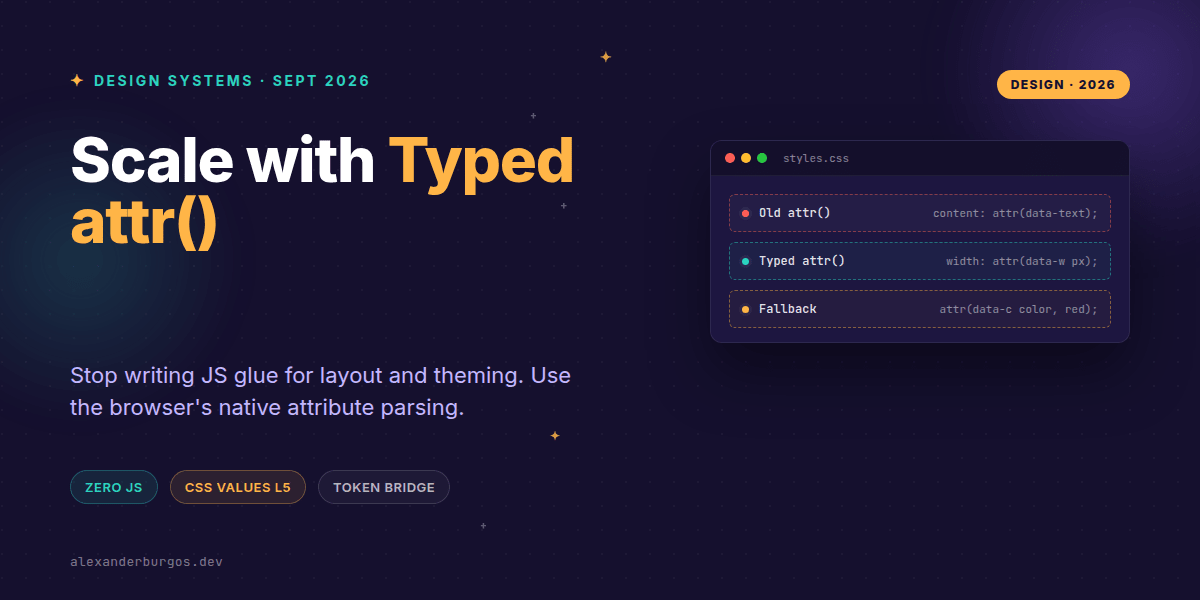
This changes everything. For years, we've been stuck in a world where attr() was the 'content only' function—a useful but limited tool for generated content. That world ended with Chrome 133.
We now have access to fully typed CSS attr(). This means we can finally bridge the gap between HTML data attributes and CSS properties like width, background-color, and z-index without a single line of JavaScript glue code.
The End of the JS-to-CSS Variable Bridge
We've all been there: you're building a design system component—maybe a progress bar or a flexible grid—and you need to pass a dynamic value from your React or Vue props down to the CSS. Usually, that means inline styles or updating --custom-properties via JS.
With the CSS Values and Units Module Level 5, the browser can now parse attribute values directly into specific CSS types. It’s no longer just a string; it’s a length, a color, an angle, or a percentage.
/* The new syntax */
.progress-bar {
  inline-size: attr(data-progress %);
  background-color: attr(data-theme-color color, #007bff);
}
Why Types Matter in Design Systems
In my experience, the biggest headache in large-scale systems is maintainability. When you use raw strings, things break silently. The new attr() function requires a type specifier, which provides a layer of native validation.
- Length & Percentage: Perfect for layout-driven components like spacers or charts.
- Color: Allows for dynamic theming directly from the CMS-driven HTML.
- Custom Identifiers: Great for toggling animation names or state-based logic.
- Integer & Number: Useful for z-index, opacity, or flex-grow values.
According to MDN, if the browser can't parse the attribute into the specified type, it'll gracefully fall back to your provided default. This is a massive win for robustness.
Real-World Implementation: The Flexible Grid
Imagine a layout component where you want the consumer to define the gap or the number of columns without writing custom CSS. In the past, you'd need a complex mapping object. Now, it's a one-liner.
<div class="grid-component" data-columns="4" data-gap="20px"></div>

<style>
.grid-component {
  display: grid;
  grid-template-columns: repeat(attr(data-columns integer, 1), 1fr);
  gap: attr(data-gap px, 1rem);
}
</style>
The Browser Support Reality Check
Right, let's talk about the elephant in the room: support. As of late 2025 and moving into 2026, Chromium-based browsers (Chrome 133+, Edge, Brave) have solid implementation. However, Safari and Firefox are still catching up on the full 'any property' support.
Does this mean you shouldn't use it? Not at all. It's the perfect candidate for progressive enhancement. You can provide a sensible default in your CSS and let the typed attributes take over for users on modern engines.
The full story including the testing layers and governance lives in Ship Your Design System on Amazon.
Wrapping Up
- Typed
attr()turns HTML into a direct API for your CSS, removing the need for JS-heavy state management. - Always provide a fallback value to ensure your components don't break in unsupported browsers or on parsing failures.
- Use the
type()function for more complex identifiers like animation names or custom keywords.
I'm genuinely excited to see how this reduces the complexity of our React and Web Component wrappers. Go ahead, try replacing one of your inline-style hacks with a typed attribute today!
If you want to go deeper and learn how to build real, production-ready CSS design systems step by step, check out my full course here: CSS Design Systems Course
Found this useful? Let's chat more about CSS architecture on Twitter or connect with me on LinkedIn.