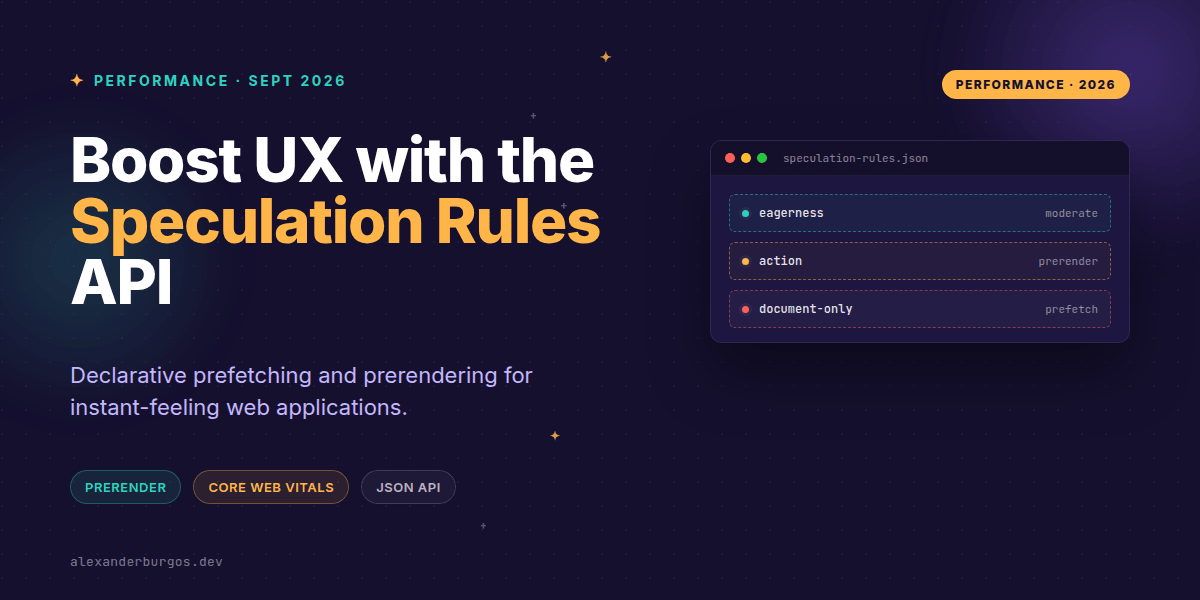
Ever wondered why some sites feel like they're reading your mind, loading the next page before you've even finished clicking? It's not magic, and increasingly, it's not a complex custom JavaScript preloader either. It's the Speculation Rules API, and it's about to change how we think about navigation performance in our design systems.
Right, let's talk about the elephant in the room: perceived latency. We spend weeks optimising LCP and fine-tuning bundle sizes, but the biggest bottleneck is often the literal time it takes to fetch a new document when a user clicks a link. The Speculation Rules API gives us a declarative way to tell the browser: "Hey, the user is likely to click this, so get ready."
What is the Speculation Rules API?
MDN defines it as an alternative to the widely-available <link rel="prefetch"> feature, designed to supersede the deprecated <link rel="prerender">. Unlike the old link tags, this is a JSON-based API that gives us surgical control over what gets loaded and how aggressively the browser should act.
In my experience, the real power lies in the distinction between prefetch and prerender. Prefetching simply grabs the HTML document. Prerendering, however, goes all the way—it fetches the HTML, the CSS, the JS, and actually renders the page in a hidden tab. When the user finally clicks, the swap is instantaneous. It's a game-changer for critical flows like checkout or product details.
The Anatomy of a Speculation Rule
You can implement these rules either via a <script type="speculationrules"> block or a Speculation-Rules HTTP header. Here's what a typical configuration looks like when we're targeting specific high-value paths:
{
  "prerender": [
    {
      "source": "list",
      "urls": ["/checkout", "/cart"],
      "eagerness": "moderate"
    }
  ],
  "prefetch": [
    {
      "source": "document",
      "where": { "href_matches": "/products/*" },
      "eagerness": "conservative"
    }
  ]
}
Notice the eagerness setting. This is where you balance performance and resource usage. Shopify's performance team notes that this setting tells the browser how aggressive to be—ranging from "conservative" (only on mouse down) to "eager" (as soon as the link is visible).
Wiring it into Design Systems and React
We shouldn't expect every developer to write JSON blocks manually. As UX Engineers, we should bake this into our Link components or routing layers. Imagine a React <Link /> component that automatically adds a speculation rule when a priority prop is passed.
function SmartLink({ to, priority, children }) {
  useEffect(() => {
    if (priority === 'high') {
      const script = document.createElement('script');
      script.type = 'speculationrules';
      script.textContent = JSON.stringify({
        prerender: [{ source: 'list', urls: [to], eagerness: 'moderate' }]
      });
      document.head.appendChild(script);
    }
  }, [to, priority]);

  return <a href={to}>{children}</a>;
}
By centralising this logic, you ensure that the entire organisation benefits from instant transitions without having to understand the underlying API. You can even use CSS selectors to target specific links, which is incredibly handy for multi-page applications where you don't have full control over every template.
Common Pitfalls to Avoid
I've seen teams get a bit too excited and start prerendering everything. That's a mistake. Prerendering runs JavaScript in a hidden renderer. If your page has side effects—like firing a 'Page View' analytics event or triggering a database mutation—it will happen the moment the browser starts speculative rendering, even if the user never clicks the link.
- Analytics double-counting: Use the
document.prerenderingAPI to delay tracking until the page is actually visible. - Bandwidth contention: Don't use
eagerfor 50 links on a single page; you'll choke the user's connection. - Prefetch limitations: Remember that prefetch via Speculation Rules only fetches the HTML document, not the subresources. For full speed, use prerender.
It's also worth noting that this is currently a progressive enhancement primarily for Chromium-based browsers. Other engines will simply ignore the script block, so your site will still work perfectly—just without the 'instant' boost.
Wrapping Up
- Use prerender for critical, high-confidence paths like 'Add to Cart' to 'Checkout'.
- Stick to prefetch for discovery paths where you want to save document load time without heavy resource execution.
- Always wrap your analytics and side effects in checks for
document.prerenderingto avoid false data.
I'd encourage you to experiment with this in a staging environment. Open Chrome DevTools, go to the Application tab, and look for 'Speculative Loads'—it's incredibly satisfying to see the browser work ahead of you.
If you want to go deeper and learn how to build real, production-ready CSS design systems step by step, check out my full course here: CSS Design Systems Course
I cover the full pipeline in Ship Your Design System, 200 pages on Amazon Kindle.
Found this useful? Let's chat about performance on Twitter or connect with me on LinkedIn to stay updated on the latest UX engineering trends.