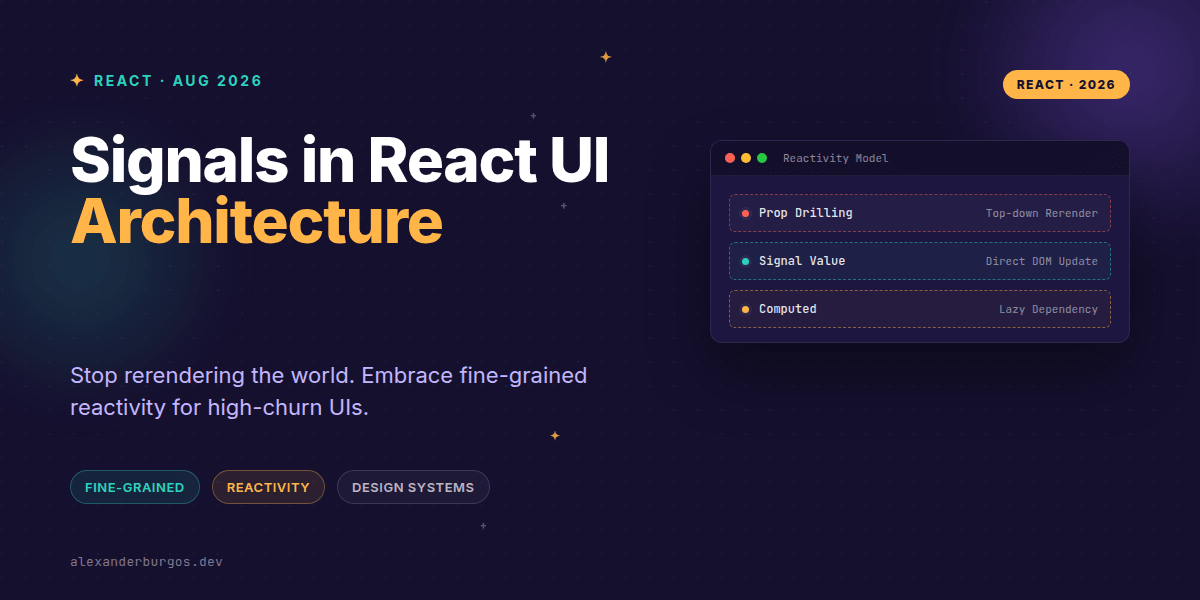
Right, let's talk about signals. If you've been around the React ecosystem lately, you've likely heard the buzz. While React's top-down reconciliation model has served us well for a decade, we're hitting a point where complex, high-churn UIs demand something a bit more surgical.
We've all been there: you update a single character in a search bar or a single cell in a massive data table, and suddenly half your component tree is rerendering. It's not just a performance hit; it's a developer experience headache. This is where fine-grained reactivity enters the chat.
What Exactly Are Signals?
At their core, signals are reactive primitives for managing application state. Unlike useState, which is tied to the lifecycle of a specific component, a signal is an object that holds a value. The magic is that the signal object itself stays stable, even when its .value property changes.
In a traditional React setup, changing state triggers a rerender of the component and all its children (unless you've gone heavy on memo). With signals, the UI can subscribe to the value directly. As Jan Paepke noted, when you render a signal as a text node, it can auto-update without rerendering the containing component at all.
import { signal, computed, effect } from "@preact/signals-core";

const count = signal(0);
const doubled = computed(() => count.value * 2);

effect(() => {
  console.log("count changed:", count.value);
});

count.value++;
Architecture: Where to Place Your State
One of the biggest shifts when moving to a signal-based architecture is state placement. You don't necessarily need to hoist state to the nearest common ancestor anymore. Signals are independent of the component lifecycle, meaning they can hold cross-cutting UI state without the dreaded prop drilling.
- Shared State: Use signals for high-churn data like real-time stock tickers, chat panes, or global notifications.
- Derived Data: Use
computedsignals for totals or filtered lists. They track dependencies automatically, so you don't have to manually manageuseMemoarrays. - Local State: Stick to
useStatefor ephemeral UI logic, like 'is this dropdown open?'. Signals are overkill for simple, isolated toggles.
Integrating Signals into Design Systems
I've found that design systems are where signals truly shine. Imagine a Badge component that displays a notification count. In a standard React app, updating that count might force the entire header to re-evaluate. By using a signal, the badge becomes a 'leaf' that updates in isolation.
import { signal } from "@preact/signals-react";

const hoverCount = signal(0);

export function Badge() {
  return (
    <button onMouseEnter={() => hoverCount.value++}>
      Hovered {hoverCount.value} times
    </button>
  );
}
This pattern is incredibly powerful for complex widgets like live tables, selection chips, or timers. Your design system primitives can subscribe narrowly to data, ensuring that the rest of the layout stays static and performant.
Managing Derived Data with Ease
We often duplicate logic in selectors or memo blocks. Signals simplify this through computed values. When the underlying signal changes, the computed value updates, and only the components observing that specific computed value will react.
import { signal, computed } from "@preact/signals-react";

const items = signal([{ price: 10 }, { price: 25 }]);
const total = computed(() => items.value.reduce((s, i) => s + i.price, 0));
The Reality Check: Common Gotchas
It's easy to get swept up in the hype, but signals aren't a magic wand. They don't eliminate rerenders everywhere. If you read a signal's value inside a component's render body without the proper Babel transform (like @preact/signals-react-transform), the component might still rerender.
Also, 'fine-grained' doesn't mean 'free.' You still need to be intentional about your dependency boundaries. If you create a massive, interconnected web of signals, you'll end up with code that's hard to trace and debug. Start small, identify your high-churn areas, and introduce signals where they provide the most value.
Wrapping Up
- Use signals for shared, high-churn state to bypass unnecessary component rerenders.
- Leverage computed signals for derived data to simplify dependency tracking.
- Integrate signals into design system 'leaf' components for surgical UI updates.
I'd encourage you to experiment with signals in a small part of your app—perhaps a live dashboard or a complex form—and see how it affects your render cycles. The performance gains in high-density UIs can be quite significant.
If you want to go deeper and learn how to build real, production-ready CSS design systems step by step, check out my full course here: CSS Design Systems Course
The full story including the testing layers and governance lives in Ship Your Design System on Amazon.
Feel free to reach out and share your experiences with signals on Twitter or connect with me on LinkedIn.