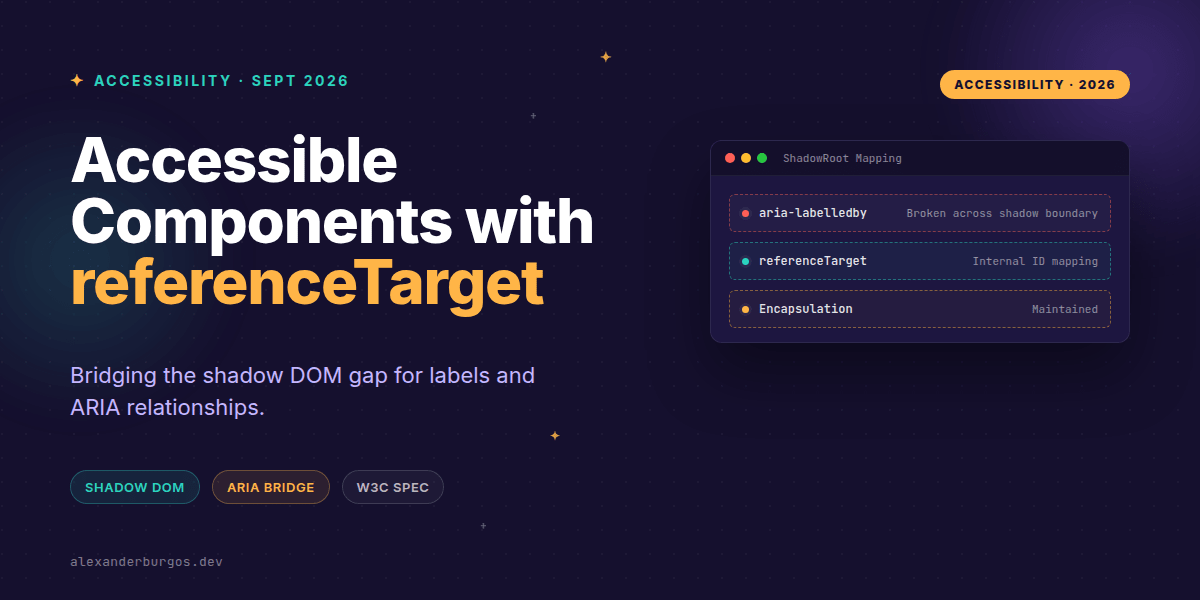
We've all been there: you've built a beautiful, encapsulated Web Component using Shadow DOM, only to realise that standard accessibility patterns like <label for="..."> completely break. Because the shadow boundary is a hard wall for ID references, your design system components often end up feeling like "black boxes" that users can't properly label or describe.
For years, we've relied on messy workarounds. We've tried reflectively syncing attributes, using wrapper hacks, or even leaking internal IDs to the global scope. But those days are finally over. The new ShadowRoot referenceTarget API provides a native, elegant way to bridge this gap.
What is ShadowRoot referenceTarget?
At its heart, referenceTarget is a property on the ShadowRoot object that tells the browser: "When someone points an ID reference (like a label's for attribute) at my host element, actually point it at this specific element inside my shadow DOM instead."
As MDN puts it: "If set, target references to the host element from outside the shadow DOM will cause the referenced target element to become the effective target of the reference to the host element."
Wiring a Label in JavaScript
Let's say you're building a custom slider. You want the consumer of your component to be able to use a standard HTML label. Here's how you'd wire that up in your component's constructor:
class MySlider extends HTMLElement {
  constructor() {
    super();
    const shadow = this.attachShadow({ mode: 'open' });
    shadow.innerHTML = `
      <input id="slider-input" type="range" min="0" max="100">
    `;

    // The magic happens here
    shadow.referenceTarget = 'slider-input';
  }
}
customElements.define('my-slider', MySlider);
Now, when a developer writes <label for="my-slider">Volume</label><my-slider id="my-slider"></my-slider>, the browser understands that the label is actually for the internal range input. No brittle ID syncing required.
The Declarative Approach
If you're using Declarative Shadow DOM (which I highly recommend for performance and SSR), you don't even need JavaScript to set this up. You can use the shadowrootreferencetarget attribute directly on your template.
<template id="toggle-template" shadowrootmode="open"
          shadowrootreferencetarget="toggle-input">
  <input id="toggle-input" type="checkbox">
  <span>Enable notifications</span>
</template>
This is a massive win for Progressive Enhancement. The accessibility relationship is established as soon as the HTML is parsed, ensuring a solid experience even if your JS bundles are still downloading.
Handling Complex Components with referenceTargetMap
Sometimes a single target isn't enough. You might have a complex component where the for attribute should point to an input, but aria-describedby should point to a help text block. That's where referenceTargetMap comes in.
This property allows you to define a comma-separated list of attribute-to-ID mappings. It gives you surgical control over how external ARIA attributes are routed into your component.
<template shadowrootmode="open"
  shadowrootreferencetargetmap="for=input, aria-describedby=desc">
  <input id="input" />
  <p id="desc">Password must be 8 characters.</p>
</template>
Common Pitfalls to Avoid
- Don't forget the IDs: The value you provide to
referenceTargetmust match an actualidattribute on an element inside your shadow DOM. If you change the ID during a refactor, the link breaks silently. - Encapsulation stays intact: This API doesn't make your internal IDs globally selectable. You can't use
document.getElementByIdto find that internal input. It only redirects IDREF attributes likeforandaria-labelledby. - Consumer responsibility: Your component's users still point their attributes at your host element. They don't need to know about your internal mapping—that's the beauty of it.
The full story including the testing layers and governance lives in Ship Your Design System on Amazon.
Wrapping Up
referenceTargetsolves the "broken label" problem in Shadow DOM by forwarding host references to internal elements.- Use
referenceTargetMapfor complex components that need multiple ARIA relationships. - It maintains strict encapsulation while enabling full accessibility tree integration.
I'm genuinely excited to see this land in browsers. It removes one of the biggest hurdles for building truly production-ready design systems with Web Components. Give it a try in your next project!
If you want to go deeper and learn how to build real, production-ready CSS design systems step by step, check out my full course here: CSS Design Systems Course
Let's chat about this on Twitter or connect with me on LinkedIn to keep the conversation going.