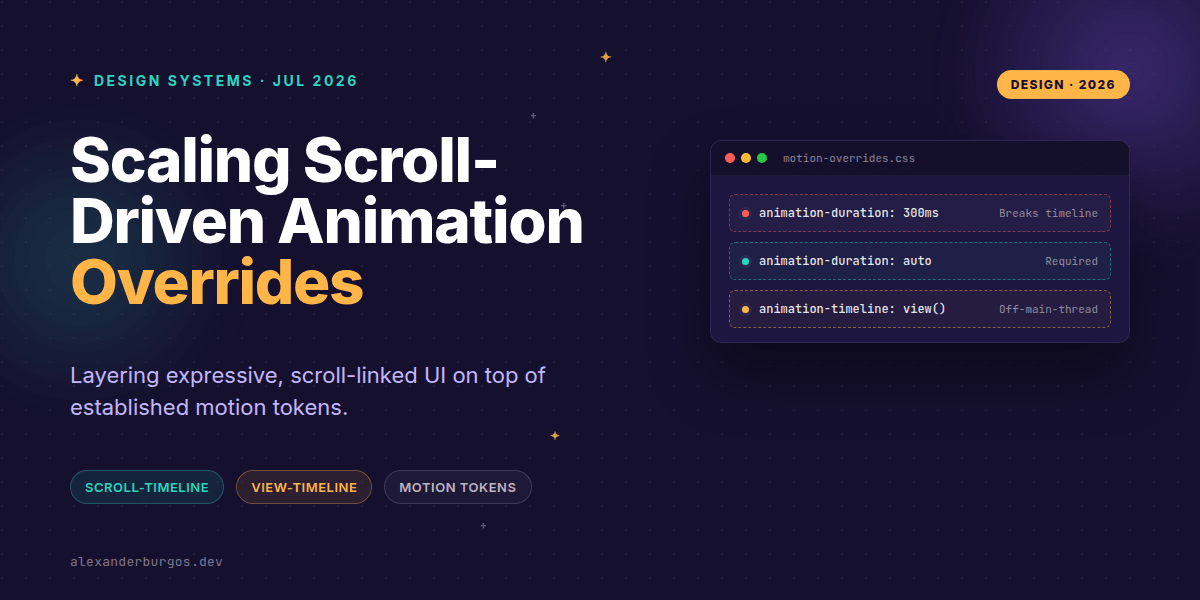
Right, let's talk about the next big hurdle for our design systems: scroll-driven animations. We've finally moved past the era of heavy JavaScript libraries like ScrollMagic or GSAP for simple parallax effects. With the W3C Scroll-driven Animations Level 1 spec landing in major browsers, we can now drive motion directly from scroll progress using pure CSS.
But here's the catch—if you've already spent years building a robust motion system with easing tokens and duration variables, simply 'bolting on' scroll-linked animations can create a maintenance nightmare. I've seen teams accidentally ship scroll effects that ignore prefers-reduced-motion or, worse, tank the framerate because they didn't account for the compositor.
The New Motion Primitives
The specification introduces two primary ways to link an animation to a scroll position: Scroll Timelines and View Timelines. Instead of an animation progressing based on clock time, it progresses as the user moves through a scroll container.
- Scroll Timelines: Tied to the scroll progress of a specific container (e.g., a progress bar that fills as you scroll a page).
- View Timelines: Tied to an element's visibility within its scrollport (e.g., an image that fades in as it enters the viewport).
While this sounds simple, layering these into a design system requires a fresh look at our motion tokens. For instance, did you know that for a scroll-driven animation to work, animation-duration must be set to auto? If your design system forces a 300ms duration via a global token, your scroll-linked effect will likely fail or behave unpredictably.
Architecting the Override Layer
In a mature design system, I recommend creating a specific 'Scroll Motion' tier. This tier should be restricted to compositor-friendly properties (like opacity and transform) to ensure the animation can run off the main thread. As Chrome Developers have noted, these animations can be silky smooth because they don't rely on the main thread's availability.
:root {
  --ds-motion-duration-scroll: auto;
  --ds-motion-easing-linear: linear;
}

.scroller {
  scroll-timeline-name: --main-scroll;
  scroll-timeline-axis: block;
}

.progress-bar {
  animation: grow-x var(--ds-motion-duration-scroll) var(--ds-motion-easing-linear);
  animation-timeline: --main-scroll;
}
The magic here is in the animation-timeline property. By defining it, we tell the browser to ignore the clock and look at the scroll position. However, we must be careful with timeline scope. Without timeline-scope, elements located outside a specific scroll container won't be able to 'see' the progress of that container.
The Accessibility Baseline
This is where most implementations fall over. WCAG 2.1 SC 2.3.3 (Animation from Interactions) is very clear: users should be able to disable non-essential motion. Many developers think that setting animation: none in a media query is enough. It isn't.
If you leave animation-timeline active, the browser might still try to calculate the scroll link even if the animation itself is suppressed. You need to reset both. In your design system's reset layer, ensure you are killing the timeline entirely.
@media (prefers-reduced-motion: reduce) {
  *,
  *::before,
  *::after {
    animation-duration: 0.01ms !important;
    animation-iteration-count: 1 !important;
    transition-duration: 0.01ms !important;
    scroll-behavior: auto !important;
    /* Crucial override */
    animation-timeline: auto !important;
  }
}
Common Pitfalls to Avoid
I've noticed a trend where folks try to fix performance issues by slapping will-change on everything. Smashing Magazine has warned that overusing this can lead to excessive memory consumption. The browser reserves resources for that element even if it's not currently animating. Only use it for complex scroll-linked transforms that actually show jitter.
Another 'gotcha' is the disappearing scrollbar. If your container's height is dynamic, and a layout change removes the scrollbar, your scroll-timeline effectively breaks. Always ensure your design system components have a fallback state for when the container isn't scrollable.
I cover this and the other twenty-seven CSS shifts of 2026 in Modern CSS 2026 on Amazon, my catch-up book for people who learned CSS five years ago.
Wrapping Up
- Always set
animation-duration: autowhen using scroll or view timelines to prevent conflicts. - Ensure your
prefers-reduced-motionoverrides explicitly resetanimation-timeline: auto. - Limit scroll-driven effects to compositor-friendly properties like transforms and opacity for off-main-thread performance.
Go ahead and experiment with these on a small scale first. Try converting a simple 'back to top' button or a reading progress bar. You'll be surprised at how much cleaner the code looks without the JS overhead.
If you want to go deeper and learn how to build real, production-ready CSS design systems step by step, check out my full course here: CSS Design Systems Course
Let me know what you're building with scroll-driven animations over on Twitter or LinkedIn.