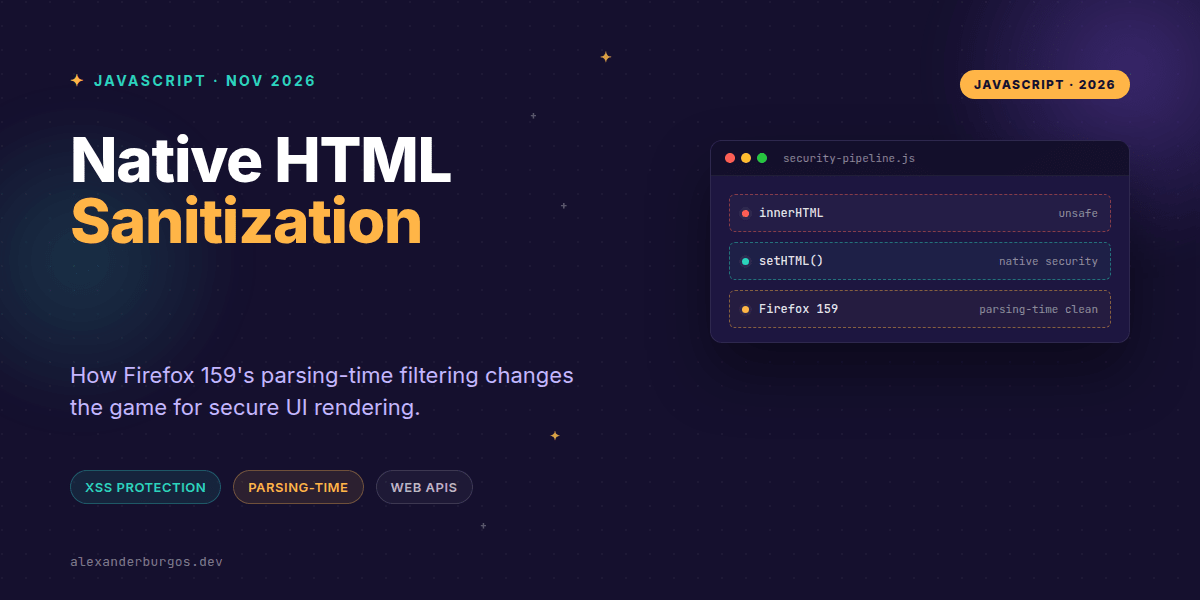
Right, let's talk about the silent revolution happening in our browsers. For years, handling untrusted HTML has been the 'Wild West' of frontend development, usually involving heavy third-party libraries or the rather terrifyingly named dangerouslySetInnerHTML.
With the release of Firefox 159 on October 27, 2026, the game has changed. We're moving away from the old 'parse-then-clean' model toward something much more elegant: parsing-time sanitization. It's a subtle shift in the engine, but the implications for security and performance are massive.
The Shift: From Cleanup to Prevention
Previously, most sanitizers worked by taking a string, turning it into a DOM tree, and then walking that tree to pluck out the 'naughty' bits like <script> tags or onclick handlers. The problem? By the time you've cleaned it, the browser might have already started doing things you didn't want it to do.
Firefox 159 changes this by integrating the Sanitizer API directly into the HTML tokenizer and tree builder. Instead of building a full DOM and cleaning it later, the browser now filters out unsafe elements while it's creating the nodes. If it's not allowed, it never exists.
Why Web Component Authors Should Care
This is particularly huge for Web Components. In the old world, if a malicious string contained a custom element, the browser would often run that element's constructor() before the sanitizer could remove it. That's a massive security hole if your constructor performs side effects.
In Firefox 159, if the sanitizer configuration rejects a custom element, the constructor never runs. Period. It's a hard boundary that makes our component lifecycles significantly more predictable and secure.
const untrusted = '<user-card></user-card><p>Hello!</p>';

// If 'user-card' isn't in the allow-list,
// its constructor won't even fire in Firefox 159.
host.setHTML(untrusted, {
  sanitizer: new Sanitizer({ elements: ['p'] })
});
Integrating with React Pipelines
We've all been there: needing to render CMS-driven HTML inside a React app. While React wants to own the DOM, setHTML() gives us a native bridge. However, it's not a drop-in replacement for standard props. You've got to be smart about how you hand over control.
I've found that the best way to handle this is by isolating the sanitized subtree. You let React manage the container element, but use a useLayoutEffect to let the browser handle the raw HTML injection safely.
function SafeMarkup({ html }) {
  const ref = React.useRef(null);

  React.useLayoutEffect(() => {
    // Feature detect and use the native API
    if (ref.current?.setHTML) {
      ref.current.setHTML(html);
    } else {
      // Fallback logic for non-supporting browsers
      ref.current.textContent = 'Sanitization not supported.';
    }
  }, [html]);

  return <div ref={ref} />;
}
One tiny detail to watch out for: Firefox 159 now merges adjacent surviving text into a single text node. If your React logic or Mutation Observers rely on specific child node counts, this might trip you up. It's cleaner DOM, but it's a change in behaviour nonetheless.
The Gotchas You Can't Ignore
- Not Baseline yet: While Firefox 159 is leading the charge,
setHTML()isn't universal. You still need a fallback strategy for other browsers. - Hardcoded safety: Even if you try to be 'brave' with your config,
setHTML()will always block high-risk elements like<script>and<iframe>. - Sanitization != Authorization: Just because an element is 'safe' from XSS doesn't mean you should trust the data it contains. Always validate your business logic separately.
It's also worth noting that setHTML() is the 'safe' sibling. If you use setHTMLUnsafe(), you're back to square one, bypassing the sanitizer entirely. Use the right tool for the job, folks.
Wrapping Up
- Firefox 159 moves sanitization into the parsing phase, preventing malicious constructors from running.
- Adjacent text nodes are now merged during the
setHTML()process, resulting in a cleaner DOM structure. - Native APIs are finally replacing heavy JS libraries for XSS protection, but feature detection remains mandatory.
I'd encourage you to start experimenting with setHTML() in your dev environments. It's the future of how we handle dynamic content, and getting ahead of the curve now will make your applications much more resilient.
If you want to go deeper and learn how to build real, production-ready CSS design systems step by step, check out my full course here: CSS Design Systems Course
The full story including the testing layers and governance lives in Ship Your Design System on Amazon.
Feel free to reach out and share your thoughts on Twitter https://x.com/alexandersstudi or connect with me on LinkedIn https://www.linkedin.com/in/alexandersstudio/ to chat more about UX engineering and web security.