Okay, I'm genuinely excited about this. We've reached a point where our coding agents aren't just staring at static files anymore; they're finally getting eyes on the actual rendered experience.
With the release of Safari 27, Apple has introduced a first-party Model Context Protocol (MCP) server. This effectively turns Safari into a sandbox that your AI agents can inhabit, allowing them to inspect the DOM, check the accessibility tree, and even simulate user interactions in real-time.
Why this matters for Design Systems
As design system engineers, we've always struggled with the 'blind spot' of automated agents. An LLM can write a perfect React component, but it doesn't know if the colour contrast is failing because of a CSS variable collision or if the focus state is invisible.
The Safari MCP server changes that. By connecting an agent like Claude Code or Codex to a running Safari window, the agent can verify component states, inspect computed layouts, and catch missing ARIA attributes before you even hit the record button on a manual test.
Setting it up (It's surprisingly simple)
Before you start, you'll need to flip a few switches. Head to Safari → Settings → Advanced and enable 'Show features for web developers'. Then, under the new Developer menu, make sure 'Allow remote automation and external agents' is checked.
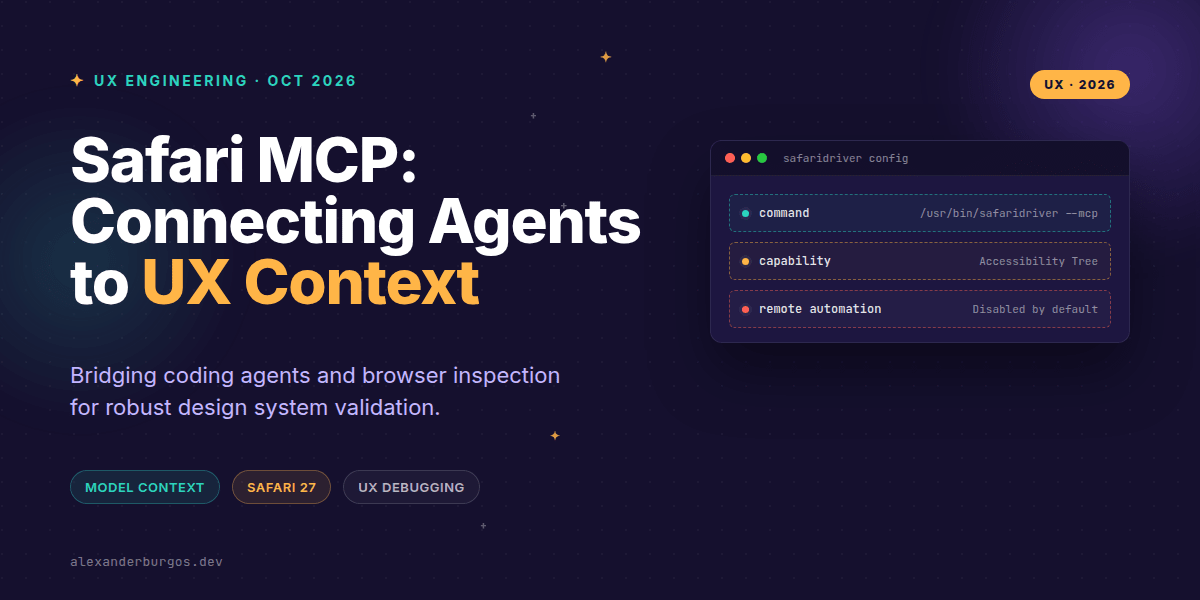
Once that's done, you can add the server to your favourite MCP-compatible client. Here's what the generic configuration looks like:
{
  "mcpServers": {
    "safari-mcp": {
      "command": "/usr/bin/safaridriver",
      "args": ["--mcp"]
    }
  }
}
If you're using Claude Code, you can do this directly from your terminal:
claude mcp add safari-mcp -- /usr/bin/safaridriver --mcpReal-world Capabilities
I've been playing with this for a few weeks, and the level of insight the agent gets is impressive. It’s not just scraping text; it’s interacting with the browser engine. Here’s what it can actually do:
- Inspect the Accessibility Tree: It can identify if your custom toggle is actually readable by VoiceOver.
- Capture Screenshots: The agent can 'see' the visual state of a component to verify layout alignment.
- Simulate Taps and Keystrokes: You can ask it to 'test the checkout flow' and it will literally click through the forms.
- Observe Network & Console: It can catch failed API calls or console warnings that might indicate a silent failure.
Privacy and Performance
One thing I appreciate about Apple's implementation is the focus on privacy. The server runs entirely on your local machine. It doesn't phone home to Apple, and it doesn't access your personal Safari data like history or saved passwords.
However, keep in mind that whatever data is on the page is sent to the agent process. If you're debugging a production page with sensitive customer data, you need to be careful about which LLM provider you're piping that data into.
The Human in the Loop
Let's be clear: this isn't a replacement for our jobs. While the agent can find a missing aria-label, it can't tell you if the motion of a transition feels 'premium' or if the visual hierarchy is confusing for a first-time user.
I see this as an extension of my workflow. The agent handles the tedious regression testing and evidence gathering, leaving me with more time to focus on the nuanced UX decisions that actually move the needle.
The plugin I use to handle this in real client work is DS Sync, free for up to five exports a month.
Wrapping Up
- Safari 27's MCP server bridges the gap between AI code generation and real-world browser execution.
- It enables automated accessibility, performance, and layout checks within a genuine WebKit environment.
- Remember to treat this as a productivity multiplier, not a substitute for human UX validation.
I'd highly encourage you to spin up the Safari Technology Preview and give this a go. It's one of those 'aha' moments when you see the agent successfully navigate a complex UI flow you just built.
If you want to go deeper and learn how to build real, production-ready CSS design systems step by step, check out my full course here: CSS Design Systems Course
For more tips on UX engineering and design systems, let's connect on Twitter or LinkedIn.