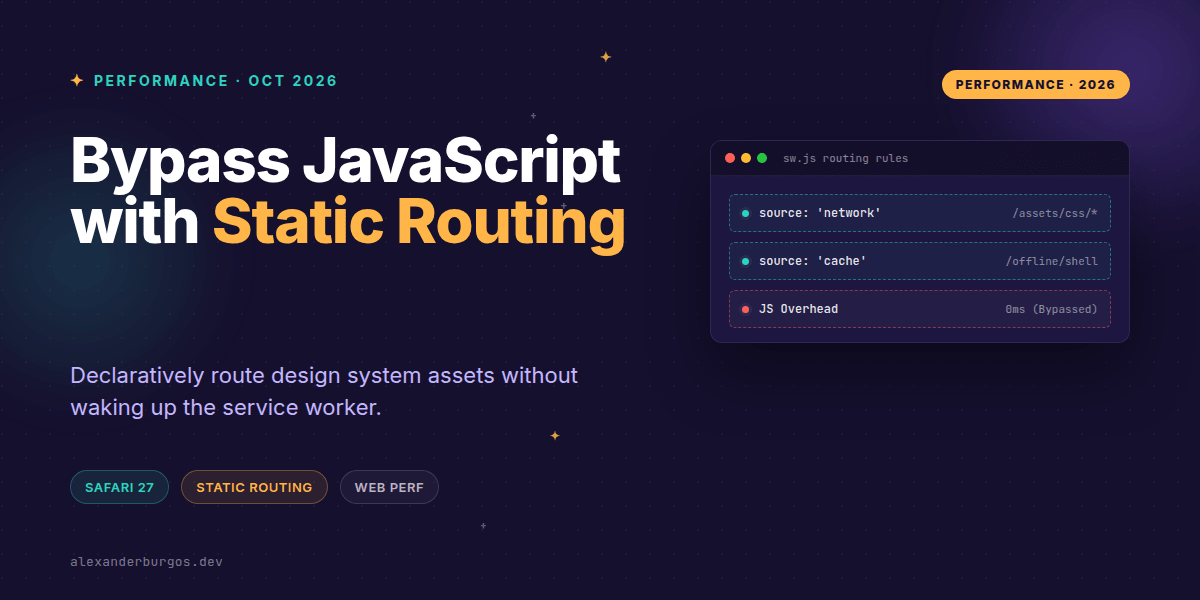
Okay, I'm genuinely excited about this one. We've all been there: you've built a robust Service Worker to handle offline capabilities, but then you notice a performance hit because every single request—even for immutable CSS files—is waking up that worker thread just to say "go to the network."
It's a classic bottleneck. But with the release of Safari 27, we finally have the Service Worker Static Routing API across all major evergreen browsers (joining Chrome 123). This changes the game for design system teams who need predictable, high-performance asset delivery.
The Problem with the 'Fetch' Tax
Traditionally, if a Service Worker is active, the browser has to start the worker process and dispatch a fetch event for every resource. Even if your logic is just a simple fetch(event.request), you're paying a JavaScript execution tax. For a design system serving hundreds of icons, fonts, and stylesheets, that overhead adds up fast.
Safari 27 allows us to declare these rules upfront. If the browser knows where a resource should go, it can route it directly to the network or cache without ever touching the JavaScript main thread of the worker. It's declarative, it's fast, and it's predictable.
Pattern 1: Bypassing JS for Immutable Assets
In a design system, your compiled CSS and versioned font files are often immutable. There's no reason to let a Service Worker intercept these if they're already handled by standard HTTP caching. You can now use addRoutes during the install phase to whitelist these paths.
self.addEventListener("install", event => {
  event.addRoutes({
    condition: {
      urlPattern: new URLPattern({
        pathname: "/assets/design-system/*"
      }),
      requestDestination: "style"
    },
    source: "network"
  });
});
By setting the source to network, you're telling Safari: "Don't wake me up for these. Just go straight to the wire." This is a massive win for initial load performance, especially on lower-end devices where worker startup time is non-trivial.
Pattern 2: Routing App Navigations
We often use Service Workers to create a "shell" experience, but sometimes specific routes within your application don't need that interception. Maybe it's a legacy part of the app or a high-traffic dashboard where you want the fastest possible navigation.
self.addEventListener("install", event => {
  event.addRoutes({
    condition: {
      requestMode: "navigate",
      urlPattern: new URLPattern({ pathname: "/app/dashboard/*" })
    },
    source: "network"
  });
});
This ensures that when a user clicks a link to the dashboard, the navigation happens immediately. The browser doesn't wait for the Service Worker to boot up, check its logic, and decide what to do.
Pattern 3: Deterministic Offline Resources
For resources you know are in the cache—like your offline fallback page or core design system icons—you can route them directly to the cache source. This is great for deterministic paths where you don't need complex 'stale-while-revalidate' logic.
self.addEventListener("install", event => {
  event.addRoutes({
    condition: {
      urlPattern: new URLPattern({ pathname: "/offline-shell.html" })
    },
    source: "cache"
  });
});
Things to Watch Out For
While this API is incredibly powerful, it's not a complete replacement for your fetch handler. You'll still need JavaScript for dynamic authentication, complex fallbacks, or any logic that requires inspecting the response body.
- Registration timing: Routes are registered during the
installevent. You can't change them on the fly for every request. - Order matters: The browser evaluates these rules in the order they are added. Put your most specific rules first.
- Pre-populating the cache: If you use the
cachesource, make sure that resource is actually in the cache! The API won't fetch it for you if it's missing. - Feature detection: Always check if
addRoutesexists before calling it, as older browsers (and even older versions of Safari) will throw an error.
The plugin I use to handle this in real client work is DS Sync, free for up to five exports a month.
Wrapping Up
- Use Static Routing to bypass the 'JS Tax' for immutable design system assets.
- Leverage
networksources for versioned CSS and fonts to keep things fast. - Remember that this is a declarative policy—it's about predictability, not replacing dynamic logic.
I'd highly recommend experimenting with this in your next performance audit. Start with your heaviest CSS bundles and see how much worker overhead you can trim away.
If you want to go deeper and learn how to build real, production-ready CSS design systems step by step, check out my full course here: CSS Design Systems Course
Got questions about Service Workers or CSS performance? Let's chat over on Twitter or connect with me on LinkedIn.