Ever wondered why your React Server Components (RSC) sometimes feel like they're stuck in the past? You've updated the database, the server action fired, yet the UI is stubbornly showing yesterday's news. We've all been there, scratching our heads at the different layers of caching that make RSC so powerful yet occasionally frustrating.
RSC introduces a paradigm shift in how we think about data. It's not just about fetching on the client anymore; it's about managing a multi-layered cache that spans from the server's memory down to the user's browser. If we don't get the invalidation right, our UX suffers, and our users see stale data. Let's dive into how to design for predictable freshness.
The Layers of the RSC Onion
To master invalidation, we first need to understand what we're actually caching. In a modern React framework like Next.js, there isn't just one 'cache'. There are four distinct layers working in tandem:
- Request Memoization: This is a short-lived cache that dedupes identical
fetchcalls during a single render pass. - Data Cache: This is persistent. It stores fetch responses across different user requests until it's told otherwise.
- Full Route Cache: This stores the rendered HTML and RSC payload for static routes.
- Router Cache: This lives on the client (the browser) and keeps track of visited segments so navigation feels instant.
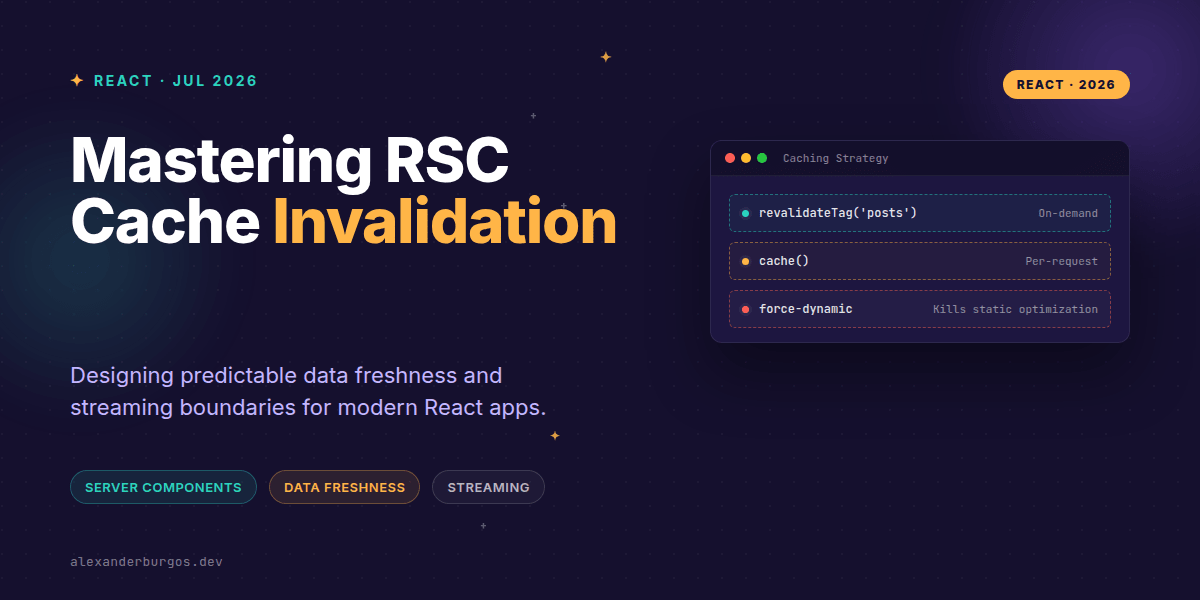
The most common mistake I've seen is confusing React's cache() function with long-lived data caches. As the official React docs state: "cache is only for use with React Server Components... the cache will be invalidated across server requests." This means cache() is brilliant for preventing redundant work during a request, but it won't help you keep data fresh between requests.
Designing for Freshness
Right, let's talk about how we actually keep things fresh. You have two primary levers: time-based revalidation and event-based revalidation. I've found that event-based is almost always superior for production apps where data integrity matters.
// data-access/posts.ts
import { cache } from 'react';

export const getPost = cache(async (id: string) => {
  const res = await fetch(`https://api.example.com/posts/${id}`, {
    next: {
      revalidate: 3600, // Time-based: 1 hour
      tags: ['posts', `post-${id}`] // Event-based tags
    },
  });
  return res.json();
});
When a user performs an action—say, editing a post—you need to poke the cache. Next.js gives us revalidateTag and revalidatePath for this. Calling these inside a Server Action ensures that the next time the page is requested, the server fetches fresh data.
Streaming Boundaries and UX Fallbacks
One of the coolest parts of RSC is how it interacts with Suspense. If you have a slow data fetch, you don't want to block the entire page. By wrapping dynamic components in Suspense boundaries, you allow the "shell" of your site to load instantly while the data streams in.
However, there's a catch. If you use dynamic functions like cookies() or headers() in your main layout, you might accidentally opt out of the Full Route Cache entirely. This turns your fast, static shell into a dynamic one that waits for the server every single time. Always push dynamic requirements as deep into the component tree as possible.
Wrapping Up
- Use
cache()for per-request memoization to avoid overfetching. - Leverage
revalidateTagin Server Actions for surgical cache invalidation. - Keep dynamic data fetching inside
Suspenseboundaries to maintain a fast initial page load.
I'd encourage you to experiment with 'use cache' (the newer directive) alongside your Suspense boundaries. It's a game-changer for building interfaces that feel both instant and accurate.
If you want to go deeper and learn how to build real, production-ready CSS design systems step by step, check out my full course here: CSS Design Systems Course
The full story including the testing layers and governance lives in Ship Your Design System on Amazon.
If you enjoyed this, let's keep the conversation going on Twitter https://x.com/alexandersstudi or connect with me on LinkedIn https://www.linkedin.com/in/alexandersstudio/ to talk more about RSC and UX Engineering.