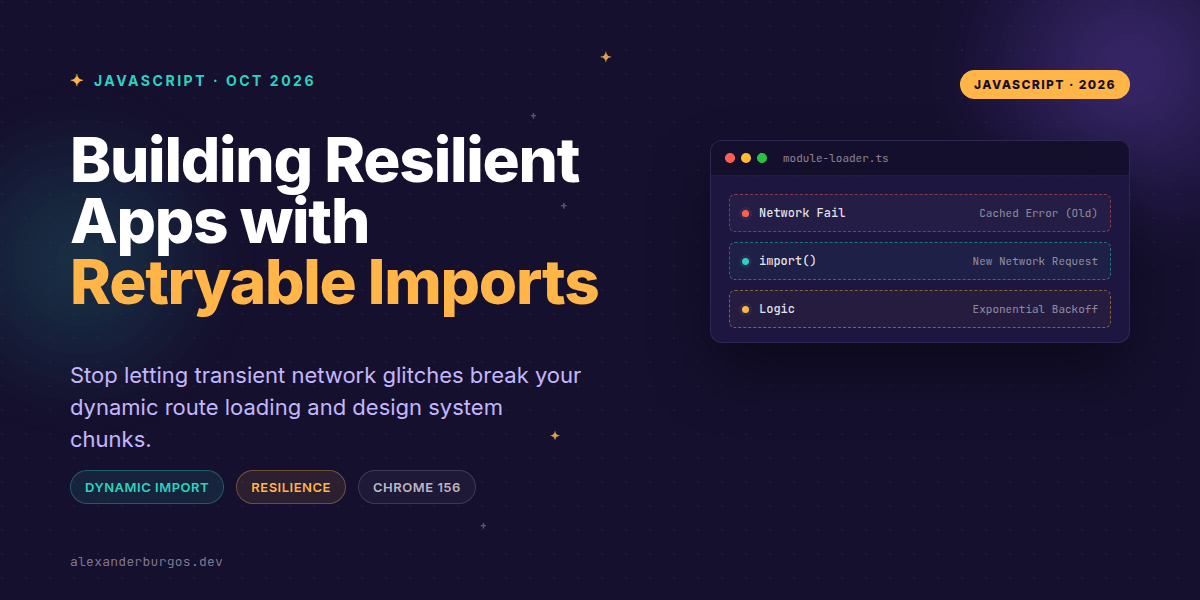
We've all been there: a user is browsing your app, they hit a tunnel or their Wi-Fi flutters for a split second, and they click a button that triggers a dynamic import. The request fails, and suddenly, that feature is dead until they refresh the whole page. Even if the connection comes back instantly, the browser has already decided that module is a lost cause.
Previously, browsers were incredibly stubborn about failed module loads. If import('./heavy-component.js') failed due to a network hiccup, the browser would cache that failure in its internal module map. Any subsequent attempt to load that same file would reject immediately without even trying to touch the network again. It was a frustrating 'one strike and you're out' policy.
The Chrome 156 Shift: No More Failure Caching
Released on 20 October 2026, Chrome 156 (and Edge 156 shortly after) has finally changed the game. The specification now dictates that browsers should not cache HTTP errors or network failures in the module map. This means if a fetch fails, you can actually try again.
It's important to distinguish between the three stages of a module's life: loading, linking, and evaluating. Chrome 156 ensures that if loading or linking fails, the slate is wiped clean for the next attempt. However, if the code downloads perfectly but throws a syntax error or a runtime error during evaluation, that failure remains sticky. We're fixing network resilience here, not buggy code!
Pattern 1: The Bounded Backoff
I've found that the best way to handle this is a simple wrapper function. Instead of raw imports, use a helper that understands that the first failure might just be bad luck. Here's a pattern I've been using for route chunks:
async function importWithRetry(load, attempts = 3) {
  let error;

  for (let i = 0; i < attempts; i++) {
    try {
      return await load();
    } catch (err) {
      error = err;
      // Wait longer between each attempt
      if (i + 1 < attempts) {
        await new Promise(r => setTimeout(r, 250 * 2 ** i));
      }
    }
  }

  throw error;
}

// Usage for a dynamic route
const SettingsPage = await importWithRetry(() => import("./routes/settings.js"));
Pattern 2: Offline-Aware Component Loading
Sometimes, retrying automatically isn't the right UX. If a user is deep in a basement with no signal, hitting the network three times in a row just wastes battery. In these cases, I prefer a manual retry trigger combined with the navigator.onLine API.
async function loadEditor() {
  if (!navigator.onLine) {
    showNotification("You appear to be offline. Reconnect to load the editor.");
    return;
  }

  try {
    return await import("./editor-core.js");
  } catch (err) {
    // Chrome 156 lets us try again when they click this button!
    showRetryButton("Failed to load. Try again?", loadEditor);
  }
}
Critical Gotchas to Keep in Mind
While this is a massive win for UX engineering, it's not a silver bullet. Here are a few things that tripped me up when I first started experimenting with these APIs:
- Evaluation is still final: If your module has a
ReferenceErrorat the top level, retryingimport()won't help. The browser remembers the code was broken. - HTTP Caching: Just because the browser's module map isn't caching the failure doesn't mean your CDN isn't. Ensure your server isn't sending long-lived
Cache-Controlheaders for 404s or 500s. - Module Identity: Avoid the old hack of adding
?t=Date.now()to the URL unless absolutely necessary. This creates a completely new module instance, which can break singletons and bloat memory.
The long version with support labels and runnable demos is in Modern CSS 2026 on Amazon Kindle.
Wrapping Up
- Chrome 156 and Edge 156 no longer cache network/HTTP failures for dynamic imports.
- Implement exponential backoff for route loading to handle transient network drops gracefully.
- Use manual retry UI for persistent offline states to give users control over their experience.
I'd encourage you to go back to your error boundaries and lazy-loading logic. With this change, we can finally stop telling users to 'try refreshing the page' and start handling recovery ourselves.
If you want to go deeper and learn how to build real, production-ready CSS design systems step by step, check out my full course here: CSS Design Systems Course
Let's keep the conversation going! You can find me sharing more engineering insights on Twitter at https://x.com/alexandersstudi or connect with me on LinkedIn at https://www.linkedin.com/in/alexandersstudio/.