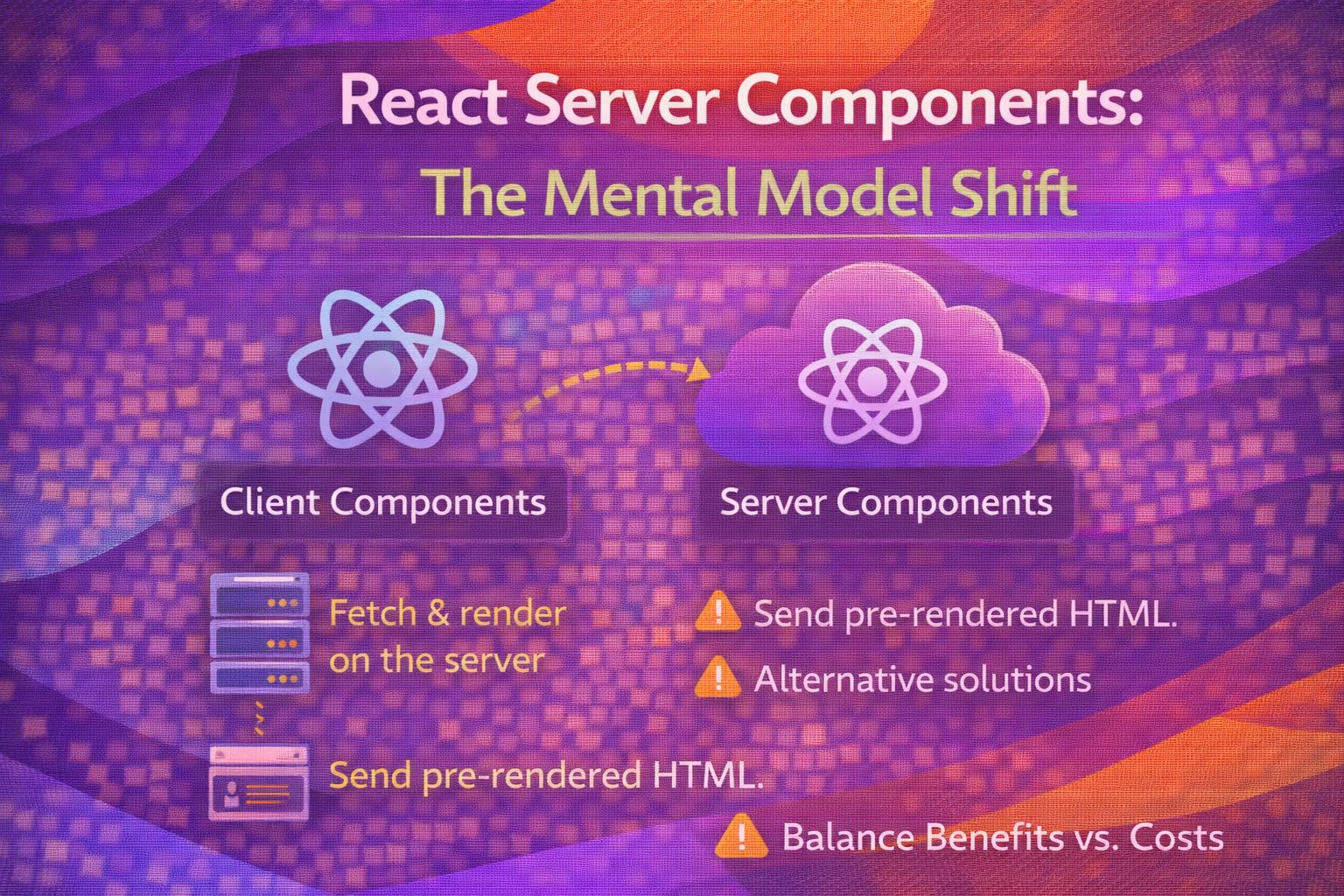
Let's be honest - React Server Components (RSCs) are probably the biggest shift in how we think about the web since Hooks dropped. It's not just a new API; it's a complete rethink of where our code actually lives and breathes.
The Default: Everything is a Server Component
In modern frameworks like Next.js, every file in your app directory is a Server Component by default, which means we can finally stop obsessing over `useEffect` for data fetching.
// app/profile/page.js
// This is a Server Component by default
async function ProfilePage() {
  /* We can fetch data directly in the component body */
  const res = await fetch('https://api.example.com/user');
  const user = await res.json();

  return (
    <main>
      <h1>{user.name}</h1>
      <p>{user.bio}</p>
    </main>
  );
}
The beauty here is that the JavaScript for this component stays on the server; the browser only receives the rendered HTML and a small JSON-like payload.
// app/dashboard/page.js
import { db } from './lib/db';

export default async function Dashboard() {
  /* Direct database access? Yes, please. */
  const stats = await db.query('SELECT * FROM stats');

  return (
    <section>
      <h2>Dashboard Metrics</h2>
      <ul>
        {stats.map(s => <li key={s.id}>{s.label}: {s.value}</li>)}
      </ul>
    </section>
  );
}
Crossing the Boundary: 'use client'
When you need interactivity—think state, effects, or browser APIs—you have to explicitly opt-in using the `'use client'` directive at the very top of your file.
'use client';

import { useState } from 'react';

export function Counter() {
  const [count, setCount] = useState(0);

  return (
    <button onClick={() => setCount(count + 1)}>
      Clicks: {count}
    </button>
  );
}
Here's the trick: once you enter a Client Component, everything imported into that file becomes part of the client bundle, so keep your boundaries tight.
// Bad Practice: Importing a heavy server-only lib into a client file
'use client';
import { heavyFormatter } from './server-utils'; // This will blow up or leak code

export function ClientItem({ data }) {
  return <div>{heavyFormatter(data)}</div>;
}
The Composition Pattern
One of the most common hurdles is trying to nest a Server Component inside a Client Component; the correct way to handle this is via the `children` prop.
// app/layout.js (Server Component)
import { ClientWrapper } from './ClientWrapper';
import { ServerSidebar } from './ServerSidebar';

export default function RootLayout() {
  return (
    <ClientWrapper>
      {/* We pass the Server Component as a child */}
      <ServerSidebar />
    </ClientWrapper>
  );
}
This allows the `ServerSidebar` to be rendered on the server, while the `ClientWrapper` can still manage its internal state on the client.
// ClientWrapper.js
'use client';

export function ClientWrapper({ children }) {
  const [isOpen, setIsOpen] = useState(true);

  return (
    <div className={isOpen ? 'open' : 'closed'}>
      <button onClick={() => setIsOpen(!isOpen)}>Toggle</button>
      {children}
    </div>
  );
}
Handling Security and Vulnerabilities
Honestly, security is where you need to be most careful right now, especially with recent RCE and source code exposure vulnerabilities in React 19.
// package.json
{
  "dependencies": {
    /* Ensure you are on these patched versions or higher */
    "react": "19.0.1",
    "next": "15.1.0"
  }
}
Always use the `server-only` package to prevent accidentally importing server-side logic (like API keys or DB secrets) into your client components.
// lib/db-secrets.js
import 'server-only';

export const getSecretKey = () => {
  return process.env.PRIVATE_DB_KEY;
};
Implementation Status
RSCs are not a browser standard. They are a React feature that requires a compatible framework or bundler to function. If you aren't using a framework like Next.js or React Router (v7+), you'll need to wait for more stable tooling.
Wrapping Up
Switching to RSCs is a massive win for performance and developer experience, provided you respect the boundaries between server and client.
- Use Server Components by default for data fetching and heavy logic.
- Opt-in to Client Components only for interactivity using 'use client'.
- Keep your dependencies updated to avoid critical security vulnerabilities like CVE-2025-55182.
If you want to go deeper and learn how to build real, production-ready CSS design systems step by step, check out my full course here: CSS Design Systems Course
Got questions or want to share how you're using this? Drop me a message on LinkedIn - I always enjoy chatting about this stuff!