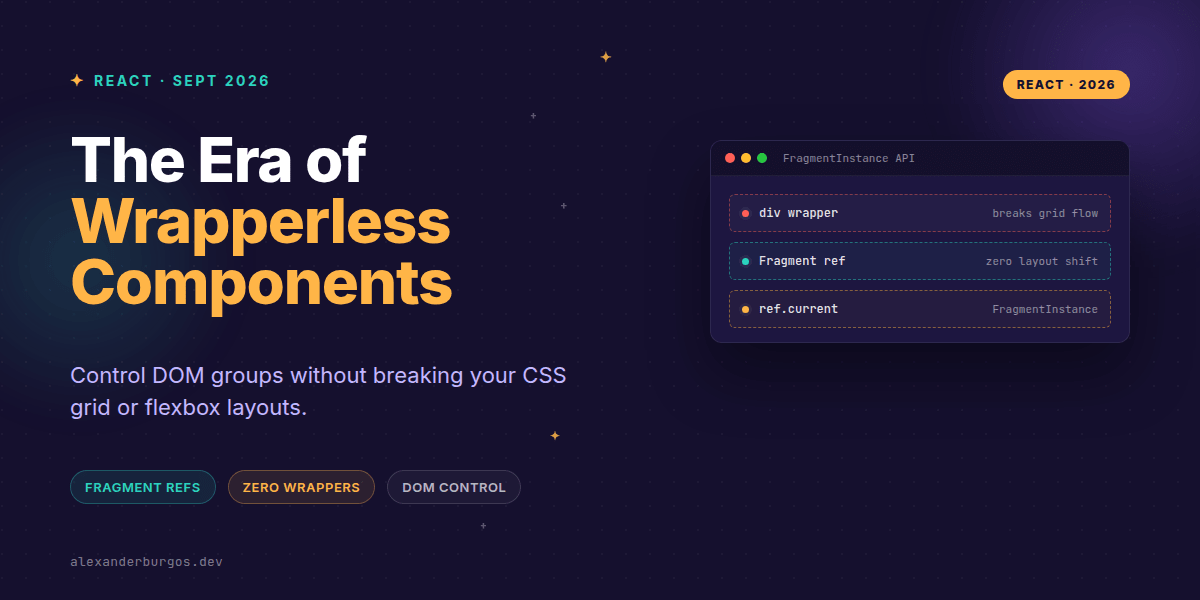
Right, let's talk about the 'Div Soup' problem that's been plagueing design systems for a decade. We've all been there: you build a beautiful FieldGroup or Toolbar component, but to make it functional—to measure it, focus it, or observe it—you have to wrap the children in a <div>. Suddenly, your CSS Grid layout breaks, your flex alignment goes wonky, and your accessibility tree gets cluttered with meaningless nodes.
React 19.3, released on September 9, 2026, finally fixes this. With the introduction of stable Fragment Refs, we can now attach a ref directly to a <Fragment>. This gives us a FragmentInstance—a powerful way to manage a group of DOM nodes as a single unit without adding a single extra element to the page.
What is a FragmentInstance?
It's important to clear up a common misconception immediately: a Fragment ref is not an HTMLElement. If you try to call ref.current.classList or ref.current.style, it's going to fail. Instead, React provides a specialized object called a FragmentInstance.
As the official React release post puts it: "Fragment Refs solve these problems by providing a limited set of commonly used DOM methods that work with any React component, regardless of what it renders."
import { Fragment, useRef } from 'react';

function FieldGroup({ children }) {
  const groupRef = useRef(null);

  // groupRef.current will be a FragmentInstance
  return (
    <Fragment ref={groupRef}>
      {children}
    </Fragment>
  );
}
Managing Focus Across the Group
One of the biggest wins for design system engineers is focus management. Before now, if you wanted to focus the last element in a toolbar, you had to query the DOM or keep track of every child ref. Now, the FragmentInstance exposes focus(), focusLast(), and blur().
React's official documentation notes that these methods perform a depth-first search across all nested descendants. This is incredibly handy for complex components where the interactive elements might be buried several levels deep.
function Toolbar({ children }) {
  const ref = useRef(null);

  return (
    <Fragment ref={ref}>
      {children}
      <button onClick={() => ref.current?.focusLast()}>
        Jump to Last Action
      </button>
    </Fragment>
  );
}
Observation and Geometry
This is where things get really interesting for UX Engineering. Usually, if you wanted to use an IntersectionObserver to lazy-load a section, you'd need a wrapper. But wrappers can mess up display: contents or CSS subgrids.
The FragmentInstance includes observeUsing() and unobserveUsing(). These methods allow you to pass a standard IntersectionObserver or ResizeObserver, and React will automatically apply it to the first-level DOM children of the fragment.
useEffect(() => {
  const observer = new IntersectionObserver(entries => {
    if (entries.some(e => e.isIntersecting)) handleVisibility();
  });

  ref.current?.observeUsing(observer);
  return () => ref.current?.unobserveUsing(observer);
}, []);
A Few Gotchas to Keep in Mind
I've been playing with this for a while, and there are a few things you should watch out for. First, remember that 'wrapperless' doesn't mean the group acts as a single box in every context. For example, getClientRects() will return a list of rectangles for all top-level children, not one giant bounding box.
- No Styles: Fragments don't create a CSS box. If you need a background colour or padding, you still need a real element.
- Event Scoping:
addEventListeneron a Fragment ref targets the first-level children. It's great for delegation, but it's not a replacement for a semantic<section>. - Manual Cleanup: You still need to disconnect your observers in your
useEffectcleanup phase to avoid memory leaks.
Wrapping Up
- Fragment Refs give you DOM control (focus, observation, geometry) without adding extra wrapper elements.
- Use
observeUsing()for clean integration with Intersection and Resize observers. - Remember that
ref.currentis aFragmentInstance, not a standardHTMLElement.
I'm genuinely excited about this. It feels like a massive step forward for building clean, semantic React components that don't fight the browser's layout engine. Give it a try in your next design system update!
If you want to go deeper and learn how to build real, production-ready CSS design systems step by step, check out my full course here: CSS Design Systems Course
If you want the long-form version of this with 23 chapters and runnable code, Ship Your Design System on Amazon is the handbook.
For more tips on CSS architecture and React, follow me on Twitter or connect with me on LinkedIn.