Right, let's talk about the dreaded hydration mismatch. We've all been there: you're building a gorgeous dashboard with interactive charts or a map component that relies heavily on window or document APIs. You check your console, and it's a sea of red warnings because the server-rendered HTML didn't quite match what the client expected.
For years, we've hacked around this using useEffect tricks or typeof window !== 'undefined' checks. But with the release of React 19.3, we finally have a first-class, built-in way to handle this. The new browser() API from react-dom is a game-changer for how we build design systems and client-only UI.
What exactly is the browser() API?
Introduced in September 2026, browser() is a function that lets you explicitly mark a component as browser-only. When paired with the use() hook, it tells React: "Hey, if you're on the server, stop right here and show a fallback. I'll take over once we're in a real browser."
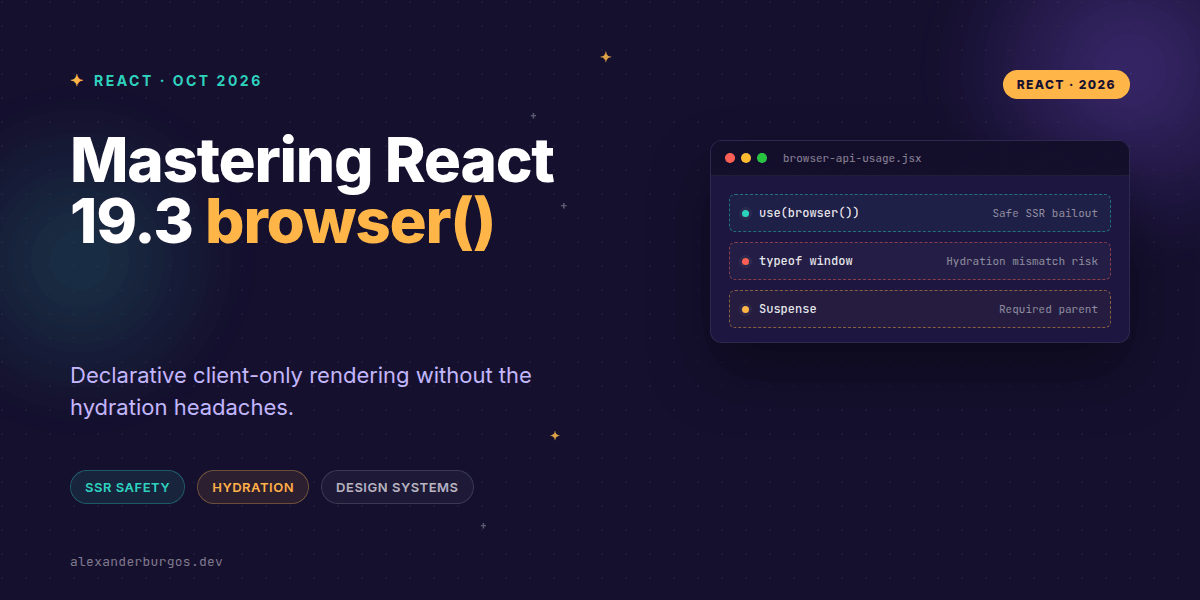
It's not just a fancy check; it's a suspension mechanism. On the server, use(browser()) suspends the component. React then looks for the nearest <Suspense> boundary and renders the fallback HTML. Once the code hits the client, the hook returns undefined, and your component renders normally.
import { Suspense, use } from "react";
import { browser } from "react-dom";

function ClientOnlyChart() {
  // This tells React to bail out during SSR
  use(browser("Chart requires browser APIs for D3 rendering"));

  return <Chart />;
}

export default function Dashboard() {
  return (
    <Suspense fallback={<ChartSkeleton />}>
      <ClientOnlyChart />
    </Suspense>
  );
}
Why this matters for Design Systems
In my experience, one of the biggest pain points in building design systems is portability. You want your components to work in Next.js, Remix, or a custom Vite SSR setup without forcing the consumer to use framework-specific "Client Only" wrappers.
By using browser() inside your design system components, you're making the requirement local and explicit. The component itself carries the knowledge that it needs a browser environment, but it doesn't break the entire server-render process. It just asks for a Suspense boundary.
import { use } from "react";
import { browser } from "react-dom";

export function ResizeAwarePanel({ children }) {
  // The design system component handles its own environment check
  use(browser("ResizeAwarePanel requires ResizeObserver"));

  return <section className="panel">{children}</section>;
}
Hydration Safety and SSR Boundaries
The beauty of this approach is that it preserves the surrounding server-rendered content. Unlike older methods that might force a whole page to be client-side only, browser() only affects the specific subtree within the Suspense boundary.
This eliminates the dreaded "Hydration failed because the initial UI does not match" error. The server sends a clean fallback (like a skeleton or a placeholder), and the client swaps it out seamlessly. React even added onBrowserBailout to server APIs, allowing infrastructure to track exactly when and where these bails occur.
Common Pitfalls to Avoid
While it's a powerful tool, I've seen a few common mistakes during early adoption. First, you must wrap the component in <Suspense>. If you don't, the server render will simply fail because it has nowhere to "park" that suspended component.
- Client Components only: You can't call this in a Server Component. It belongs in the interactive parts of your app.
- Don't forget use(): Simply calling
browser()does nothing. It returns an opaque value that must be passed touse()to trigger the suspension. - Not a replacement for createRoot: This isn't for mounting React; it's for managing environment-specific rendering logic within an existing tree.
The plugin I use to handle this in real client work is DS Sync, free for up to five exports a month.
Wrapping Up
- Use
use(browser())to explicitly mark components that require DOM APIs, ensuring SSR safety. - Always provide a
<Suspense>boundary with a meaningful fallback to maintain a good UX while the client hydrates. - Leverage this in design systems to create portable, environment-aware components that work across any React SSR framework.
I'd encourage you to experiment with this in your next project. It's a much cleaner way to handle those pesky browser-only libraries without sacrificing the benefits of server rendering for the rest of your app.
If you want to go deeper and learn how to build real, production-ready CSS design systems step by step, check out my full course here: CSS Design Systems Course
Let's keep the conversation going! Catch me on Twitter or connect with me on LinkedIn for more UX engineering and CSS tips.