Right, let's talk about the end of complex animation libraries. For years, if we wanted a smooth shared-element transition or a slick page slide, we'd reach for Framer Motion or React Spring. They're brilliant, but they add weight. With React 19.3, the game has officially changed.
React 19.3 was announced on 2026‑09‑09, and the headline act is the stability of the <ViewTransition> component. As the team noted in the release: “We shared it as an experimental API last year, and in 19.3 it’s stable and ready to use.”
What actually is the View Transition API?
In the old days (last week), if you wanted to animate between two DOM states, you had to manually track the old position, calculate the new one, and run a FLIP animation. The browser's native View Transition API does this by taking a snapshot of the 'before' state, waiting for the DOM update, taking an 'after' snapshot, and then cross-fading them using CSS pseudo-elements.
React 19.3 acts as a bridge. Instead of you calling document.startViewTransition and hoping React's concurrent rendering doesn't explode, the <ViewTransition> component handles the heavy lifting. It ensures the browser snapshots happen exactly when React is ready to commit the update.
The Golden Rule: Use Transitions
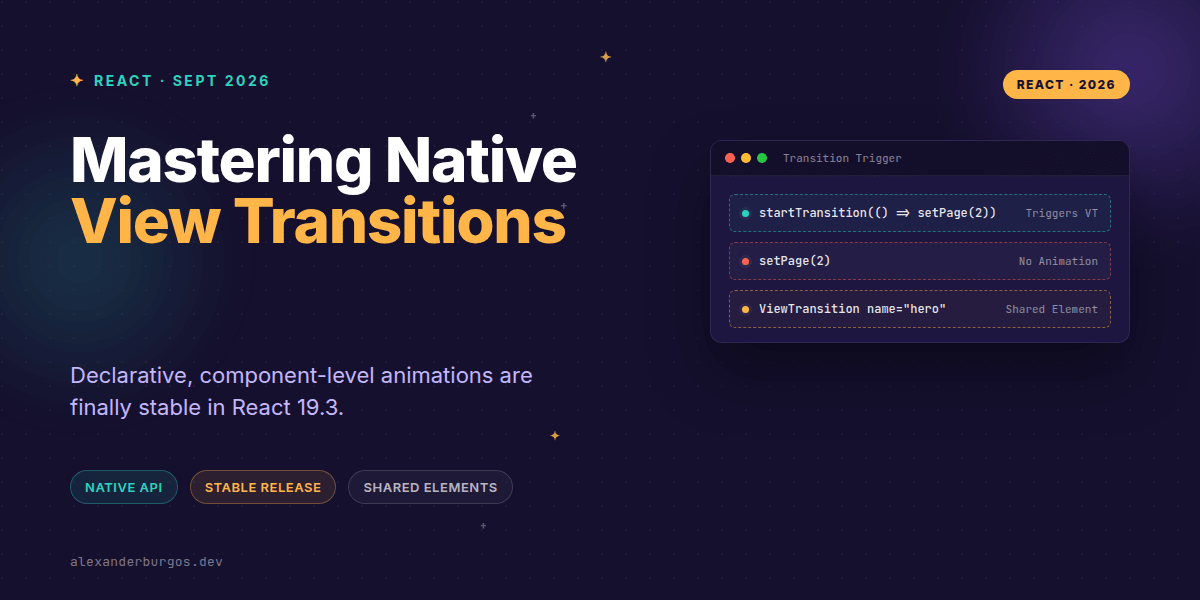
I've seen a few folks trip up here already. You can't just wrap your app in <ViewTransition> and expect magic. React only triggers these animations for updates marked as a Transition. If you update state normally, the browser just jumps to the new state.
import { useState, startTransition, ViewTransition } from 'react';

function App() {
  const [isDetailsOpen, setIsDetailsOpen] = useState(false);

  const toggle = () => {
    // This is mandatory for the animation to fire!
    startTransition(() => {
      setIsDetailsOpen(!isDetailsOpen);
    });
  };

  return (
    <ViewTransition>
      {isDetailsOpen ? <DetailsView /> : <ListView />}
    </ViewTransition>
  );
}
Shared Element Transitions
This is where it gets exciting for UX engineers. You know that effect where a small thumbnail expands to become the hero image on a product page? That's a shared element transition. In React 19.3, you can achieve this by giving two components the same name prop within a ViewTransition.
Under the hood, React applies the view-transition-name CSS property to the nearest DOM node. The browser sees two elements with the same name across the transition and handles the interpolation for you—size, position, and all.
/* CSS scoped to specific transition types */
::view-transition-group(hero-image) {
  animation-duration: 0.5s;
  animation-timing-function: cubic-bezier(0.4, 0, 0.2, 1);
}
Common Pitfalls to Avoid
- Forgetting startTransition: Standard state updates won't trigger the API.
- Mismatched Names: If your 'before' and 'after' elements don't share the exact same name string, they won't morph.
- Browser Support: Chrome, Edge, and Safari are good to go, but Firefox is still in development. Always ensure your UI is functional without the animation.
- DOM Desync: Don't try to manually manipulate the DOM via refs while a transition is active; let React handle the snapshots.
Wrapping Up
- React 19.3 makes View Transitions stable—no more experimental flags or unstable prefixes.
- Transitions are tied to React's concurrent features:
startTransition,Suspense, anduseDeferredValue. - Use the
nameprop for shared-element magic without the heavy math.
I'd encourage you to start experimenting with this in your internal dashboards or side projects. It's a massive win for performance and bundle size.
If you want to go deeper and learn how to build real, production-ready CSS design systems step by step, check out my full course here: CSS Design Systems Course
If this is the kind of thing you keep finding out late about, my book Modern CSS 2026 on Amazon is one chapter per shift, with honest support labels.
Got questions about implementing these in a design system? Catch me on Twitter or LinkedIn to chat.