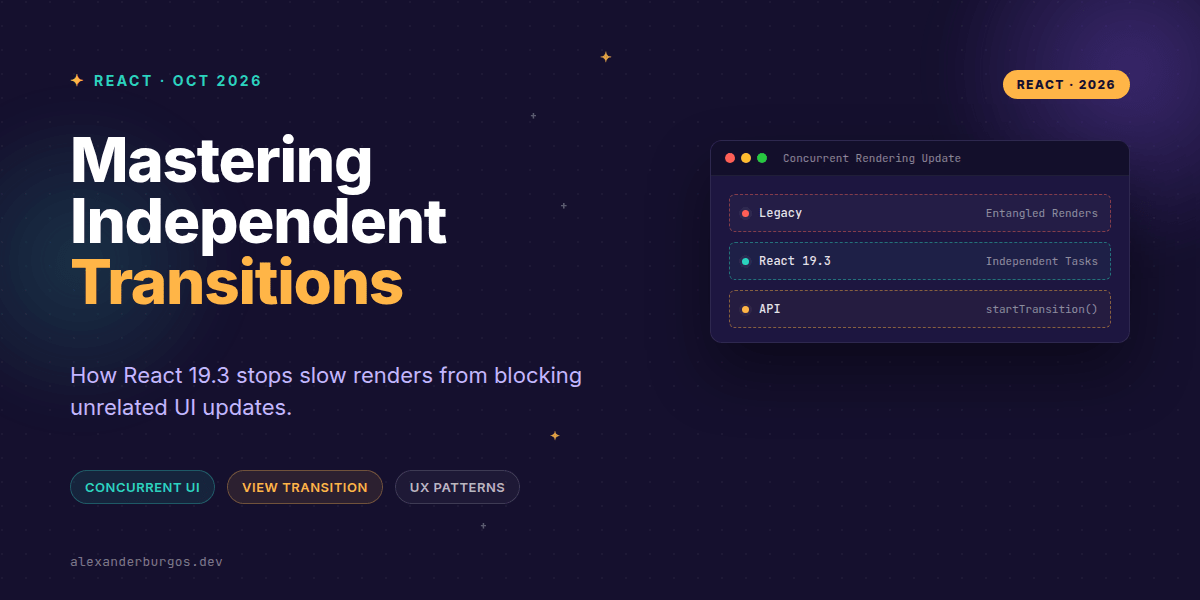
Okay, I'm genuinely excited about this. If you've ever felt like React's concurrent rendering was a bit of a "black box" when it comes to multiple simultaneous updates, React 19.3 just opened the lid. Released on September 9, 2026, this version introduces a fundamental shift in how transitions are handled: they now render independently.
In the past, if you had two unrelated transitions happening at once, React would often entangle them into a single render. If one was a heavy data-grid filter and the other was a simple navigation toggle, the slow one could hold up the fast one. Not anymore. Thanks to the work of Andrew Clark and the team, we're looking at a much more granular way to manage UI responsiveness.
The End of Entangled Renders
The core change in 19.3 is that transitions no longer wait for each other. As the release notes state, "a slow Transition no longer holds up unrelated ones." This is a massive win for those of us building complex design systems where multiple components might be fetching data or processing heavy logic simultaneously.
Imagine a dashboard with a sidebar and a main content area. If the user clicks a sidebar link (Transition A) and then quickly interacts with a filter in the main area (Transition B), React can now commit the visual updates for Transition B even if Transition A is still churning through a heavy component tree. It makes the whole application feel lighter and more decoupled.
Design System Implications
As a UX Engineer, I've spent a lot of time trying to coordinate loading states so the UI doesn't look like a flickering mess. React 19.3 changes the strategy for three main areas:
- Loading States: Component-level pending indicators can resolve independently. A data grid can stay in its loading state while a navigation panel completes its transition instantly.
- Interaction Responsiveness: Filtering thousands of rows (low priority) won't block a separate transition like opening a modal or switching a tab.
- Component Coordination: Primitives can now own their own transition boundaries. We don't need to build complex global queues just to ensure one component doesn't break another's responsiveness.
Building a Reusable Pending Primitive
With 19.3, we can lean harder into useTransition for local component states without worrying about global side effects on other transitions. Here is a simple pattern for a transition-aware button:
import { useTransition } from "react";

function TransitionButton({ action, children }) {
  const [isPending, startTransition] = useTransition();

  return (
    <button
      disabled={isPending}
      aria-busy={isPending}
      onClick={() => startTransition(action)}
    >
      {isPending ? "Loading…" : children}
    </button>
  );
}
Because transitions are now independent, using this button in five different places won't result in them "waiting" for each other's renders to finish. Each button tracks its own state, and React schedules the updates independently.
The Arrival of Stable View Transitions
While independent rendering handles the scheduling, React 19.3 also stabilizes <ViewTransition> for animation. This uses the native browser View Transition API to create smooth morphing effects between states.
import { ViewTransition, startTransition } from "react";

function Panel({ open, setOpen }) {
  return (
    <button onClick={() => startTransition(() => setOpen(!open))}>
      <ViewTransition>
        {open ? <aside>Details</aside> : <span>Show details</span>}
      </ViewTransition>
    </button>
  );
}
It's important to note that <ViewTransition> is a wrapper for a browser API. If the browser doesn't support it, you won't get the animation, but the state change will still benefit from the independent rendering logic in React 19.3.
Things to Watch Out For
It's not all magic, though. I've found a few areas where developers might get tripped up if they aren't careful with these new capabilities.
- Not for Business Logic: Independent rendering doesn't mean your network requests are automatically ordered. You still need to manage race conditions in your data fetching.
- Urgent vs. Non-Urgent: Direct state updates (like typing in an input) must remain urgent. Only wrap the expensive side effects in a transition.
- Testing Visual Order: If your code accidentally relied on the fact that two updates were batched together, that behaviour might change in 19.3. Double-check your orchestration logic.
The plugin I use to handle this in real client work is DS Sync, free for up to five exports a month.
Wrapping Up
- React 19.3 decouples transitions, preventing slow renders from blocking unrelated UI updates.
- Design system components can now manage their own loading states with
useTransitionwithout global bottlenecks. - The
<ViewTransition>component is now stable, bridging the gap between state changes and native browser animations.
I'd highly encourage you to experiment with overlapping transitions in your next project. It's one of those changes that makes the web feel just a little bit more like a native app. Happy coding!
If you want to go deeper and learn how to build real, production-ready CSS design systems step by step, check out my full course here: CSS Design Systems Course
For more tips on React and UX Engineering, catch me on Twitter at https://x.com/alexandersstudi or connect with me on LinkedIn at https://www.linkedin.com/in/alexandersstudio/.