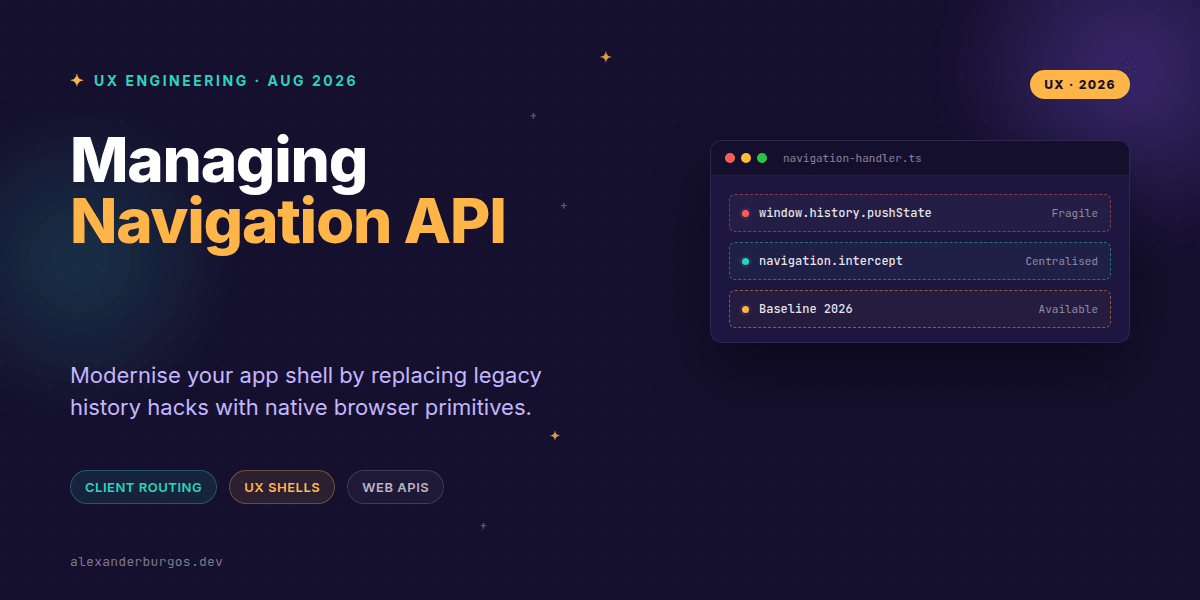
Right, let's talk about the mess that is client-side routing. For years, we've been duct-taping our design system shells together with pushState, popstate, and a prayer that the browser's back button doesn't blow up our React state. It's been fragile, hard to test, and a nightmare for accessibility.
But as of early 2026, the game has officially changed. The Navigation API has hit baseline availability across all major evergreen browsers—Chrome, Edge, Firefox, and Safari. It's not just a minor update; it's a complete rethink of how we handle the URL in modern web applications.
Why the History API was failing us
We've all been there: trying to intercept a user clicking 'back' while a modal is open, or attempting to scroll to a specific element after a route change without the page jumping like a caffeinated kangaroo. The old History API was never designed for SPAs; it was a hack we grew to accept.
According to MDN, the new Navigation API is a direct successor that makes traversing history a much less fragile proposition. It centralises everything under window.navigation, giving us a single source of truth for links, forms, and programmatic shifts.
The magic of the 'navigate' event
The superpower here is the navigate event. Instead of attaching event listeners to every single <a> tag in your design system, you can listen at the window level. It catches everything—even the browser's own back and forward buttons.
navigation.addEventListener('navigate', (event) => {
  if (!event.canIntercept || event.hashChange || event.downloadRequest) return;

  event.intercept({
    handler: async () => {
      // Load your React component or fetch data here
      await renderRoute(new URL(event.destination.url).pathname);
    },
  });
});
What I love about this is event.intercept(). It allows us to signal to the browser that we're handling the transition. The browser then knows the page is 'loading,' which is a massive win for screen readers and accessibility tools that previously had no idea a client-side transition was happening.
Standardising the App Shell
In a design system context, your 'Shell' or 'Layout' component is the perfect place to operationalise this. By centralising the navigation logic, you ensure that every team using your system gets consistent loading states, focus management, and scroll restoration for free.
- Same-origin focus: The API only exposes same-origin history entries, keeping your app secure and predictable.
- State Management: Use
navigation.updateCurrentEntry({ state: { ... } })to keep your UI state in sync with the URL without full reloads. - Progressive Enhancement: Always start with a standard
<a href>. If the API fails or JS isn't ready, the browser just does a normal page load. No broken links.
Gotchas for Senior Engineers
Don't rush to delete your router libraries just yet. The Navigation API is a primitive, not a full-blown router. You still need to handle path matching and component rendering. Also, keep an eye on browser support; while it became 'Baseline Newly Available' in January 2026, users on older Safari versions (pre-26.2) will still need a fallback.
Wrapping Up
- Centralise your routing logic using the
navigateevent to eliminate scattered event listeners. - Use
event.intercept()to provide native-feeling loading states and better accessibility for screen readers. - Prioritise progressive enhancement—ensure your design system links work even if the JavaScript fails to initialise.
I've found that moving to the Navigation API simplifies our React shell components significantly. I highly encourage you to experiment with it in your next internal tool or staging environment to see how much 'hacky' code you can delete.
If you want the long-form version of this with 23 chapters and runnable code, Ship Your Design System on Amazon is the handbook.
If you enjoyed this, let's chat over on Twitter or connect with me on LinkedIn to talk more about UX engineering and CSS architecture.
If you want to go deeper and learn how to build real, production-ready CSS design systems step by step, check out my full course here: CSS Design Systems Course