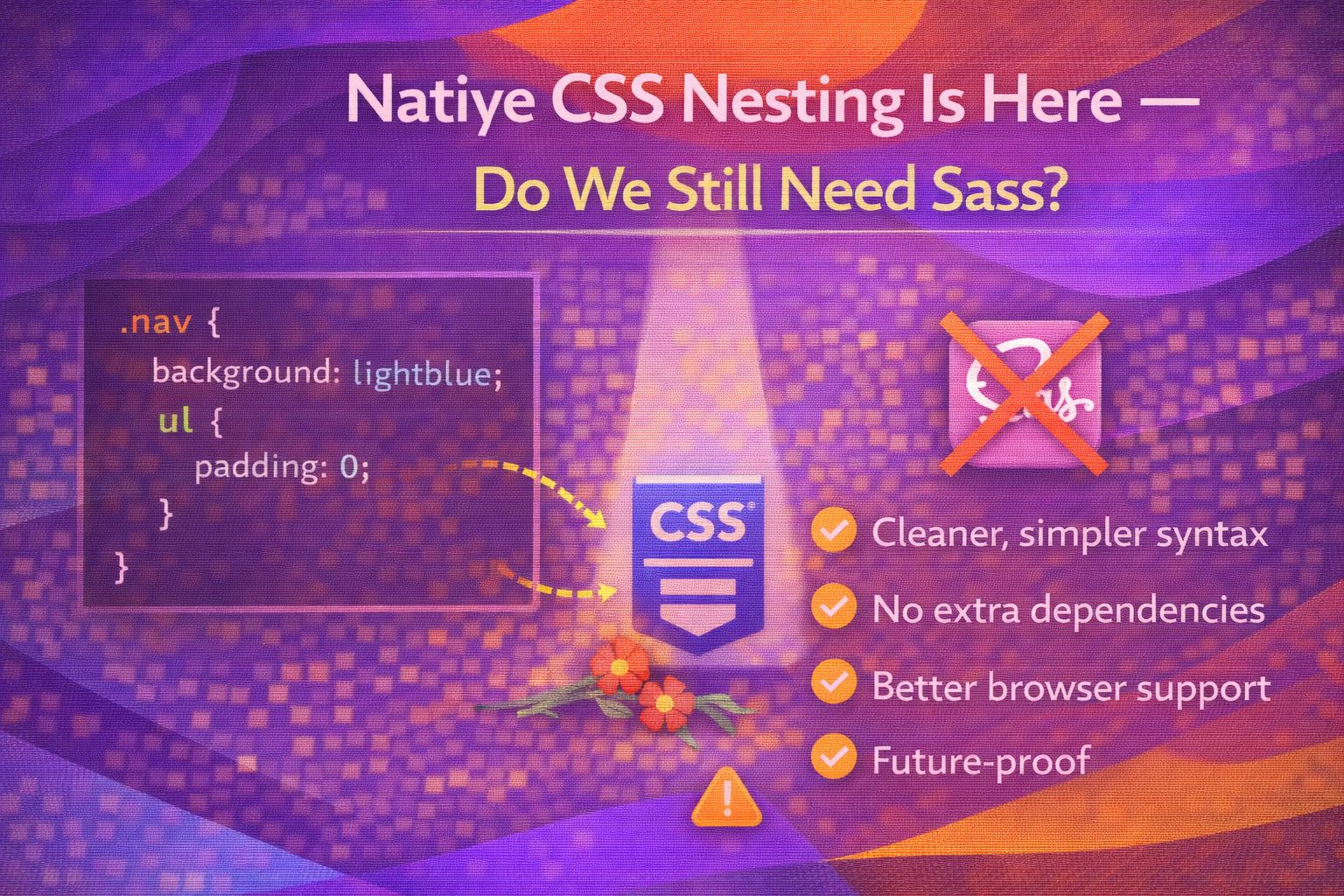
Let's be honest - Sass nesting is the only reason many of us started using preprocessors in the first place. But with native CSS nesting now landing in every major browser, the game has officially changed.
I've been playing around with the native implementation, and while it feels familiar, there are some subtle differences you'll want to keep an eye on. Let's dive into the code and see how it stacks up.
The Basic Syntax
The most common way to nest is by using the ampersand symbol to reference the parent selector directly.
/* Native CSS Nesting */
.card {
  background: white;
  padding: 1.5rem;

  & .title {
    font-weight: bold;
    color: #333;
  }

  &:hover {
    border-color: var(--primary-color);
  }
}
Notice how it looks almost identical to Sass? The cool bit is that this runs directly in the browser without any build step.
/* You can also nest without the ampersand for direct children */
.nav-list {
  display: flex;
  gap: 1rem;

  li {
    list-style: none;
  }

  > a {
    text-decoration: none;
  }
}The BEM Problem
Here's the thing: if you love the Sass trick of concatenating classes like `&__element`, I've got some bad news for you. Native CSS doesn't support string concatenation.
/* ❌ THIS WILL NOT WORK IN NATIVE CSS */
.button {
  background: blue;

  &__icon {
    /* The browser sees this as '.button __icon' which is invalid */
    width: 20px;
  }
}
If you're a die-hard BEM fan, you'll need to write out the full class name or stick with the descendant selector approach.
/* ✅ DO THIS INSTEAD */
.button {
  background: blue;

  & .button__icon {
    width: 20px;
  }
}Order and Specificity
Pro move: always place your standard declarations before your nested rules. It keeps things readable and avoids potential parsing confusion.
/* Good practice: Declarations first, nesting last */
.article {
  line-height: 1.6;
  margin-bottom: 2rem;

  & h2 {
    font-size: 2rem;
  }

  @media (max-width: 600px) {
    padding: 1rem;
  }
}
One interesting detail is how specificity is calculated; the nested selector is treated as if it were wrapped in an `:is()` pseudo-class.
/* Specificity Example */
.parent {
  & .child {
    /* This has the same specificity as .parent .child */
    color: red;
  }
}Browser Support
We've finally reached the point where native nesting is safe for production in modern environments. It's supported in Chrome/Edge 120+, Firefox 117+, and Safari 17.2+.
/* For older browsers, you can still use PostCSS to transpile */
/* postcss-nesting will convert this for you */
.container {
  display: grid;
  & > div {
    padding: 10px;
  }
}Wrapping Up
Native CSS nesting is a massive win for the platform. While it doesn't replace every Sass feature (like mixins or complex math), it removes the biggest hurdle to writing clean, vanilla CSS.
- Native nesting is now supported in over 97% of modern browsers.
- Remember that `&__element` concatenation doesn't work; use full selectors or descendants.
- Keep your code clean by placing nested rules after your main property declarations.
I'd definitely encourage you to try it out on your next small project or component. It's incredibly satisfying to delete those preprocessor dependencies!
If you want to go deeper and learn how to build real, production-ready CSS design systems step by step, check out my full course here: CSS Design Systems Course
Got questions or want to share how you're using this? Drop me a message on LinkedIn - I always enjoy chatting about this stuff!