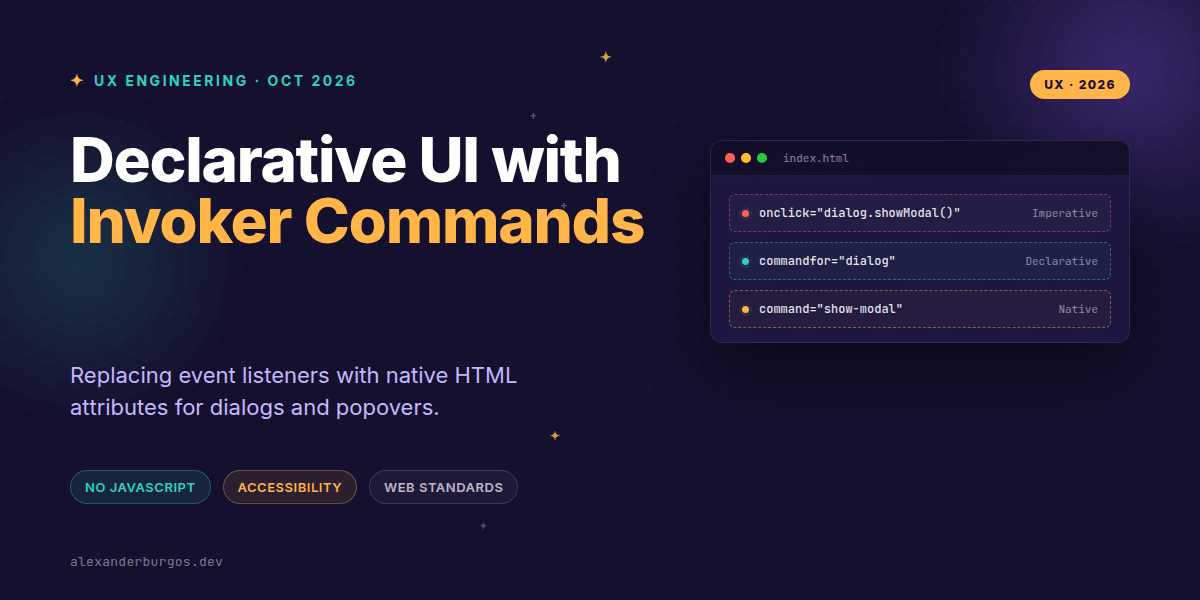
Right, let's talk about the death of the boilerplate event listener. We've all been there: writing yet another addEventListener('click', ... ) just to open a modal or toggle a menu, then worrying if we've handled the focus trap correctly.
The Invoker Commands API has changed the game. It allows us to control <dialog> and popover elements directly through HTML attributes, removing the need for imperative wiring while keeping the platform's accessibility benefits intact.
What exactly are Invoker Commands?
At its core, the API adds two new attributes to the <button> element: commandfor and command. It works a bit like how a <label> uses the for attribute to point to an input.
- commandfor: References the ID of the target element you want to control.
- command: Specifies the action to perform (like
show-modalortoggle-popover).
This isn't just a syntax sugar; it's a fundamental shift in how the browser understands intent. When a user clicks that button, the browser handles the interaction, resolves the target, and executes the command natively.
Goodbye, Dialog Boilerplate
I've lost count of how many times I've written code to show a modal. With Invoker Commands, the browser takes over the heavy lifting. Here's how simple it looks now:
<button commandfor="settings-dialog" command="show-modal">
  Open Settings
</button>

<dialog id="settings-dialog">
  <h2>User Settings</h2>
  <button commandfor="settings-dialog" command="close">Save & Close</button>
</dialog>
The show-modal command automatically triggers HTMLDialogElement.showModal(), which means you get the top-layer rendering and focus management for free. No JavaScript required to wire it up.
Handling Popovers and Menus
Popovers are another huge win. While we previously had popovertarget, Invoker Commands provide a more unified way to handle multiple actions. You can show, hide, or toggle popovers using clear, semantic commands.
<button commandfor="action-menu" command="toggle-popover">
  Actions
</button>

<div id="action-menu" popover>
  <button>Edit</button>
  <button>Archive</button>
</div>
Custom Commands for Design Systems
This is where it gets really interesting for those of us building design systems. You aren't limited to the built-in commands. You can define custom commands using a -- prefix.
While you still need a tiny bit of JS to handle the logic, the trigger remains declarative. This decouples the UI component from the implementation details.
<button commandfor="side-panel" command="--toggle-sidebar">
  View Details
</button>

<aside id="side-panel"></aside>

<script>
  const panel = document.getElementById('side-panel');
  panel.addEventListener('command', (event) => {
    if (event.command === '--toggle-sidebar') {
      panel.classList.toggle('is-expanded');
    }
  });
</script>
Accessibility and Focus
As a UX Engineer, accessibility is always my first concern. The beauty of this API is that it encourages the use of native elements. By using a real <button> as an invoker, you get keyboard support and screen reader recognition out of the box.
However, remember that the API isn't magic. If you use a custom command to change the state of a <div>, you still need to ensure that the ARIA attributes are updated and that focus is managed correctly. The browser handles the 'invoke' part, but you still own the 'experience' part.
Browser Support: We're Ready
It's rare to see such quick adoption across the board. Chrome and Edge led the way in April 2025, with Firefox following in October and Safari closing the loop in December 2025. By now, in late 2026, it's safe to say this is a standard tool in our kit.
Wrapping Up
- Use
commandforandcommandto handle dialogs and popovers without writing custom click handlers. - Leverage custom
--commandsto keep your design system triggers declarative while keeping complex logic in your JS. - Stick to native buttons and semantic targets to ensure your UI remains accessible by default.
I'd highly encourage you to go back to one of your existing projects and try replacing a few onclick handlers with these attributes. It feels incredibly clean to see the UI behavior described right there in the markup.
If you want to go deeper and learn how to build real, production-ready CSS design systems step by step, check out my full course here: CSS Design Systems Course
If you want the long-form version of this with 23 chapters and runnable code, Ship Your Design System on Amazon is the handbook.
For more tips on CSS architecture and UX engineering, you can find me on Twitter or connect with me on LinkedIn.