Ever wondered why some websites feel like they're fighting your mouse wheel? We've all been there: you click a tiny 'back to top' link and the page does a slow, cinematic crawl across 10,000 pixels of content while you wait, or worse, a script-driven focus change teleports you to a footer without warning. It's jarring, and it's usually because our code doesn't understand intent.
Right, let's talk about the gap between technical implementation and user experience. In the 2026 landscape of design systems, we're moving past simple 'smooth vs. instant' toggles. We're entering the era of intent-aware scrolling, where our components actually know whether a scroll was triggered by a human hand or a background process.
The Problem with Global Smooth Scrolling
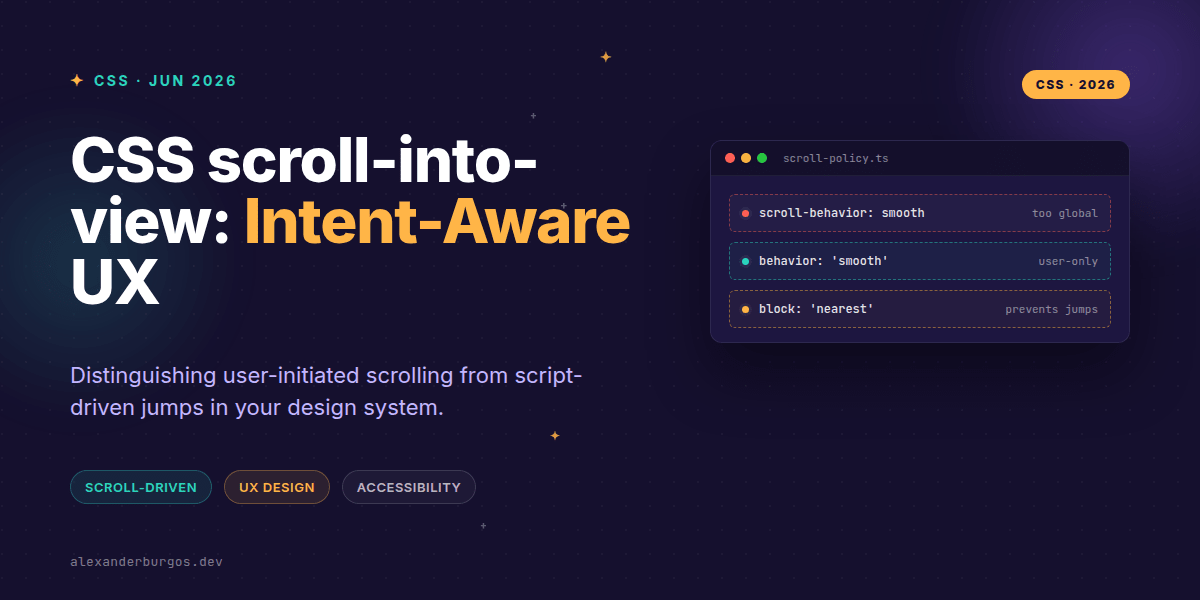
I've seen plenty of projects where someone adds scroll-behavior: smooth; to the html tag and calls it a day. It feels great for anchor links, but it creates a massive UX debt. When you programmatically focus an input field or a modal opens, that 'smooth' transition becomes a slow-motion drag that delays the user's ability to interact.
This is where Element.scrollIntoView() usually fails us. It's a DOM method, not a pure CSS function (yet!), but it's the primary lever we pull. The issue is that it doesn't inherently distinguish between a user clicking a navigation item and a script synchronizing an active state in a sidebar.
Encoding Intent into Your Design System
In my experience, the best way to handle this is by building a 'scroll policy' directly into your design system's utility layer. Instead of calling the native API raw, we wrap it to enforce rules based on the source of the action.
function scrollToElement(el, { isUserAction = false } = {}) {
  const options = {
    // Smooth for users, instant for the machine
    behavior: isUserAction ? 'smooth' : 'auto',
    // 'nearest' prevents the whole page from jumping unexpectedly
    block: 'nearest',
    inline: 'nearest',
  };

  // Respect the user's OS-level preferences
  if (window.matchMedia('(prefers-reduced-motion: reduce)').matches) {
    options.behavior = 'auto';
  }

  el.scrollIntoView(options);
}
Using block: 'nearest' is a massive pro-tip. One of the most common complaints on Stack Overflow is that scrollIntoView() causes parent containers or the entire body to shift in weird ways. 'Nearest' tells the browser: 'If it's already visible, leave it alone. If not, move the minimum amount possible.'
The Future: CSS View Timelines
While we wait for a formal scroll-into-view() CSS function, we can already use scroll-driven animations to track element visibility. By using view-timeline, we can expose the progress of an element as it enters the viewport and use that to trigger styles without a single line of JS 'onScroll' logic.
.card {
  view-timeline-name: --item-visible;
  view-timeline-axis: block;
}

@keyframes highlight {
  from { outline-color: transparent; }
  to { outline-color: var(--accent-color); }
}

.card-content {
  animation: highlight linear both;
  animation-timeline: --item-visible;
  animation-range: entry 10% contain 30%;
}
This allows the UI to react to the scroll position elegantly. When combined with our intent-aware JS helper, we get a system where the machine handles the logic, and CSS handles the visual feedback as the user arrives at their destination.
Wrapping Up
- Avoid global 'smooth' scrolling; it interferes with programmatic focus and accessibility.
- Wrap your scroll logic in a helper that treats user-initiated actions and script jumps differently.
- Use block: 'nearest' to prevent jarring layout shifts in nested scroll containers.
If you're building a design system today, don't just think about how elements look—think about how they move. Experiment with the view() and scroll() timelines to see how much of your scroll logic can be offloaded to the browser's compositor.
If you want to go deeper and learn how to build real, production-ready CSS design systems step by step, check out my full course here: CSS Design Systems Course
The long version with support labels and runnable demos is in Modern CSS 2026 on Amazon Kindle.
Let's keep the conversation going! Catch me on Twitter or LinkedIn to share your favourite scroll hacks.