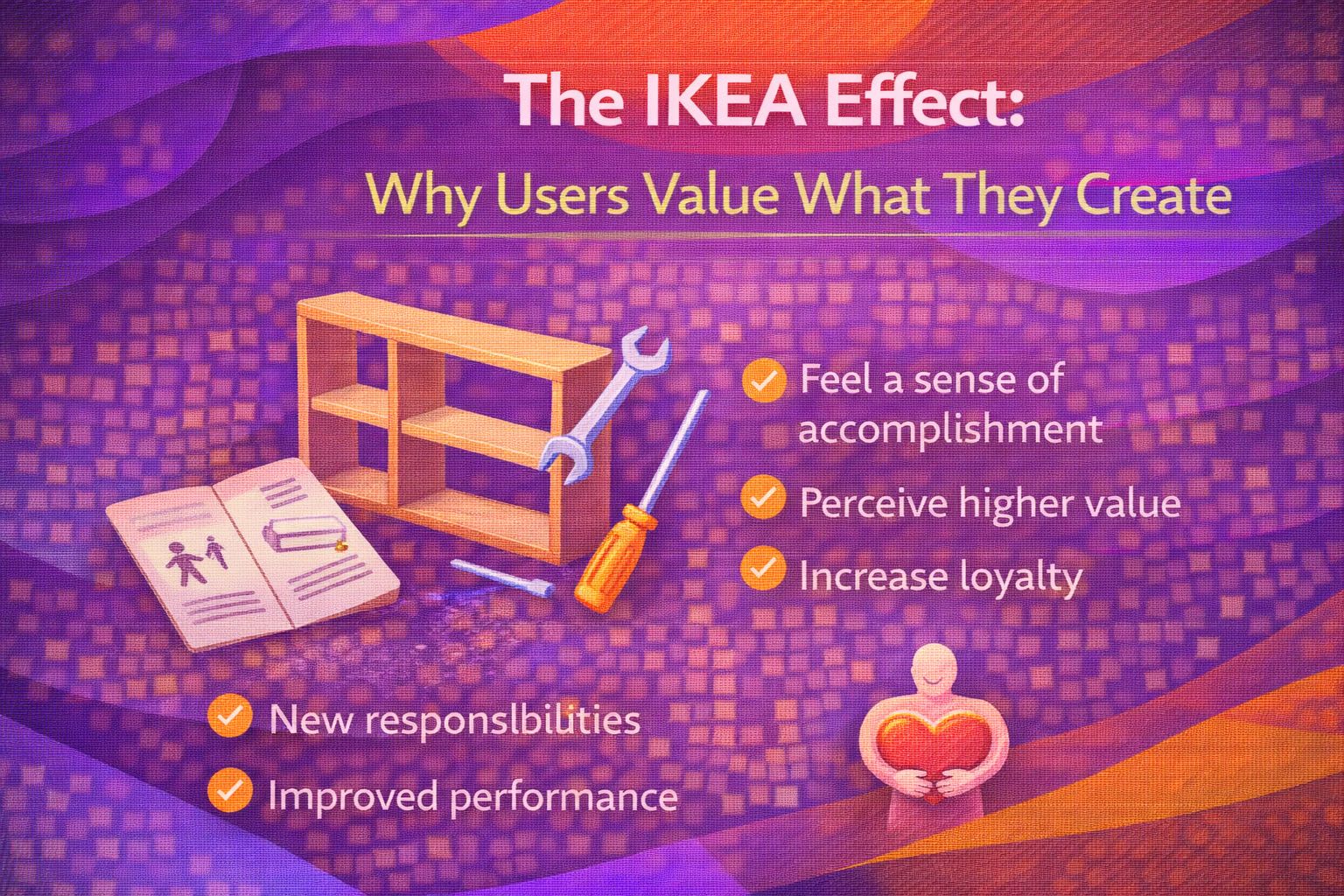
Ever wondered why that slightly wonky bookshelf you spent three hours assembling feels more precious than the designer piece you bought pre-built? You're not alone. There's a fascinating psychological quirk at play here, and in the world of UX design, it's a total game-changer.
It's called the IKEA Effect. Essentially, we place a disproportionately high value on products we've had a hand in creating. I've seen this play out time and again in digital products: when a user invests effort, they don't just see a tool; they see their tool. Let's dive into why this happens and how we can use it to build deeper user loyalty.
What Exactly is the IKEA Effect?
The term was coined by researchers Michael I. Norton, Daniel Mochon, and Dan Ariely in 2011. They found that participants were willing to pay more for furniture they assembled themselves than for the exact same items pre-assembled. The 'labour' wasn't a chore; it was a value-adder.
In UX engineering, this translates to 'Co-creation'. When we allow users to customise their dashboards, set up their own workflows, or even just pick their favourite accent colour, we're inviting them to invest effort. That effort builds a sense of ownership that's incredibly hard to break.
The Psychology of Effort and Reward
Here's the thing: humans have a fundamental need to feel competent. When we successfully navigate a complex setup or build a custom report, our brains release a hit of dopamine. We've 'mastered' the environment.
However, there's a catch. For the IKEA Effect to work, the task must be completed. If the instructions are so bad that you give up on the bookshelf, you'll actually end up hating it. In UX, this means our onboarding and customisation flows need to be perfectly balanced—challenging enough to feel rewarding, but easy enough to guarantee success.
Finding the 'Goldilocks Zone' of Friction
We often talk about 'frictionless' UX as the ultimate goal. But sometimes, a little bit of friction is actually a good thing. I like to call this 'Meaningful Friction'. If a process is too automated, the user feels no connection to the result. If it's too hard, they feel frustrated.
Real-World Examples in Digital Design
Think about Notion. Part of why people are so obsessed with it is that they've built their entire 'second brain' inside it. The effort of setting up those databases and templates makes it feel like a personal sanctuary. Moving to another tool would feel like losing a piece of work they've authored.
Another great example is Slack. During onboarding, they don't just give you a finished workspace. They guide you through creating your first channel and inviting your first teammate. By the time you're done, you've 'built' your office. You're invested.
How to Implement the IKEA Effect Safely
- Interactive Onboarding: Instead of a video tour, let users perform small, successful actions that contribute to their setup.
- Customisable Interfaces: Allow users to pin their most-used features or rename sections. This 'nesting' behaviour builds a sense of home.
- Progressive Disclosure: Don't overwhelm them. Let them 'unlock' more complex customisation as they become more proficient.
- Celebrate Completion: Use micro-interactions (like a confetti pop or a simple 'Well done!') to reinforce the feeling of achievement.
Wrapping Up
The IKEA Effect is a powerful tool in our UX kit, but it requires a delicate touch. It's about shifting from 'designing for users' to 'designing with users'. When we give people the tools to build their own experiences, we aren't just making our jobs easier—we're making our products more valuable to the people who use them.
- Labour leads to love: Users value what they help create.
- Completion is key: If the task is too hard and they fail, the effect vanishes.
- Meaningful friction: Don't automate everything; leave room for user mastery.
I'd encourage you to look at your current project. Where can you invite the user to 'tighten a screw' or 'assemble a shelf'? Start small, ensure they succeed, and watch their loyalty grow.
If you want to go deeper and learn how to build real, production-ready CSS design systems step by step, check out my full course here: CSS Design Systems Course
Got questions or want to share how you're using this? Drop me a message on LinkedIn - I always enjoy chatting about this stuff!