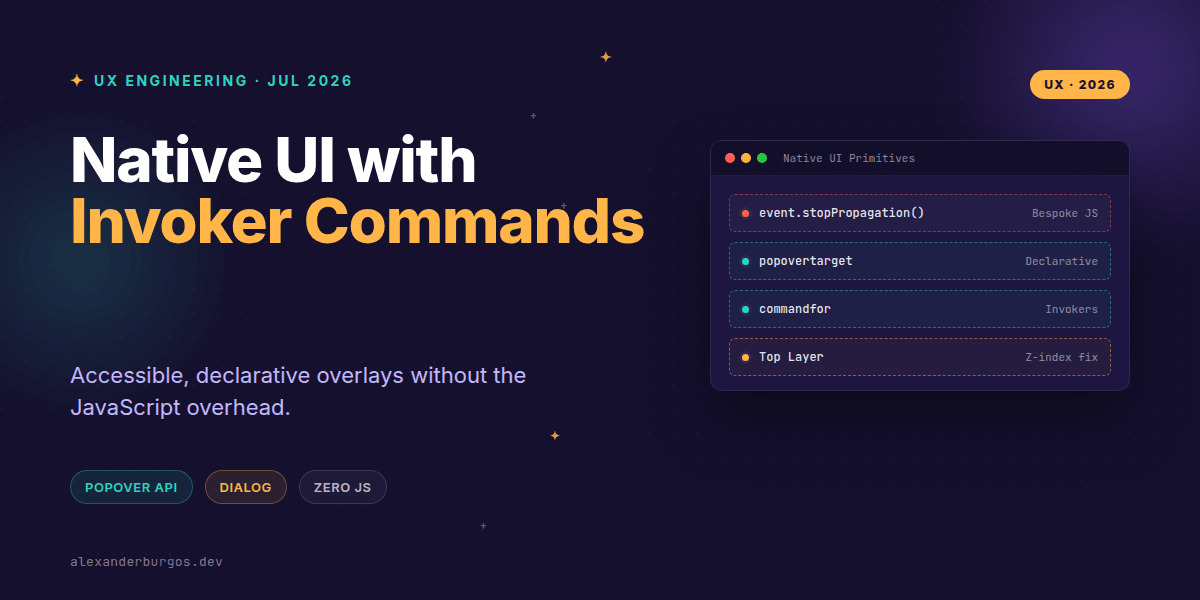
Right, let's talk about the constant struggle of building overlays. We've all been there: wrestling with z-index, manually trapping focus, and writing endless lines of JavaScript just to make a menu appear and disappear safely.
For years, we've relied on heavy libraries or complex custom implementations to handle basic UI patterns like tooltips, modals, and disclosures. But it's July 2026, and the web platform has finally grown up. We now have standardized, declarative primitives that do the heavy lifting for us.
The End of the Z-Index Wars
The Popover API is a game-changer because it introduces the concept of the Top Layer. When an element has the popover attribute, it's rendered in a special internal layer above everything else in the document. No more z-index: 99999 hacks.
Since January 2025, Popover has been available in all modern browsers. It handles the 'light dismiss' behaviour (clicking outside or pressing ESC to close) and focus management automatically. Here is how simple a menu looks now:
<button popovertarget="user-menu">Open menu</button>

<div id="user-menu" popover>
  <button>Profile</button>
  <button>Settings</button>
  <button>Sign out</button>
</div>
That's it. No useState, no addEventListener. The browser links the button and the div via the ID, ensuring that screen readers understand the relationship and that keyboard users can navigate intuitively.
Enter Invoker Commands
While Popover is great, the new Invoker Commands API takes things a step further. It allows buttons to control not just popovers, but dialogs, details elements, and even media players using two attributes: commandfor and command.
As of early 2026, this API has achieved baseline support across Chrome, Firefox, and Safari. It's the final piece of the puzzle for building interactive UI without the 'JS tax'.
<!-- Controlling a Modal Dialog -->
<button commandfor="my-modal" command="show-modal">
  Open Modal
</button>

<dialog id="my-modal">
  <p>This is a native modal!</p>
  <button commandfor="my-modal" command="close">Close</button>
</dialog>
I've found that using commandfor is much cleaner than the older popovertarget because it's more versatile. You can use it to toggle <details> tags or even mute a video element without writing a single line of script.
Common Pitfalls to Avoid
Even though these APIs are designed to be simple, I've seen a few common mistakes in the wild. First, don't confuse popovertargetaction with the Invoker command attribute. They look similar, but command is part of the newer, broader Invoker spec.
- Missing IDs: Both APIs rely on matching the
idof the target. If it doesn't match, it fails silently. - Custom Commands: If you want to define your own commands in JS, they must start with a double dash (e.g.,
command="--my-custom-action"). - Over-ARIA: Stop adding
aria-expandedmanually to these buttons; the native implementation often handles the state for you.
Why This Matters for UX
From a UX Engineering perspective, the performance gains are massive. We're shipping less code, which means faster Time to Interactive. More importantly, we're getting 'free' accessibility. Native elements handle focus trapping and screen reader announcements far better than most 10kb React libraries.
Wrapping Up
- Use the Popover API for non-modal overlays like menus and tooltips to get automatic top-layer placement.
- Leverage Invoker Commands (
commandfor) to control dialogs and disclosures declaratively. - Always test your focus flow—native elements do a lot, but you still need to ensure the logical order makes sense for your specific layout.
I'm genuinely excited to see these primitives becoming the standard. I'd encourage you to open a blank HTML file today and try building a nested menu using only these attributes. It feels like magic.
If you want to go deeper and learn how to build real, production-ready CSS design systems step by step, check out my full course here: CSS Design Systems Course
The long version with support labels and runnable demos is in Modern CSS 2026 on Amazon Kindle.
Catch me on Twitter for more CSS tips, or let's connect on LinkedIn to talk shop about Design Systems.