I'll be honest with you - I've spent way too many hours manually copying design tokens from Figma to my codebase. You know the drill: designer updates a colour, you screenshot the values, manually type them into your CSS variables file, create a PR, and pray you didn't make a typo somewhere. It's tedious, error-prone, and frankly, a bit soul-crushing.
So I went hunting for a better workflow. And I found one.
The Problem We're Solving
If you've worked with design systems, you know the pain:
- You somehow need to know about it (Slack message? Email? Telepathy?)
- You manually export or copy the values
- You translate them to your code format (JSON, CSS Variables, Style Dictionary)
- You create a pull request
- You hope nothing got lost in translation
It's not just slow - it's risky. One typo in a colour hex code and suddenly your primary button is bright pink instead of brand blue. Ask me how I know.
What I Actually Wanted
I wanted something dead simple:
- Automatic detection of what changed in Figma
- Multiple export formats (I work with CSS Variables mostly, but some projects need Style Dictionary)
- Direct PR creation to GitHub or Bitbucket - no manual file shuffling
- A diff view so I can see exactly what's changing before it hits the repo
Basically, I wanted the design token handoff to feel as smooth as any other part of my CI/CD pipeline.
The Solution: Figma to Git, Automated
After trying a few approaches (including a janky script I wrote at 2am that I'm not proud of), I found a Figma plugin called DS-Sync that does exactly this.
Here's what the workflow looks like now:
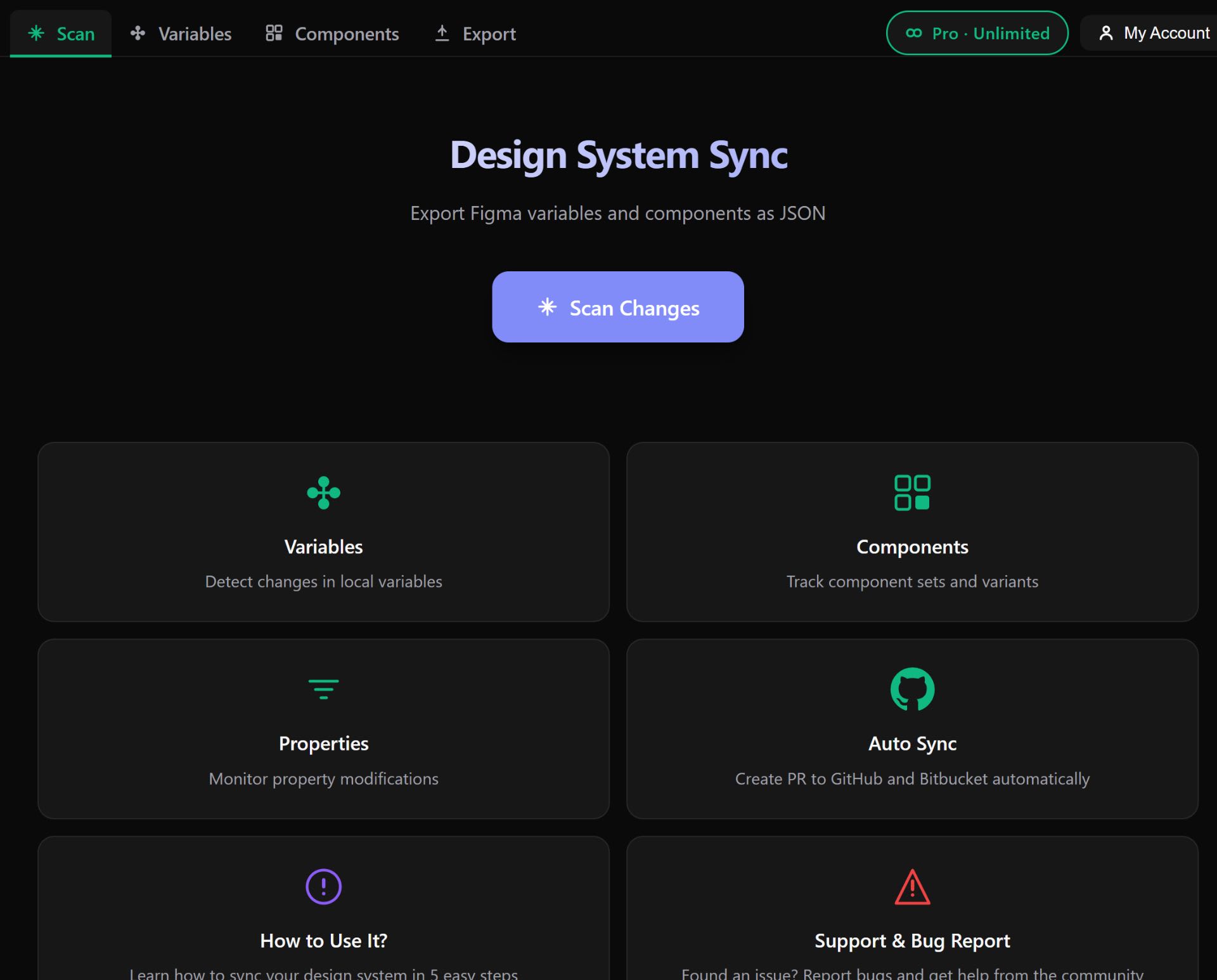
Step 1: Scan Your Design System
The plugin scans your Figma file and detects all your variables, components, and their properties. It shows you everything it found - colours, typography, spacing, the lot.
Step 2: Choose Your Export Format
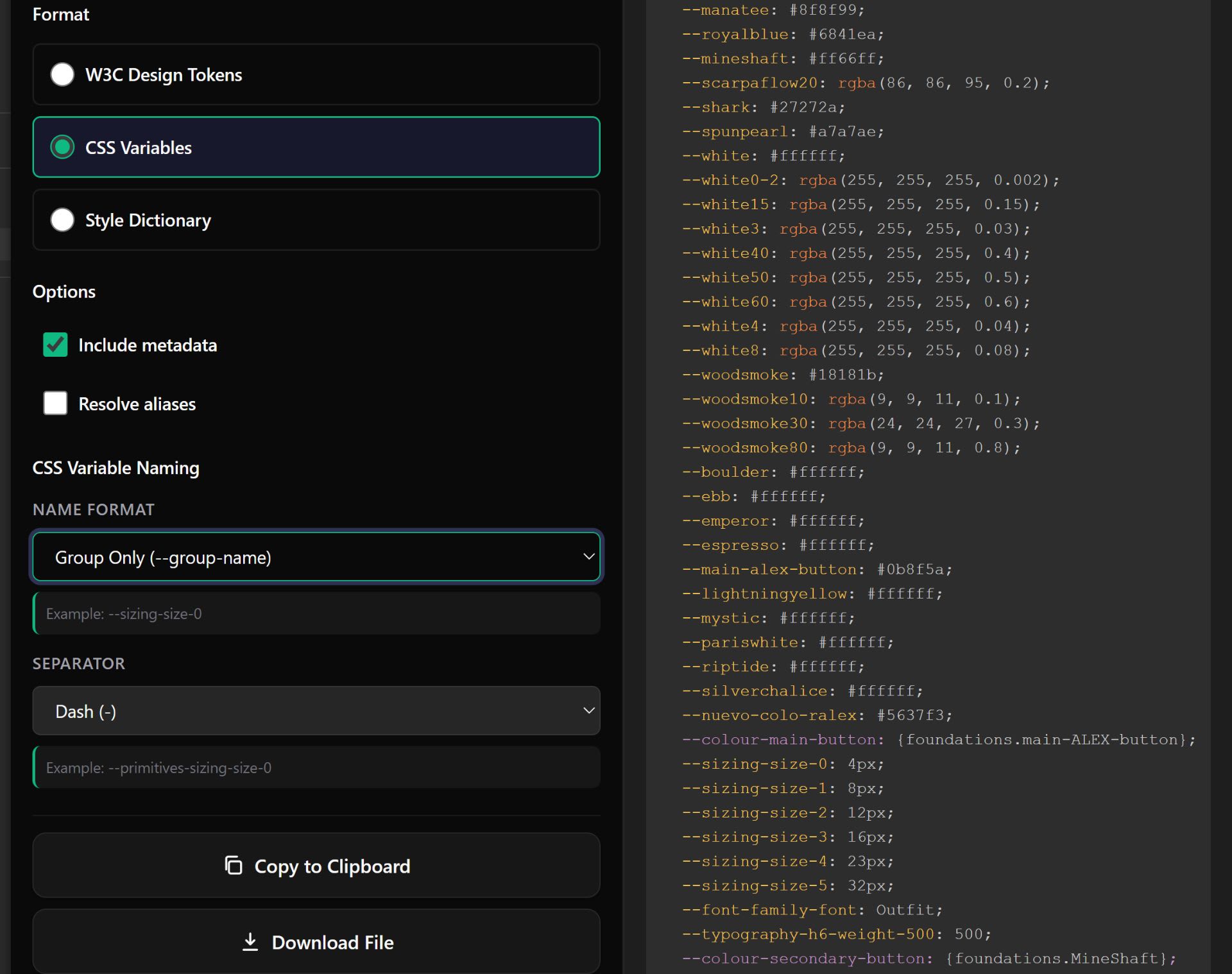
This is where it gets clever. You can export in:
- W3C Design Tokens format (the emerging standard)
- CSS Variables (my personal favourite for web projects)
- Style Dictionary format (if you're using that toolchain)
You can even configure the naming convention - whether you want --color-primary or --colorPrimary or whatever your team prefers.
Step 3: Compare Changes
Before anything goes to your repo, you get a side-by-side diff. Current values on the left, new Figma values on the right. Red for removals, green for additions. Proper version control vibes.
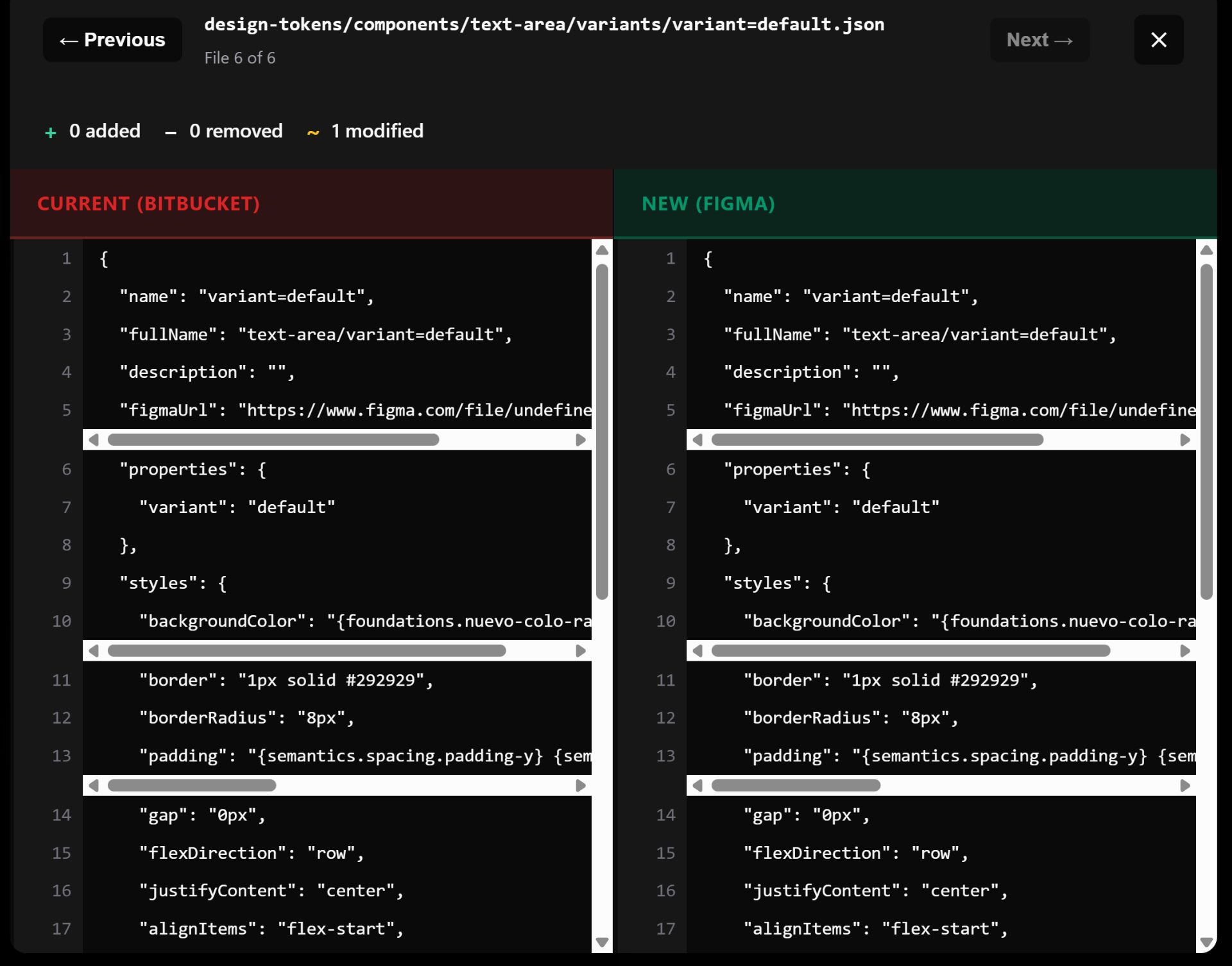
This saved me once when I nearly pushed a change that would've broken our entire colour system. The diff made it obvious something was off.
Step 4: Create a Pull Request
Here's the magic bit. Instead of downloading a file and manually creating a PR, the plugin connects directly to GitHub or Bitbucket and creates the PR for you.
It even generates a sensible PR description with:
- Summary of changes
- Number of tokens added/modified/removed
- Reason for change (if you add one)
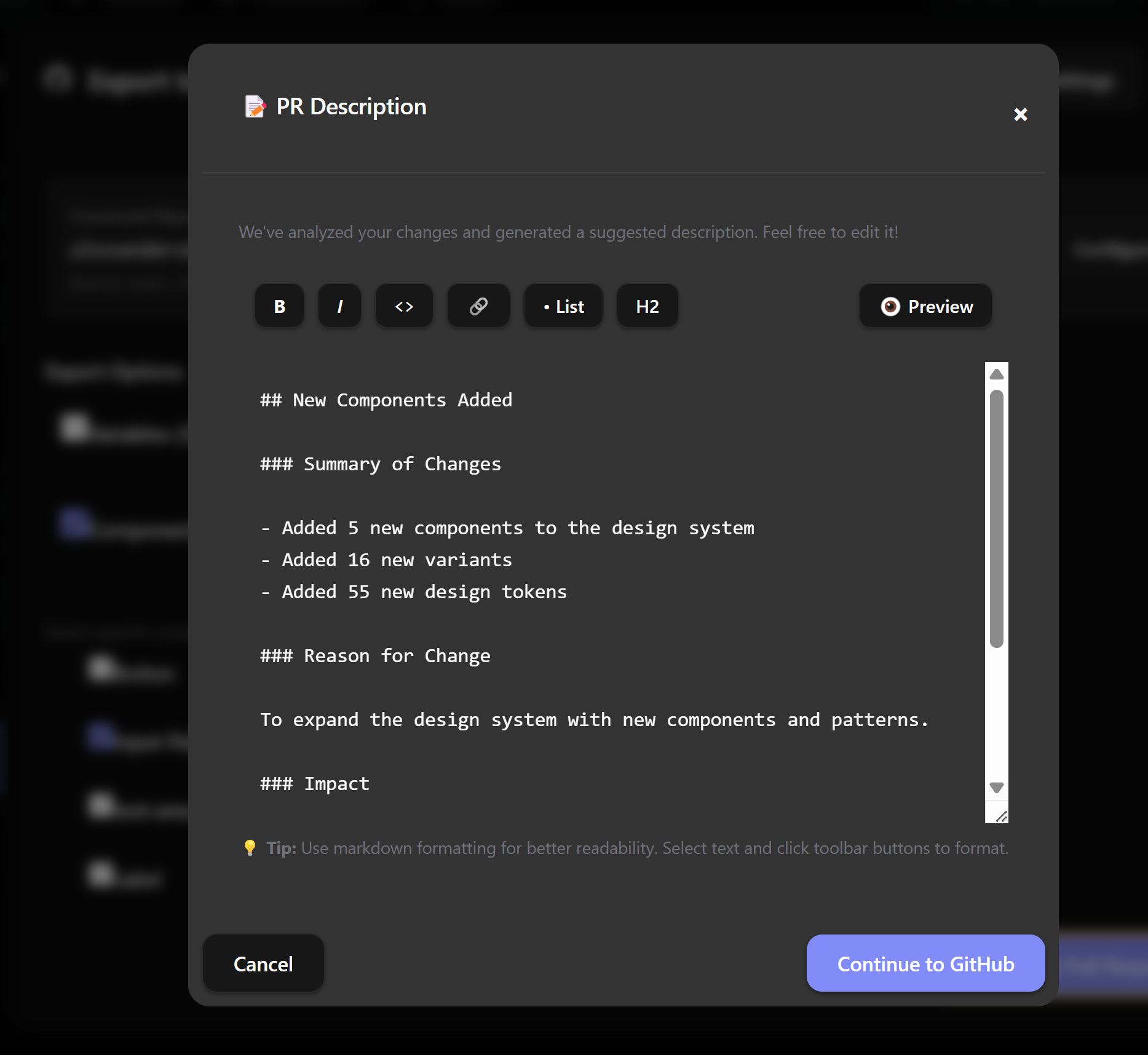
Your PR lands in your repo, ready for review. No copy-paste. No file downloads. No "wait, which branch was I supposed to push to again?"
Bonus: AI Code Generation
There's also an AI feature for generating component code from your Figma components. I've played with it a bit - you select a component, choose your framework (React, Vanilla, Web component), and it generates the code with your design tokens baked in.
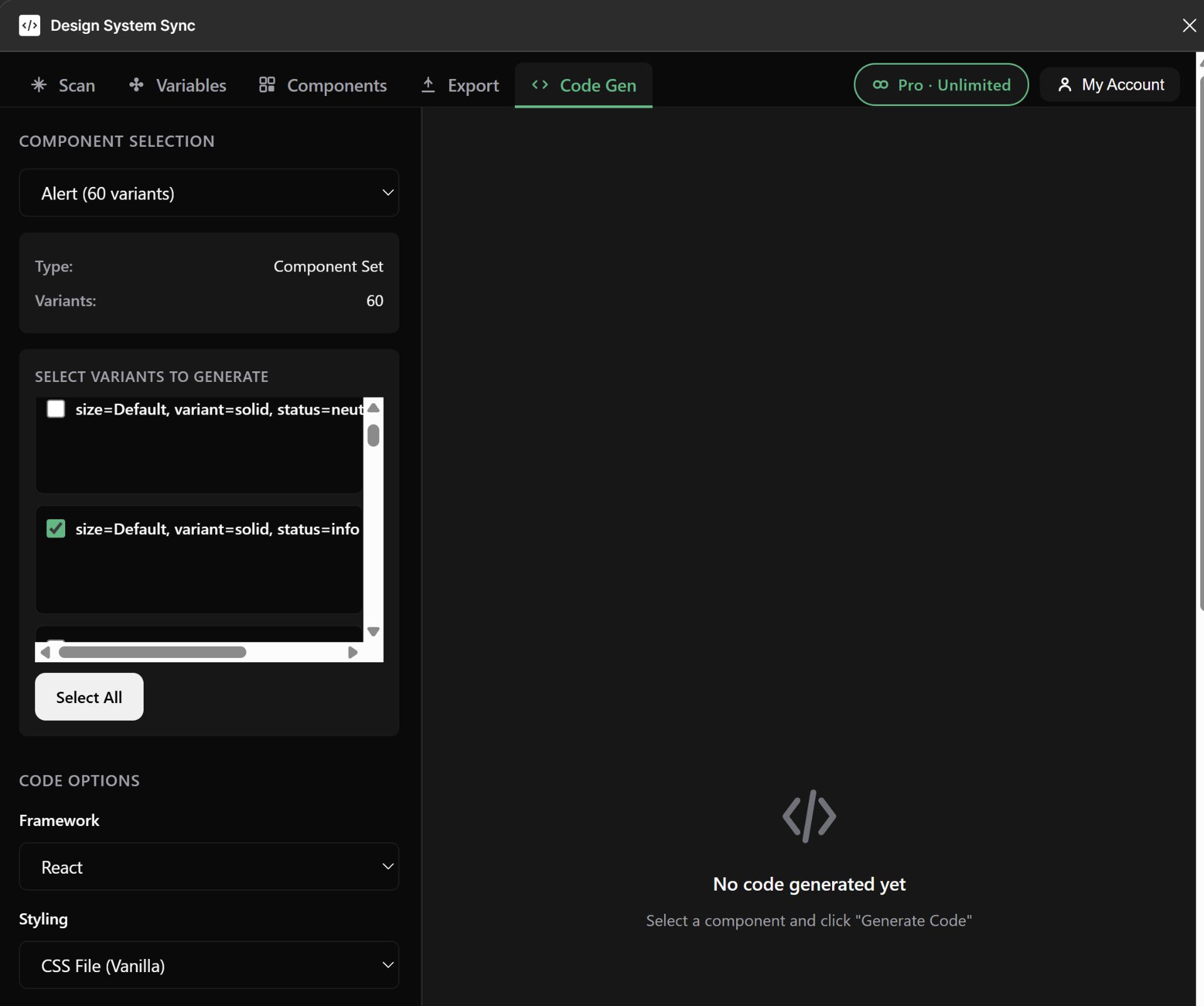
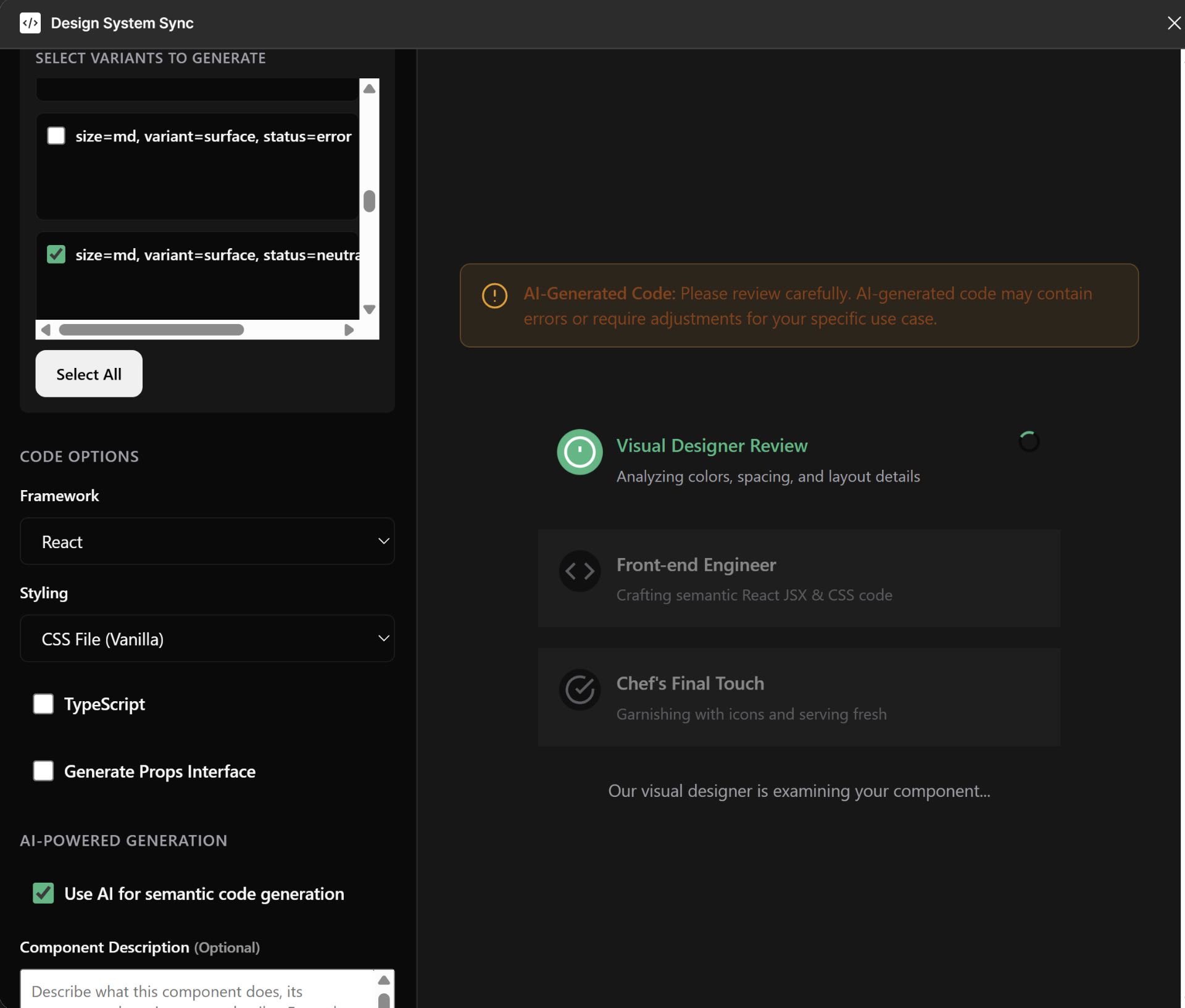
It's got a nice multi-step process where it analyses colours, spacing, and layout before generating the code:
And the output is actually usable - semantic HTML, proper accessibility attributes, your design tokens referenced correctly:
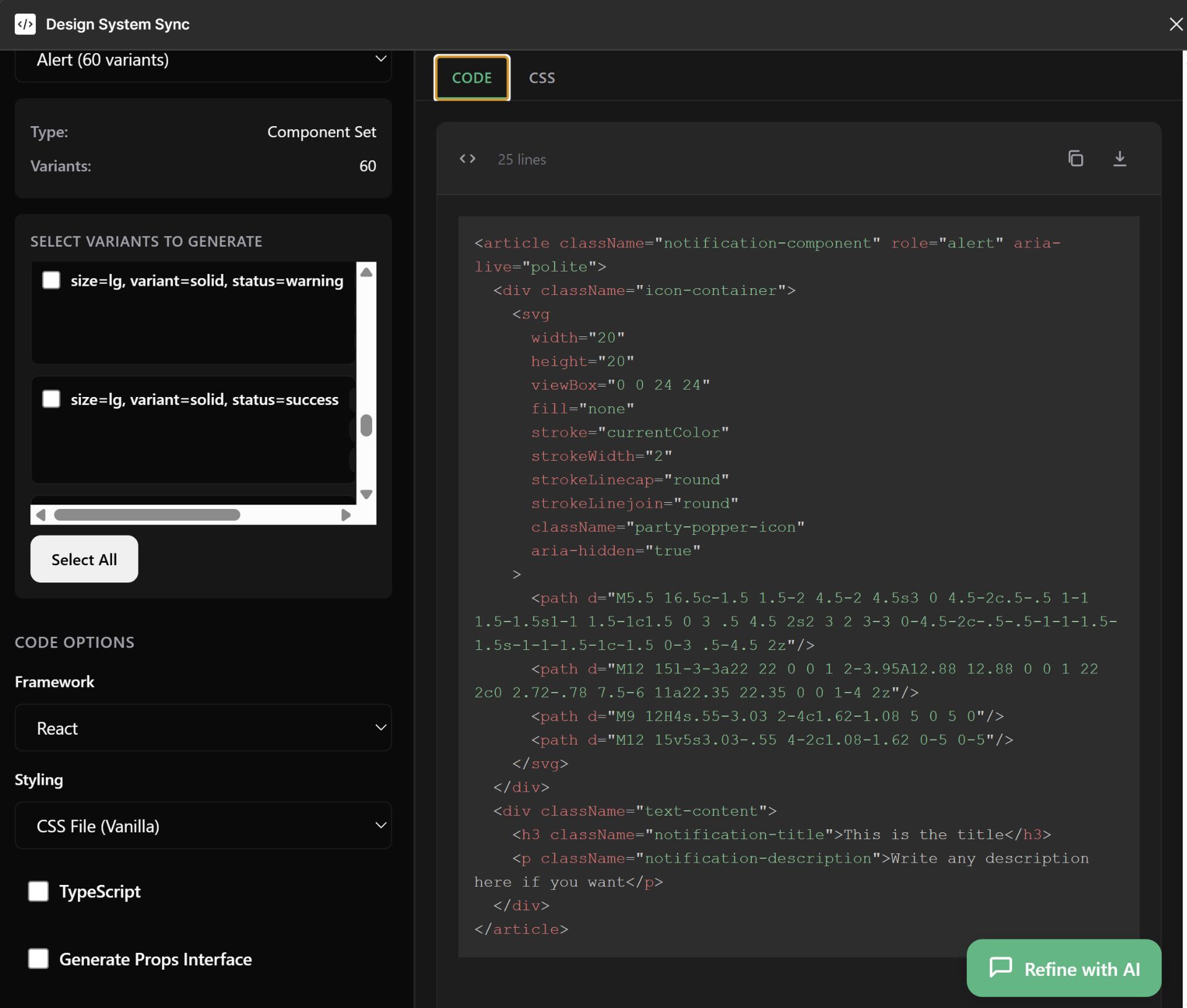
I wouldn't ship it without review, but it's a solid starting point that saves time.
The Actual Impact on My Workflow
Since setting this up, here's what changed:
- Token updates take minutes, not hours - designer changes something, I scan, review diff, create PR, done
- Zero typos - the values come straight from Figma, no manual transcription
- Better design-dev collaboration - the diff view makes discussions easier ("Hey, did you mean to change this spacing?")
- Audit trail - every token change is a PR with a description, so we know why things changed
Getting Started
If you want to try this workflow:
- Install the DS-Sync plugin from the Figma Community
- Connect your GitHub or Bitbucket account
- Configure your export format and naming conventions
- Run your first scan and create a PR
The free tier lets you try it out, and there's a pro version if you need unlimited exports.
Wrapping Up
Look, I'm not saying this is the only way to handle design tokens. But if you're tired of the manual copy-paste dance between Figma and your codebase, an automated workflow like this is worth exploring.
The best part? Once it's set up, you barely think about it. Token changes just... flow. And you can spend your time on the interesting problems instead of being a human copy-paste machine.
Have you got a different workflow for syncing design tokens? I'm always curious how other teams handle this - drop me a message or leave a comment. Always happy to geek out about design systems.