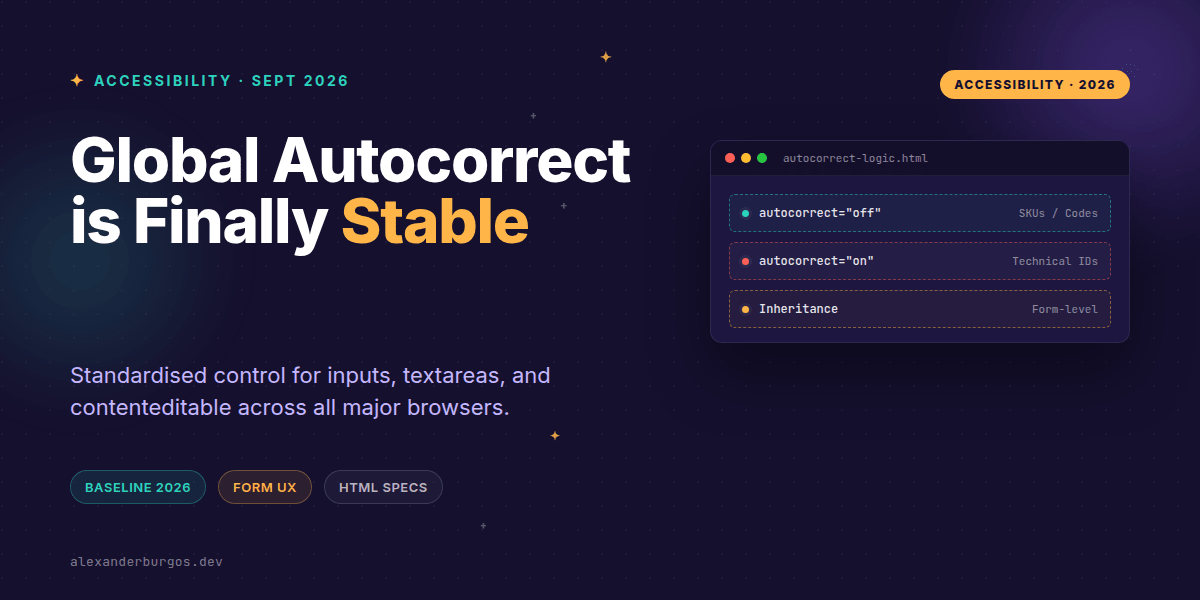
Right, let's talk about autocorrect. For the longest time, this little attribute felt like a secret handshake between iOS developers. It was non-standard, Safari-only, and a bit of a nightmare for consistency across platforms. If you were building a cross-browser design system, you just had to cross your fingers and hope users didn't get their product codes mangled by aggressive mobile keyboards.
That's officially changed. With the release of Chrome 152 and Edge 152 in mid-2026, the autocorrect attribute has officially hit Baseline status. It's now a standardised, cross-browser way to control how spelling and punctuation corrections behave on inputs, textareas, and even contenteditable surfaces. This is a massive win for form UX and data integrity.
The Technical Nitty-Gritty
According to the MDN documentation, autocorrect is an enumerated attribute. It has two primary states that actually matter for us as engineers:
- autocorrect="on" (or an empty string): This enables autocorrection. It's the default for most editable elements.
- autocorrect="off": This explicitly disables it. This is your best friend for technical fields.
One thing to watch out for: any value other than "off" defaults to "on". If you try to use autocorrect="false" or autocorrect="none", the browser will ignore your intent and keep correcting your user's text. Stick to the spec values to avoid those "why is this still happening?" debugging sessions.
<!-- The right way to do it -->
<input type="text" name="sku" autocorrect="off">

<!-- This will actually ENABLE autocorrect -->
<input type="text" name="sku" autocorrect="false">
Inheritance and Form-Level Control
I've found one of the most powerful features of the new spec is inheritance. If you're building a massive form where 90% of the fields are technical (think an API configuration screen), you don't need to sprinkle autocorrect="off" on every single input.
If you set the attribute on a <form>, it cascades down to its descendants—including input, textarea, and select. It's a clean way to manage defaults at the container level. However, there are some hard-coded exceptions you should know about.
Fields like type="password", type="email", and type="url" are effectively immune. The browser knows that autocorrecting a password or a URL is a recipe for disaster, so it stays off regardless of what you set the attribute to. It's a sensible guardrail that I'm glad the spec authors included.
Why This Matters for Design Systems
In my experience, design systems often fail at the edges—those small UX details that affect mobile users. Now that we have a standard, we can build smarter component defaults. For example, a CodeInput or MonospaceField component should probably have autocorrect="off" baked into its internal props.
On the flip side, for a CommentArea or FeedbackForm, you definitely want it on. It helps users communicate more clearly without worrying about typos. The key is intentionality. Don't just leave it to the browser default; think about the data being entered.
Validation and Data Integrity
We've all been there: a user enters a promo code like "SUMMER-2026", and their phone "helpfully" changes it to "Summer-2026" or adds a smart-quoted apostrophe. Suddenly, your strict backend validator throws a 400 error, and the user is frustrated. By using autocorrect="off" for tokens and identifiers, we preserve the integrity of the user's intent.
Common Gotchas to Avoid
Don't confuse autocorrect with spellcheck or autocomplete. They are separate tools in your kit. autocorrect is about the browser actively changing the text as you type. spellcheck is about the red squiggly lines, and autocomplete is about suggesting previously entered data. You'll likely want to coordinate all three for the best experience.
Also, be mindful of multi-language users. Autocorrection can be incredibly aggressive if a user is typing in a language different from their system settings. In those cases, having an easy way to toggle it off (or defaulting to off for specific fields) can be a huge accessibility win.
Wrapping Up
- Use
autocorrect="off"for any field that requires strict data integrity like SKUs, codes, or usernames. - Leverage form-level inheritance to set sensible defaults for groups of inputs.
- Remember that
emailandpasswordtypes handle this for you automatically.
I'd encourage you to go through your current design system's input components today. Check if you're still using old Safari-only hacks or if you've ignored this attribute entirely. It's time to standardise!
If you want to go deeper and learn how to build real, production-ready CSS design systems step by step, check out my full course here: CSS Design Systems Course
The full story including the testing layers and governance lives in Ship Your Design System on Amazon.
Let's keep the conversation going! You can find me sharing more CSS and UX tips over on Twitter or connect with me for a deeper professional chat on LinkedIn.