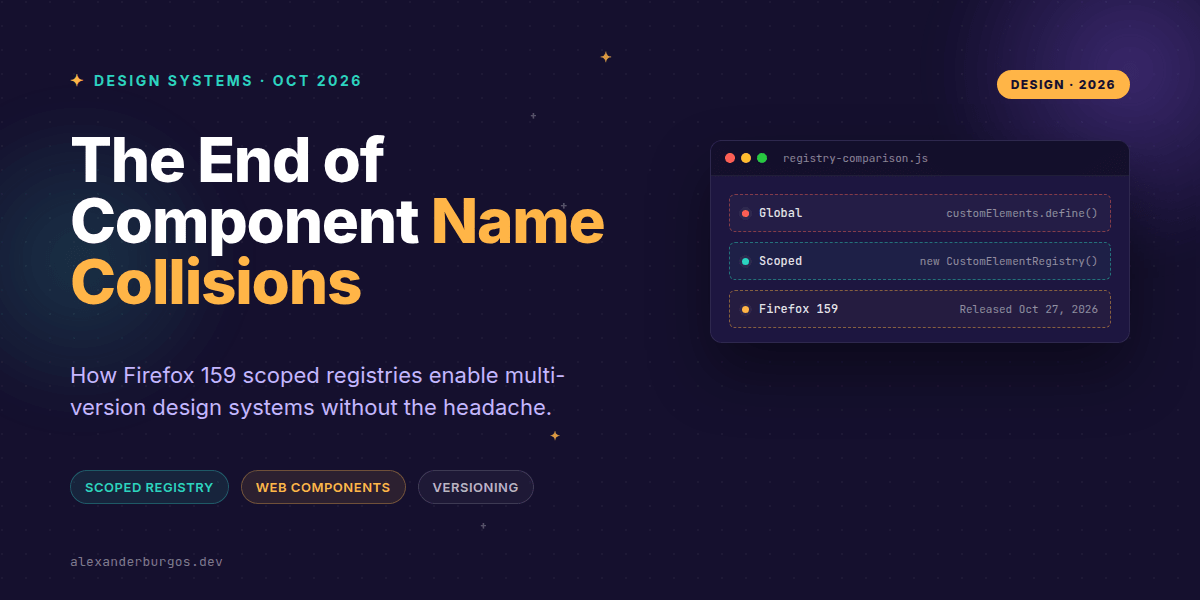
Okay, I'm genuinely excited about this. For years, one of the biggest headaches in the Web Components world has been the "global registry" problem. If you wanted to run two different versions of a design system on the same page, you were basically out of luck unless you enjoyed prefixing every single tag name with a version number.
But as of October 27, 2026, with the release of Firefox 159, that's finally changing. We now have support for scoped custom element registries. This means we can finally have <acme-button> v1 and <acme-button> v2 living happily side-by-side in the same document without a single collision.
The Problem with the Global Registry
In the traditional Web Components workflow, there's only one window.customElements registry. Once a name like my-component is taken, it's locked. If a third-party widget or an older version of your library tries to define that same name, the browser throws an error.
In large-scale organisations, this is a nightmare. I've seen teams forced to use ridiculous names like acme-button-v2-final-real just to avoid clashing with a legacy app shell. Scoped registries fix this by letting us create independent sandboxes for our elements.
How Scoped Registries Work
The magic happens by creating a new instance of CustomElementRegistry and attaching it to a specific Shadow Root. Here's what that looks like in practice:
// 1. Create independent registries
const v1Registry = new CustomElementRegistry();
v1Registry.define("acme-button", ButtonV1);

const v2Registry = new CustomElementRegistry();
v2Registry.define("acme-button", ButtonV2);

// 2. Associate them with different shadow roots
const host1 = document.querySelector("#legacy-app");
host1.attachShadow({ mode: "open", customElementRegistry: v1Registry })
     .innerHTML = "<acme-button>I am V1</acme-button>";

const host2 = document.querySelector("#modern-app");
host2.attachShadow({ mode: "open", customElementRegistry: v2Registry })
     .innerHTML = "<acme-button>I am V2</acme-button>";
In this example, both apps use the tag <acme-button>, but they resolve to entirely different class implementations. It's clean, it's isolated, and it's exactly what we've needed for enterprise-grade design systems.
Key APIs You Need to Know
- new CustomElementRegistry(): Creates a fresh, empty registry separate from the global one.
- attachShadow({ customElementRegistry }): The primary way to link a registry to a DOM subtree.
- CustomElementRegistry.initialize(root): A handy way to associate a registry with an existing subtree and trigger upgrades.
- Document.createElement(name, { customElementRegistry }): Allows you to programmatically create an element bound to a specific registry.
The "Gotchas" and Limitations
Before you rush to refactor everything, there are a few things to keep in mind. First, this isn't a "magic fix" for global names—calling window.customElements.define() twice with the same name will still fail. The reuse only works across different scopes.
Also, scoped registries currently don't support customised built-ins (like <button is="special-button">). If you try to use the extends option in a scoped define() call, the browser will throw a NotSupportedError.
Lastly, the registry is fixed once it's associated. You can't just swap a registry out for another one on the fly. An element's registry is its identity for its entire lifecycle.
Is It Ready for Production?
While Firefox 159's support is a massive milestone, MDN still marks these APIs as not Baseline. This means you'll need a solid feature-detection strategy or a polyfill if you're supporting Safari or Chrome users who haven't caught up yet.
const supportsScopedRegistries =
  typeof CustomElementRegistry === "function" &&
  "customElementRegistry" in ShadowRoot.prototype;
If you're building a library, I'd suggest using this as a progressive enhancement. It allows your users to opt-in to scoping if their browser supports it, while falling back to a unique naming strategy elsewhere.
If you want the long-form version of this with 23 chapters and runnable code, Ship Your Design System on Amazon is the handbook.
Wrapping Up
- Firefox 159 allows per-shadow-root registries, finally ending tag-name conflicts.
- Use
new CustomElementRegistry()to sandbox your component versions. - Remember that customised built-ins aren't supported in scoped registries yet.
I'd highly encourage you to spin up a Firefox Nightly or the latest stable build and try nesting two versions of a component. It feels like magic to see it finally work natively.
If you want to go deeper and learn how to build real, production-ready CSS design systems step by step, check out my full course here: CSS Design Systems Course
I'm always sharing new CSS and UX engineering finds on Twitter and LinkedIn. Let's connect and chat about how you're handling component versioning!