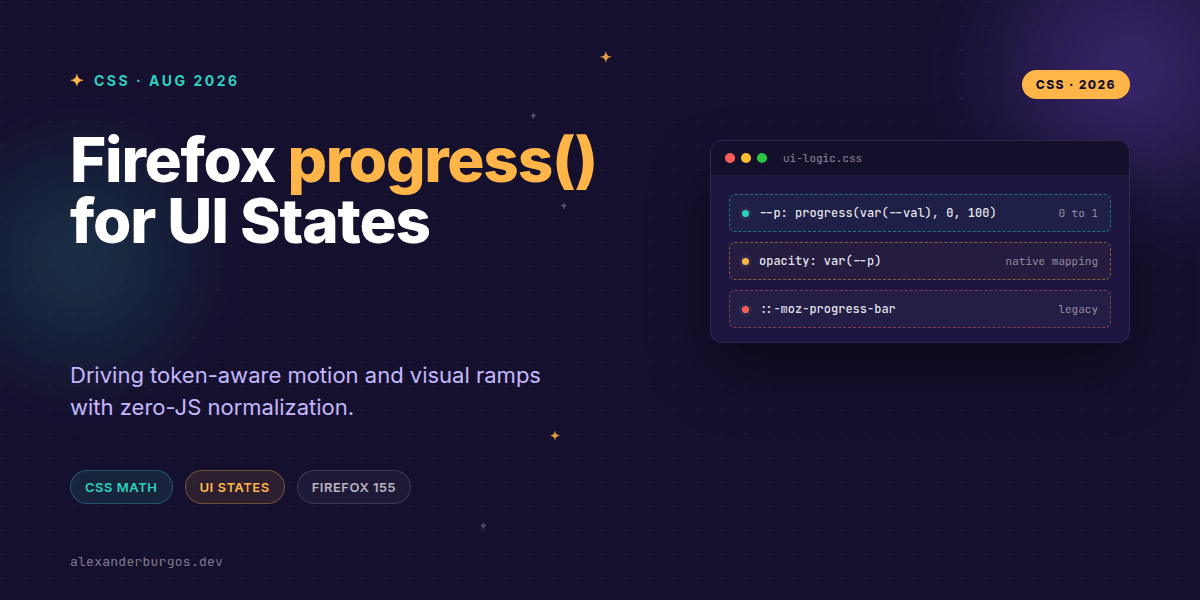
Right, let's talk about progress(). If you've ever found yourself writing a React useEffect just to map a scroll value or a range input to a CSS variable, you're going to love this. Firefox 155 has officially shipped support for the CSS progress() function, and it's a genuine game-changer for how we handle design system tokens.
I've been playing with the Nightly builds (where it landed in version 154) and now that it's hitting stable, it's time to rethink our state plumbing. We're moving away from 'calculating percentages in JS' to letting the browser's engine handle the math natively.
What exactly is progress()?
MDN describes progress() as a math function that returns a <number> representing the position of a value relative to a start and an end. In simple terms: it's a built-in normaliser. It takes three parameters: the current value, the lower bound, and the upper bound.
.element {
  /* progress(value, start, end) */
  --normalized: progress(var(--my-value), 0, 100);
}
If --my-value is 50, the result is 0.5. If it's 100, the result is 1. One of the best bits? It clamps. If your value drops below the start or shoots past the end, it stays within the 0 to 1 range. This is massive for preventing layout breakage when data gets messy.
Driving Design System Tokens
In a design system, we often have 'severity' levels or 'intensity' scales. Usually, we map these to classes like .is-low or .is-critical. With progress(), we can create a continuous ramp that feels much more fluid.
.alert {
  /* Map severity 0-3 to a 0-1 range */
  --level: progress(var(--severity), 0, 3);

  /* Use the normalized value to mix colours */
  border-color: color-mix(
    in srgb,
    var(--success),
    var(--danger) calc(100% * var(--level))
  );
}
Notice how we aren't using JavaScript to decide the colour? We just pass the raw severity number, and CSS handles the visual interpolation. It's cleaner, faster, and keeps our logic inside the stylesheet where it belongs.
Real-time Motion without the Jitter
I've found that using progress() for micro-interactions is where it really shines. Imagine a button that scales slightly based on a 'pressure' state or a loading progress. Instead of updating inline styles 60 times a second, you update one variable and let the browser's math engine do the heavy lifting.
.button {
  --p: progress(var(--state), 0, 1);

  /* Scale from 96% to 100% based on state */
  transform: scale(calc(0.96 + (0.04 * var(--p))));

  /* Darken the brand colour as state increases */
  background: color-mix(
    in oklch,
    var(--brand-500),
    var(--brand-700) calc(100% * var(--p))
  );
}
Common Pitfalls to Avoid
- It's not for styling <progress> elements: Don't confuse this with the old
::-moz-progress-bar. This is a math function, not a component selector. - Unit matching: Your value, start, and end should generally use the same units (or be unitless numbers) to keep the math predictable.
- Browser Support: While Firefox 155 is leading the charge, check your project's browser matrix. You might need a fallback or a
@supportsblock for Chromium and Safari for a little while longer.
Why this matters for UX Engineering
Every time we move logic from the script bundle to the CSS engine, we win. We get better performance, reduced main-thread activity, and more maintainable codebases. Using progress() allows us to treat our UI as a function of data in a way that feels incredibly natural.
Wrapping Up
- Firefox 155 brings
progress()to the stable channel, enabling native value normalization. - It's perfect for token-aware ramps, allowing you to drive colours and transforms with raw numeric data.
- Always remember that it clamps values between 0 and 1, providing a built-in safety net for your calculations.
I highly encourage you to open up Firefox Nightly or the latest Beta and start experimenting with these ramps. It'll change how you think about component states.
If you want to go deeper and learn how to build real, production-ready CSS design systems step by step, check out my full course here: CSS Design Systems Course
I cover the full pipeline in Ship Your Design System, 200 pages on Amazon Kindle.
For more tips on CSS architecture and design systems, catch me on Twitter or connect with me on LinkedIn.