We've all been there: you've built a slick, asynchronous notification system, but the screen reader just won't announce the updates. ARIA live regions have always been a bit of a dark art, requiring us to manage hidden DOM elements that must exist before the content changes to actually trigger an announcement.
It's often brittle, frustrating, and feels like a hack. But that's changing. With Firefox 150 onwards (and fully mature in Firefox 156), we finally have a standard-track, programmatic way to talk to assistive technologies: the ariaNotify API.
What is ariaNotify?
In simple terms, ariaNotify is a method available on the Document and Element interfaces that allows us to queue a string of text to be spoken by a screen reader. No more injecting empty divs with aria-live="polite" just to wait for a state change.
As the MDN documentation states, ariaNotify() queues a string of text to be announced, offering a much more ergonomic developer experience. Firefox release notes explicitly frame this as a "more ergonomic and reliable alternative to ARIA live regions."
// The new way to talk to screen readers
document.ariaNotify("Your settings have been saved!", { priority: "normal" });
Priority Mapping: High vs Normal
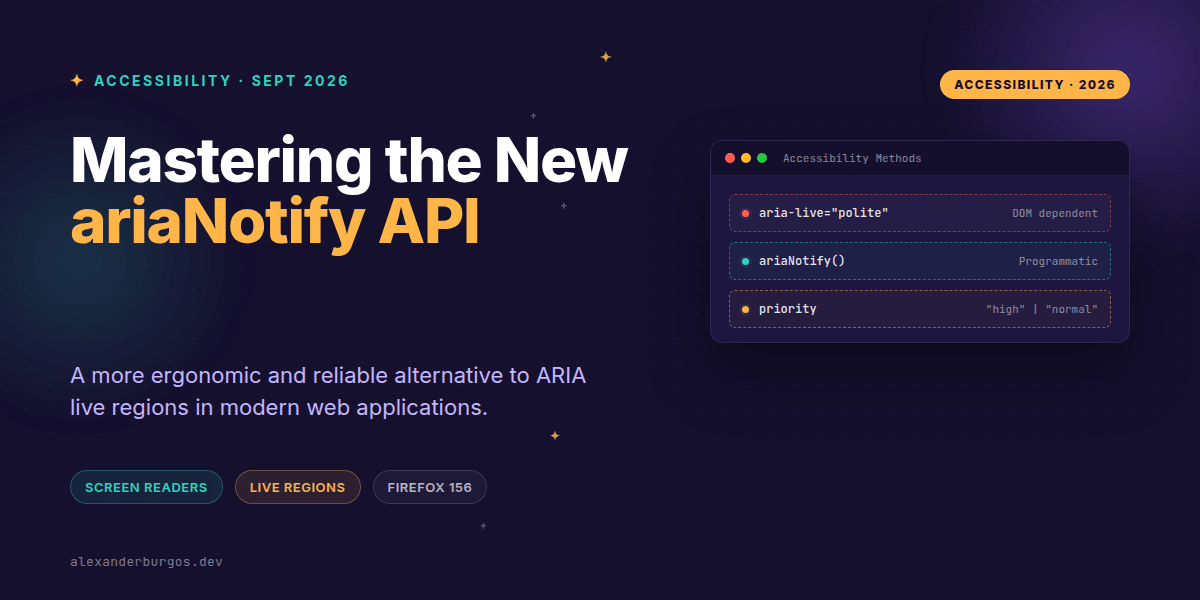
The API is currently streamlined, focusing on a single options object with a priority key. This maps directly to the concepts we already know from ARIA live attributes:
- priority: "normal" — The default. Equivalent to
aria-live="polite". It won't interrupt the screen reader if it's already speaking. - priority: "high" — Equivalent to
aria-live="assertive". Use this sparingly as it will interrupt current speech for critical updates.
Implementing in Design Systems
If you're managing a design system, you shouldn't just spray document.ariaNotify everywhere. One of the coolest features is that Element.ariaNotify() exists. When you call it on a specific element, the announcement inherits the lang attribute of that element or its nearest ancestor.
This is a massive win for multilingual UIs. If your checkout section is in French, calling checkoutElement.ariaNotify(...) ensures the screen reader uses the correct pronunciation rules.
function notifyUser(message, type = 'status', element = document) {
  const priority = type === 'critical' ? 'high' : 'normal';

  if (element.ariaNotify) {
    element.ariaNotify(message, { priority });
  } else {
    // Fallback logic for other browsers
    const liveRegion = document.getElementById('global-live-region');
    if (liveRegion) liveRegion.textContent = message;
  }
}
Common Pitfalls to Avoid
I've seen a few misconceptions floating around since this landed in Firefox. First, remember that ariaNotify does not change the DOM. If you need a visible status message for sighted users, you still need to update your UI. This API is strictly for the accessibility layer.
Secondly, don't ditch your fallbacks yet. While Firefox 150+ support is solid, the API is still in "Limited availability" across the broader browser landscape. Always feature-detect before calling the method.
Wrapping Up
- Use
ariaNotifyfor ephemeral, programmatic updates like 'File Uploaded' or 'Form Reset'. - Prefer
Element.ariaNotifyoverDocument.ariaNotifyto maintain proper language context. - Keep an
aria-livefallback for browsers that haven't implemented the spec yet.
I'm genuinely excited about this. It makes the bridge between our JavaScript logic and the screen reader so much cleaner. Give it a try in your next Firefox-compatible project and see how much boilerplate you can delete!
If you want to go deeper and learn how to build real, production-ready CSS design systems step by step, check out my full course here: CSS Design Systems Course
I cover the full pipeline in Ship Your Design System, 200 pages on Amazon Kindle.
Follow me on Twitter at https://x.com/alexandersstudi or connect on LinkedIn at https://www.linkedin.com/in/alexandersstudio/ for more UX engineering tips.