Right, let's talk about the elephant in the Zoom room: the European Accessibility Act (EAA). If you've been treating accessibility as a 'nice-to-have' or a ticket we'll get to in the next sprint, that era is officially over.
I've been watching the industry prepare for this shift, and it's not just another bureaucratic hurdle. It's a fundamental change in how we build for the web. From 28 June 2025, a massive range of private-sector digital products—from e-commerce to banking—must comply with strict accessibility standards or face some pretty eye-watering fines.
The Technical Benchmark: WCAG 2.1 AA
While the legal text of the EAA is broad, the technical benchmark we care about as engineers is WCAG 2.1 Level AA. This isn't just a suggestion; it's the baseline for ensuring your product is legally sellable in the EU market.
The European Commission's aim is to remove barriers across Member States by harmonising these rules. In my experience, this is actually a win for us. Instead of juggling 27 different sets of requirements, we have one clear, albeit rigorous, target.
Why Your Design System is the Front Line
If you're managing a design system, you're the gatekeeper. Fixing an accessibility issue at the component level is 100x cheaper than fixing it on 50 individual pages later. Let's look at the core UX requirements that need to be baked into your architecture.
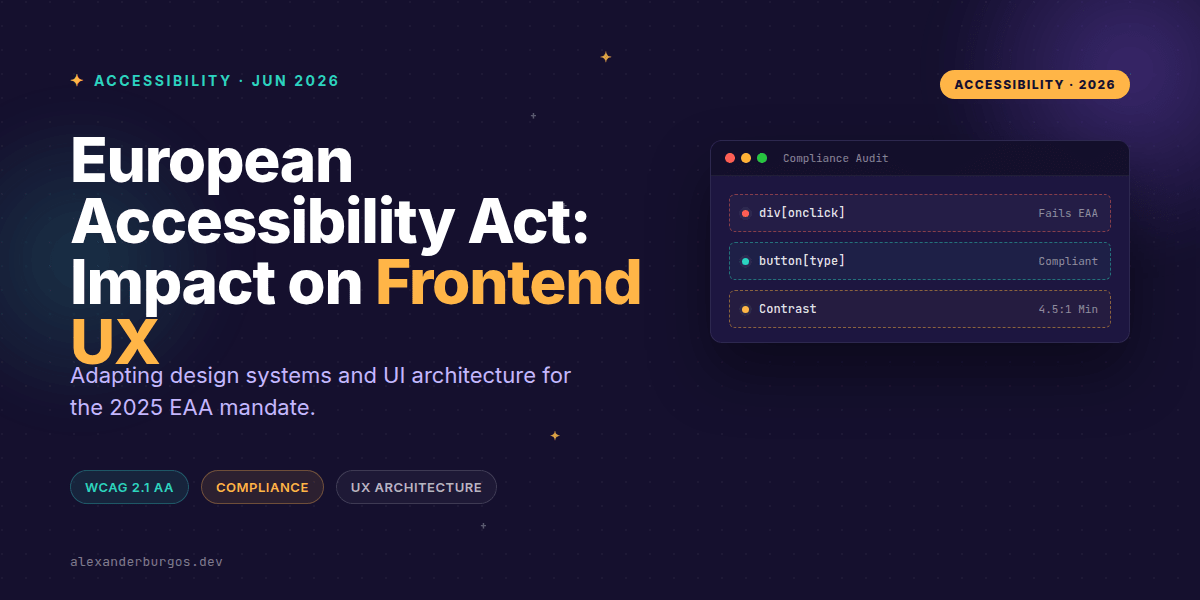
- Contrast Ratios: Text must hit at least 4.5:1 for normal text and 3:1 for large text. This isn't just a 'design thing'—it's a hard requirement.
- Touch Targets: We're looking at a minimum of 44×44 CSS pixels for pointer targets. This drastically affects mobile UI density.
- Semantic Structure: Every page needs an accurate, descriptive
<title>and a logical heading hierarchy.
Common Pitfalls & Anti-Patterns
I see the same mistakes popping up in audits. One of the biggest is the 'Placeholder-as-label' pattern. Using placeholders instead of real <label> elements breaks screen reader UX and is a direct fail. Another is relying on colour alone to convey status—like a red border for an error without an icon or text.
Code: From 'Div-Soup' to Compliant UI
Let's look at a classic example. We've all seen (or written) a button that isn't really a button. Under the EAA, this kind of 'div-soup' won't fly because it's invisible to keyboard users and many screen readers.
<!-- Non-compliant: No keyboard focus, no role -->
<div class="btn" onclick="submitForm()">Submit</div>

<!-- EAA Compliant: Semantic, accessible by default -->
<button type="submit" class="btn">
  Submit
</button>
Similarly, form fields need programmatic connections. If your error message isn't linked to your input via aria-describedby, a screen reader user might never know why their form submission failed.
<div class="field">
  <label for="email">Email address</label>
  <input id="email" name="email" type="email" aria-describedby="email-error" required>
  <p id="email-error" class="error" role="alert">
    Please enter a valid email address.
  </p>
</div>
The Cost of Non-Compliance
If the moral argument for accessibility doesn't move your stakeholders, maybe the financial one will. While it varies by Member State, some guides cite penalties ranging from €5,000 to €20,000 per violation. In extreme cases, we're talking about daily fines or even bans on product sales within the EU.
It's also a myth that this only applies to government sites. The EAA specifically targets private digital services like e-commerce, banking, and transport. If you're doing business in Europe, you're likely in scope.
Wrapping Up
- Target WCAG 2.1 Level AA as your absolute minimum technical benchmark.
- Audit your design system components for touch targets (44px) and colour contrast (4.5:1).
- Shift left: integrate accessibility testing into your CI/CD and design reviews rather than doing one-off audits.
Don't wait until June 2025 to start. Start by auditing your most-used components today—you'll be surprised how much of a difference a few semantic changes can make.
The full story including the testing layers and governance lives in Ship Your Design System on Amazon.
If you want to go deeper and learn how to build real, production-ready CSS design systems step by step, check out my full course here: CSS Design Systems Course
I'd love to hear how your team is preparing for the EAA. Catch me on Twitter or LinkedIn to chat all things UX engineering.