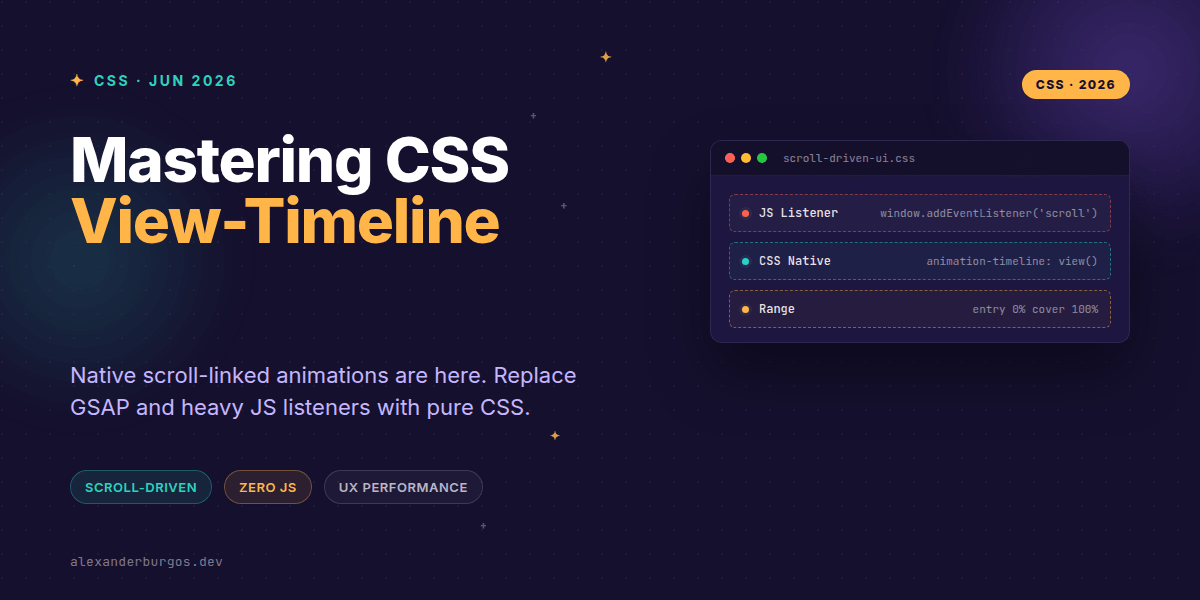
Ever wondered why we're still loading 50kb of JavaScript just to make a card fade in when it hits the viewport? I've been there, wrestling with scroll listeners and Intersection Observers, only to end up with a janky experience on lower-end devices.
The good news is that those days are officially behind us. The CSS Scroll-Driven Animations spec is now stable, and specifically, view-timeline is a game-changer for UX Engineers building production-ready interfaces. It's time to stop treating scroll effects as "demos" and start treating them as native CSS features.
The Shift from Time to Progress
Traditionally, CSS animations are time-based. You set a duration of 300ms, and the browser handles the rest. But for scroll-linked UI, time is irrelevant. What matters is the scroll progress.
As Josh Comeau perfectly puts it, when we use animation-timeline: view(), we change the behaviour so the animation is based on the element's progress through the viewport. If the user stops scrolling, the animation stops. If they scroll back up, it reverses. No manual state management required.
Replacing the 'Fade-In' JS Pattern
Let's look at the bread and butter of modern marketing sites: the scroll-triggered entrance. Instead of a GSAP ScrollTrigger or a complex Intersection Observer, we can now do this in a few lines of CSS.
@keyframes fade-in-up {
  from {
    opacity: 0;
    transform: translateY(30px);
  }
  to {
    opacity: 1;
    transform: translateY(0);
  }
}

.feature-card {
  animation: fade-in-up linear both;
  animation-timeline: view();
  /* Animation only runs while entering the viewport */
  animation-range: entry 0% entry 100%;
}
Notice the animation-range. This is the secret sauce. By setting it to entry, the animation starts precisely when the card's top edge hits the bottom of the viewport and finishes when the card is fully visible. No more guessing pixel offsets.
Advanced UI: Horizontal Product Carousels
It's not just about vertical scrolling. Think about those beautiful horizontal product carousels where the 'active' card grows or brightens as it reaches the centre. We can achieve this by binding the animation to a horizontal axis.
.product-item {
  animation: scale-up linear both;
  view-timeline-name: --item-scroll;
  view-timeline-axis: inline;
  animation-timeline: --item-scroll;
  animation-range: contain 0% contain 100%;
}
By using view-timeline-axis: inline, we tell the browser to track the element's progress across the horizontal scrollport. This is incredibly performant because it runs on the compositor thread, completely bypassing the main thread where your React or Vue logic lives.
The Production Gotchas You Need to Know
Since we're talking about real product UIs, we can't ignore the edge cases. I've found a few things that can trip you up when moving from JS to native CSS:
- Declaration Order: In WebKit,
animation-timelineMUST be declared after the shorthandanimationproperty, or it will be overwritten. - Accessibility: Always wrap these in
@media (prefers-reduced-motion: no-preference). Scroll-linked motion can be particularly nauseating for some users. - The 'Sticky' Trap: If an element is
position: sticky, its view-timeline progress behaves differently because the element isn't 'moving' relative to the viewport in the same way.
Scaling with timeline-scope
One of the most powerful features for complex UIs is timeline-scope. Normally, a timeline is local. But what if you want a header to change colour based on the scroll progress of a specific section deep in the DOM? By 'raising' the timeline name to a shared ancestor, unrelated components can subscribe to that scroll progress. It's like a CSS-native Context API for scroll.
Wrapping Up
- Use
view-timelineto link animation progress to an element's visibility in the viewport. - Leverage
animation-range(entry, exit, cover) to fine-tune exactly when the animation starts and ends. - Prioritise performance by moving scroll effects off the main JS thread and onto the CSS compositor.
I'd encourage you to pick one small component—maybe a 'back to top' button or a scroll progress bar—and refactor it from JS to view-timeline. The difference in smoothness is often immediately visible.
If you want to go deeper and learn how to build real, production-ready CSS design systems step by step, check out my full course here: CSS Design Systems Course
If this is the kind of thing you keep finding out late about, my book Modern CSS 2026 on Amazon is one chapter per shift, with honest support labels.
Let's chat about your scroll UI challenges! Connect with me on Twitter or LinkedIn to share what you're building.