Right, let's talk about the silent security gap in our stylesheets. For years, we've had robust tools in HTML to handle asset security—things like integrity hashes for scripts and crossorigin attributes for images. But in the CSS world? We've mostly just had to trust that the URLs we point to behave themselves.
That's finally changing. With the release of Chrome 150 and Edge 150, we've gained CSS url() request modifiers. This is a massive win for design system maintainers who need to ship fonts, icons, and theme files across multiple products without relying on developers to manually harden every single HTML tag.
What are Request Modifiers?
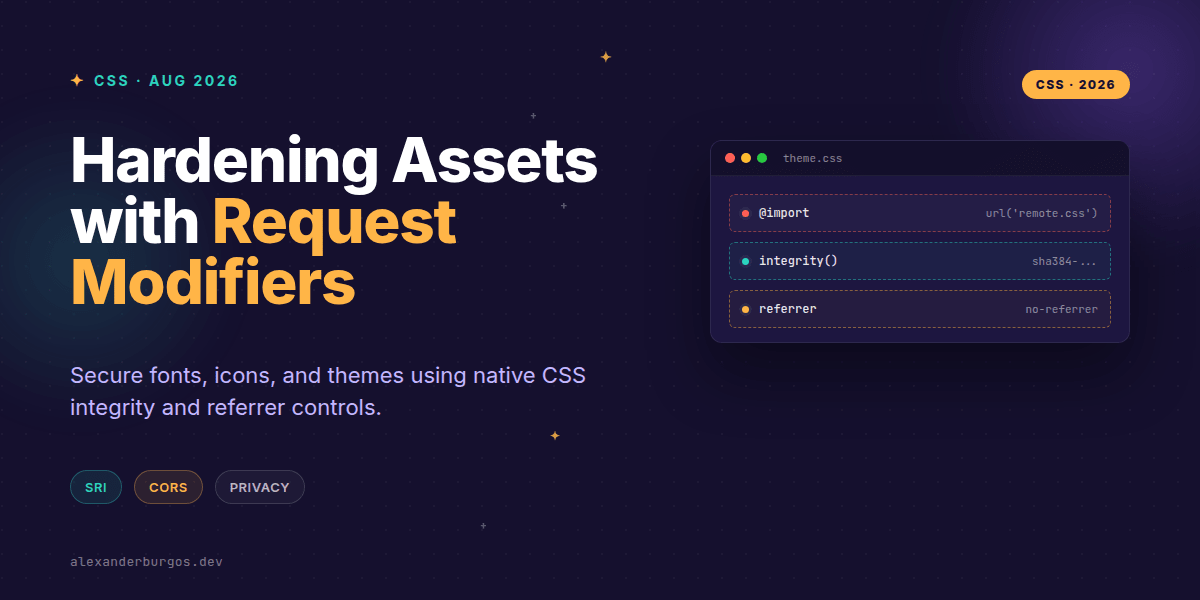
As noted in the Chrome 150 release notes: "CSS url() functions accept optional request modifiers after the quoted URL string: cross-origin(), integrity(), and referrer-policy()."
Essentially, these modifiers allow us to control the fetch behavior of a resource directly from our CSS. No more messing around with JavaScript loaders just to ensure a font is loaded with the right CORS credentials or verifying that a remote SVG hasn't been tampered with.
Pattern 1: Secure Cross-Origin Fonts
Fonts are the most common cross-origin asset in any design system. Usually, we just cross our fingers and hope the browser handles the CORS handshake correctly. Now, we can be explicit.
@font-face {
  font-family: "Inter";
  src: url("https://cdn.example.com/fonts/inter.woff2" cross-origin(anonymous));
}
By adding cross-origin(anonymous), we're telling the browser exactly how to request this file. This reduces ambiguity and helps prevent those annoying console errors when a CDN isn't perfectly configured for every edge case.
Pattern 2: Subresource Integrity (SRI) for Themes
I've often seen design systems that allow teams to @import specific theme layers (like a dark mode override) from a central CDN. The risk? If that CDN is compromised, someone could inject malicious CSS into your app. The new integrity() modifier fixes this.
@import url("https://cdn.example.com/themes/dark.css" integrity("sha384-BASE64_HASH"));If the file on the CDN doesn't match that hash perfectly, the browser simply won't load it. It's a massive security upgrade for distributed design systems.
Pattern 3: Privacy-First Icons
Referrer leakage is a real concern. When your CSS requests an icon from a third-party service, the Referer header can sometimes leak sensitive URL parameters from your application. The W3C Referrer Policy spec notes that this policy modifies how that header is populated.
.icon-secure {
  mask-image: url("https://cdn.example.com/icons/lock.svg" referrer-policy(no-referrer));
}
Using no-referrer ensures that the request for the SVG doesn't carry any information about where the user is currently navigating within your app.
Crucial Gotchas to Remember
Before you go refactoring your entire library, there are a few things I've noticed that might trip you up:
- CORS is still required: The
integrity()modifier isn't a bypass for server security. The remote server must still send the correctAccess-Control-Allow-Originheaders. - Browser Support: As of mid-2026, this is primarily a Chromium-based feature (Chrome/Edge 150). Always check your analytics to see if your Firefox or Safari users will be left without these protections.
- Operational Overhead: Using
integrity()means you need a solid CI/CD pipeline. If you update your CSS file on the CDN but forget to update the hash in your design system, you'll break your UI.
If you want the long-form version of this with 23 chapters and runnable code, Ship Your Design System on Amazon is the handbook.
Wrapping Up
- Use
cross-origin()to standardize how fonts and images are fetched across different environments. - Implement
integrity()for remote@importrules to prevent malicious code injection. - Apply
referrer-policy()to external assets to protect user privacy and prevent data leakage.
I'd encourage you to try these out in a staging environment today. It's a small change to your syntax that yields a massive improvement in the robustness of your frontend architecture.
If you want to go deeper and learn how to build real, production-ready CSS design systems step by step, check out my full course here: CSS Design Systems Course
Got questions about implementing these in your specific stack? Catch me over on Twitter or LinkedIn and let's chat.