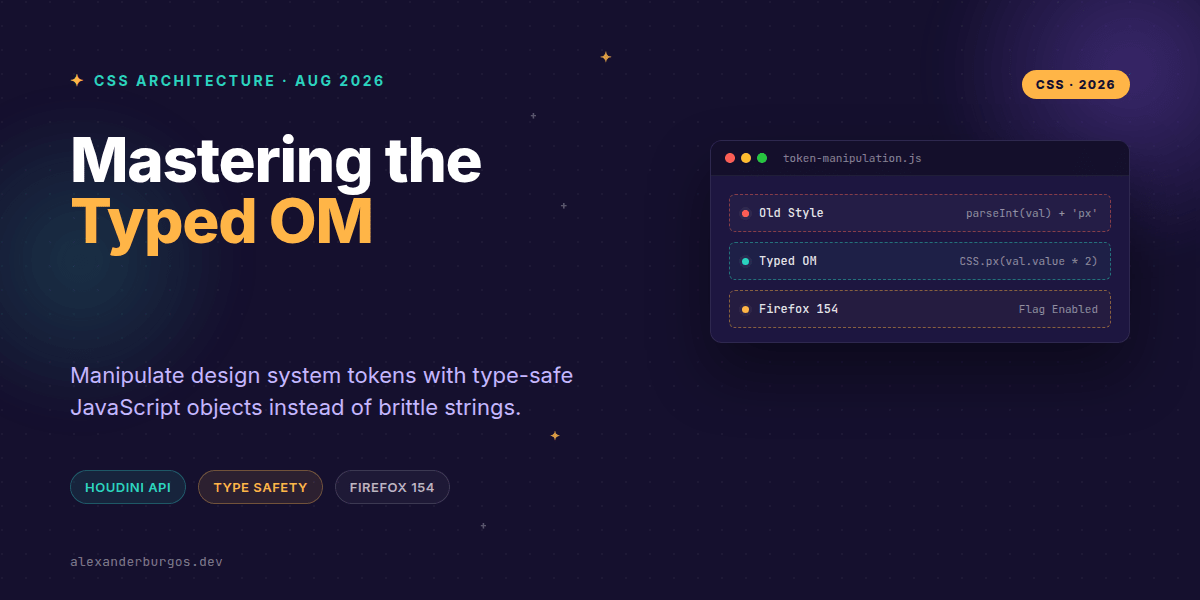
Right, let's talk about the nightmare that is string-parsing CSS. If you've ever built a design system component that needs to calculate a layout on the fly, you know the drill: you grab a computed style, it comes back as a string like "16px", and you have to slice off the last two characters just to do some basic maths. It's brittle, it's slow, and frankly, it feels a bit prehistoric.
But things are changing. With the release of Firefox 154, the CSS Typed Object Model (Typed OM) is finally landing (currently behind the layout.css.typed-om.enabled flag). This is a massive win for those of us working in the trenches of UX engineering and design systems. We're moving away from the old CSSOM string-heavy world and into a future where CSS values are proper JavaScript objects.
Why Strings Were Holding Us Back
For years, the CSS Object Model (CSSOM) has treated everything like a string. Whether it's a colour, a length, or a transform, the browser gives you a string and expects a string back. According to Chrome Developers, this leads to performant bottlenecks because the browser has to constantly serialise and deserialise these values.
In a design system, this is particularly painful. We deal with tokens—predefined values for spacing, typography, and colours. When we want to scale a spacing token programmatically (say, for a high-density UI mode), we end up writing regex or using parseInt(), which completely ignores the semantic meaning of the unit.
Enter the Typed OM
Typed OM is part of the Houdini effort, and it changes the game by exposing CSS values as structured objects like CSSUnitValue and CSSKeywordValue. As MDN puts it, it simplifies property manipulation by exposing these values as typed JavaScript objects.
Let's look at how we can safely set a spacing token using this new API. No more string templates required!
if (window.CSS && CSS.px) {
  const container = document.querySelector('.layout-grid');

  // Using attributeStyleMap instead of .style
  // We pass a typed CSS.px object directly
  container.attributeStyleMap.set('gap', CSS.px(24));
}
Arithmetic Without the Headache
One of my favourite things about Typed OM is how it handles arithmetic. Imagine you have a card component and you need to double its padding. In the old world, you'd have to check if the unit was px, rem, or em before doing the maths. Now, you just look at the .unit property.
const card = document.querySelector('.card');
const styles = card.computedStyleMap();
const padding = styles.get('padding-top'); // Returns a CSSUnitValue

if (padding.unit === 'px') {
  // Safe numeric manipulation
  const newPadding = CSS.px(padding.value * 2);
  card.attributeStyleMap.set('padding-top', newPadding);
}
This level of precision is what makes a design system robust. We aren't guessing what the value is; the browser is telling us exactly what it is in a format we can actually use.
The Firefox 154 Milestone
While Chrome has had Typed OM since version 66, Firefox's implementation is a huge milestone for cross-browser consistency. The Firefox 154 release notes confirm the API is now implemented, though you'll need to enable the flag in about:config for now.
This means we're getting closer to a world where we can build complex, high-performance UI components that interact with the CSS engine directly, without the overhead of string parsing.
Common Gotchas to Watch Out For
- Feature Detection: Don't just assume it's there. Always check for
window.CSS && CSS.numberbefore running your code. - Attribute vs. Computed: Use
attributeStyleMapfor inline styles andcomputedStyleMap()for the final calculated values. - Units Matter: A
CSSUnitValueis not a number. You can't just add 5 to it; you have to access the.valueproperty or use the built-in methods.
Wrapping Up
- Typed OM replaces brittle string parsing with type-safe JavaScript objects like
CSSUnitValue. - Firefox 154's implementation (behind a flag) brings us closer to universal support for this Houdini API.
- Using
attributeStyleMapandcomputedStyleMap()leads to more performant and readable design system code.
I'd encourage you to fire up Firefox Nightly, flip the flag, and try refactoring one of your layout components. It's one of those "aha!" moments where you realise just how much time we've wasted fighting with strings.
If you want to go deeper and learn how to build real, production-ready CSS design systems step by step, check out my full course here: CSS Design Systems Course
If you want the long-form version of this with 23 chapters and runnable code, Ship Your Design System on Amazon is the handbook.
Let's keep the conversation going! You can find me sharing more CSS tips on Twitter or connect with me for a deeper dive on LinkedIn.