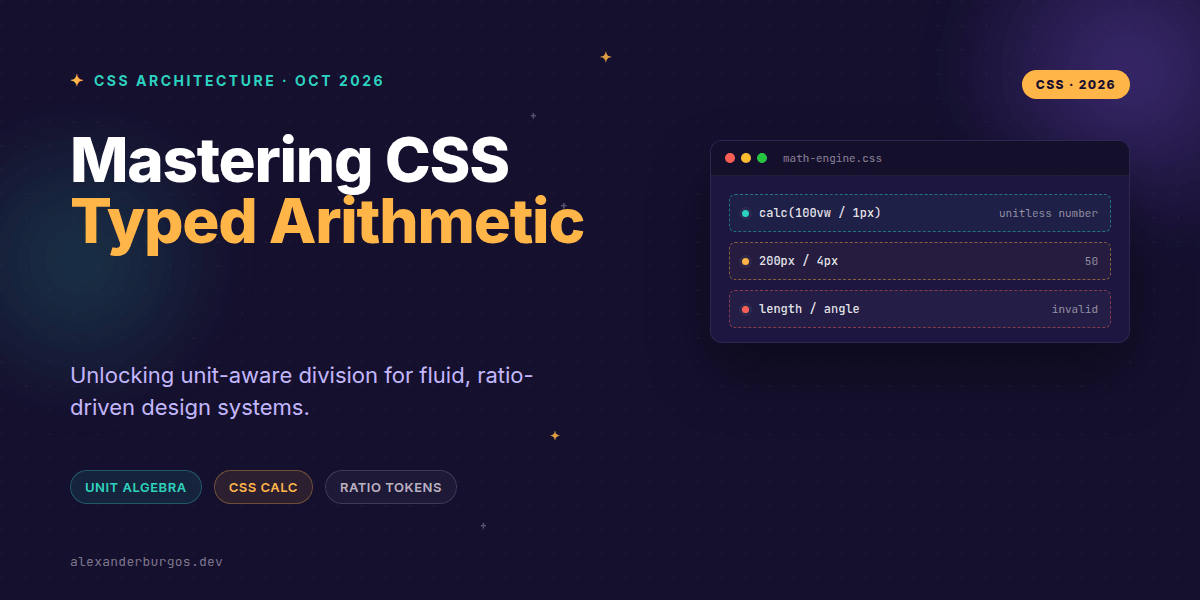
Okay, I'm genuinely excited about this one. It’s not every day we get a CSS update that fundamentally changes how we think about unit relationships, but Firefox 158 has just dropped something massive: CSS Typed Arithmetic.
For the longest time, calc() was a bit of a one-way street. You could add pixels to percentages or multiply a length by a number, but you couldn't easily "strip" a unit away to get a raw value. If you had 100vw and wanted to know how many pixels that was as a pure number, you were usually reaching for a ResizeObserver or some messy JavaScript.
With the release of Firefox 158 on October 13, 2026, those days are officially behind us. We now have unit algebra directly in the browser. Let’s look at why this is a game-changer for design systems and how we can finally stop using JS for basic responsive ratios.
The Magic of Unit Cancellation
The core of this update is the ability to divide two compatible typed values. When you divide a length by another length, the units cancel each other out. It's exactly like the high school physics we all tried to forget.
/* The new reality in Firefox 158+ */
.math-test {
  --raw-width: calc(100vw / 1px); /* Result: a unitless <number> */
  --simple-math: calc(200px / 4px); /* Result: 50 */
}
I've found this incredibly useful for creating "unitless bridges." By dividing 100vw by 1px, you get a number representing the viewport width in CSS pixels. You can then use that number in other calculations that don't allow units, or use it to create complex non-linear scales.
Ratio-Driven Design Tokens
In a robust design system, relationships matter more than fixed values. We often want our typography or spacing to maintain a specific ratio relative to the content container. Before typed arithmetic, we had to hard-code these ratios or pre-calculate them.
Now, we can compute ratios on the fly based on our authored dimensions. Check this out:
:root {
  --content-width: 1200px;
  --measure: 65ch;
  /* We calculate the ratio between the measure and the total width */
  --measure-ratio: calc(var(--measure) / var(--content-width));
}

.prose {
  /* We can now apply that ratio to any container! */
  width: calc(100% * var(--measure-ratio));
  max-width: var(--measure);
}
Because the quotient (--measure-ratio) is unitless, we can multiply it back by a length (like 100%) to convert it back into a valid CSS length. It’s elegant, it’s declarative, and it keeps your logic inside the CSS file where it belongs.
Next-Level Responsive Sizing
Where this really shines is when you mix it with modern layout tools like Container Queries. Imagine a card component that needs to adjust its internal spacing not just based on a media query, but based on its own relative "squishiness."
.card {
  /* Calculate how wide we are relative to a standard 20rem base */
  --ratio: calc(100cqi / 20rem);

  /* Scale the gap and radius based on that ratio */
  --gap: clamp(0.75rem, calc(var(--ratio) * 1rem), 2rem);

  padding: var(--gap);
  border-radius: calc(var(--ratio) * 0.5rem);
}
This lets your components respond to available space with a level of mathematical precision we simply didn't have before. The relationship stays intact regardless of the environment.
The Gotchas: Don't Break the Math
Before you go and refactor your entire codebase, there are a few rules to keep in mind. CSS math is strict about types.
- Compatible Types Only: You can divide a length by a length (px, rem, vh), but you can't divide a length by an angle (deg, rad). The units must be in the same category.
- Zero is Still Dangerous: While CSS follows IEEE-754 standards, dividing by zero won't crash the browser, but it will result in an invalid value that breaks your layout.
- Order Matters: Remember that
100vw / 2gives you50vw(a length), but100vw / 1pxgives you a unitless number. Don't mix them up! - Feature Detection: Since this is new in Firefox 158, you should wrap critical logic in
@supports.
@supports (width: calc(100vw / 1px)) {
  .dashboard {
    --viewport-px: calc(100vw / 1px);
    --scale: clamp(0.8, calc(var(--viewport-px) / 1440), 1.2);
    font-size: calc(var(--scale) * 1rem);
  }
}
The plugin I use to handle this in real client work is DS Sync, free for up to five exports a month.
Wrapping Up
- Unit algebra allows for unit cancellation, turning lengths into raw numbers.
- This enables complex, ratio-driven design systems without relying on JavaScript for layout calculations.
- Always use
@supportsto ensure your designs don't break on older browsers that don't support typed division yet.
I'd love to see what kind of fluid systems you build with this. Go ahead and experiment with container query units and see how much JS you can delete!
If you want to go deeper and learn how to build real, production-ready CSS design systems step by step, check out my full course here: CSS Design Systems Course
Got questions about unit algebra? Let's chat over on Twitter or connect with me on LinkedIn.