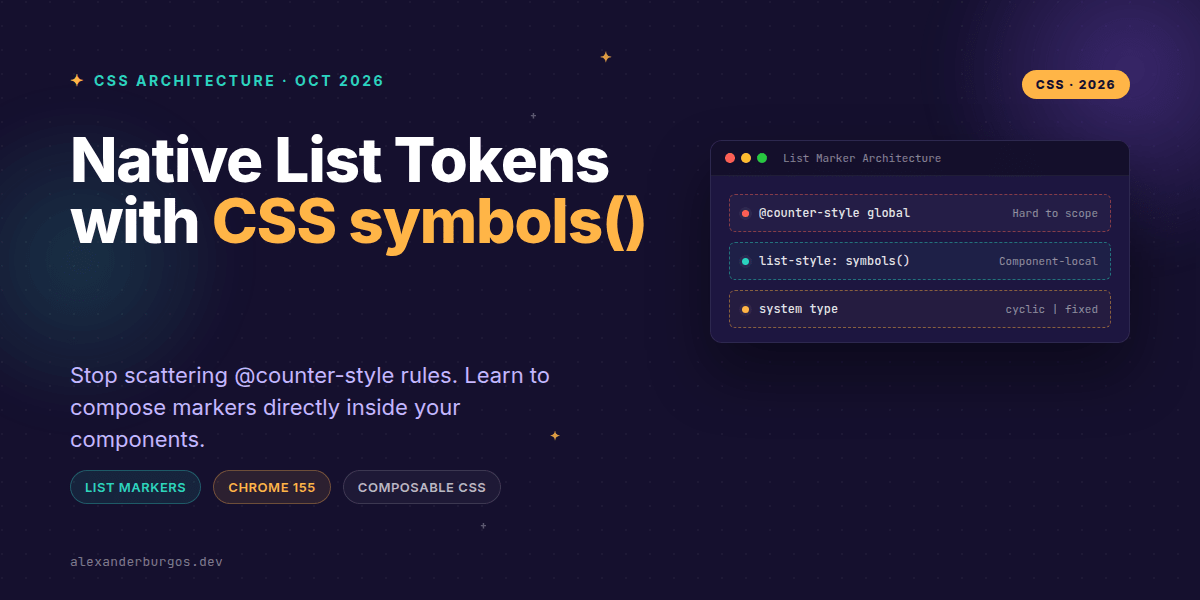
Right, let's talk about the mess that is list marker management. If you've ever tried to create custom, branded bullets or stepped progress indicators in a design system, you've likely hit the same wall I have: the @counter-style rule.
Don't get me wrong, @counter-style is powerful. But it's a global at-rule. It lives in the global scope, it needs a unique name, and it's often far away from the actual component that uses it. With the release of Chrome 155 on 6 October 2026, we finally have a better way to handle these local styles: the symbols() function.
What is the symbols() function?
In short, symbols() is an inline, anonymous version of a counter style. It allows you to define exactly how a list should look directly within your list-style-type or list-style declaration. No naming required, no global namespace pollution.
The syntax is incredibly straightforward. You pick a system type—like cyclic for repeating bullets or fixed for a specific sequence—and then provide the characters or images you want to use. Here's a quick look at the grammar:
symbols(<symbols-type>? <string-or-image>+)I'm genuinely excited about this because it treats list markers as what they usually are in a design system: local component tokens rather than global document styles.
Solving the 'Global Name' Problem
In a large-scale design system, naming things is the hardest part. If I want a list with custom checkmarks, I used to have to do something like this:
/* Global CSS */
@counter-style ds-checkmark-list {
  system: cyclic;
  symbols: "✓";
  suffix: " ";
}

/* Component CSS */
.ds-checklist {
  list-style-type: ds-checkmark-list;
}
Now, we can co-locate that logic. The component owns its marker. It's much cleaner and easier to maintain. Let's look at how we'd handle a status list using the new function:
.status-list {
  list-style: symbols(cyclic "✓" "!" "×");
}
It's concise, it's readable, and it's right there where you need it. If you're building a React component, you can even pass these symbols in as props and apply them via CSS variables, making your markers fully dynamic.
Choosing Your System Type
The power of symbols() comes from the different system types available. I've found that three of them cover about 90% of design system needs:
- cyclic: Great for custom bullets. It just loops through the symbols you provide forever.
- fixed: Perfect for 'Step' indicators where you have a set number of items (e.g., Phase 1, Phase 2, Phase 3).
- numeric/alphabetic: Useful when you want to use specific glyphs as numbers (like circled digits).
Here's a practical example of a 'Step' component using the fixed system:
.onboarding-steps ol {
  list-style-type: symbols(fixed "Start" "Middle" "Finish");
}
The Design System Angle: Composable Tokens
The real win for UX Engineers is how this interacts with CSS variables. We can define our marker characters as tokens and then compose the symbols() function at the component level.
:root {
  --ds-icon-success: "✓";
  --ds-icon-error: "×";
}

.ds-list--success {
  list-style-type: symbols(cyclic var(--ds-icon-success));
}

.ds-list--error {
  list-style-type: symbols(cyclic var(--ds-icon-error));
}
This avoids that dreaded 'naming collision' in the global @counter-style registry. It also means your markers can react to themes. If your dark mode needs a different glyph, you just update the variable.
A Few Gotchas to Watch Out For
Before you rush out and refactor every list in your codebase, there are a few things you need to keep in mind. First, symbols() is anonymous. You can't reference it by name. If you have a very complex counter style that needs to be reused in 50 different places, a named @counter-style is still the right tool for the job.
Second, the syntax is space-separated, not comma-separated. I've personally made this mistake three times already this week. It's symbols(cyclic "A" "B"), not symbols(cyclic, "A", "B").
Lastly, browser support. While Chrome 155 has landed, this isn't yet 'Baseline' across all browsers. You'll want to use a fallback for now to ensure your users aren't left with broken lists.
.list {
  list-style-type: disc; /* Fallback */
}

@supports (list-style-type: symbols(cyclic "•")) {
  .list {
    list-style-type: symbols(cyclic "◆" "◇");
  }
}Wrapping Up
- Use
symbols()for local, component-specific list markers to keep your global CSS clean. - Leverage CSS variables within the function to make your markers themeable and composable.
- Remember that
@counter-styleis still better for complex, highly reusable global styles.
I'd encourage you to experiment with this in your next component update. It's a small change that makes a huge difference in the maintainability of your CSS architecture.
If you want to go deeper and learn how to build real, production-ready CSS design systems step by step, check out my full course here: CSS Design Systems Course
The full story including the testing layers and governance lives in Ship Your Design System on Amazon.
Let's keep the conversation going! Connect with me on Twitter or LinkedIn to share how you're using these new CSS features.