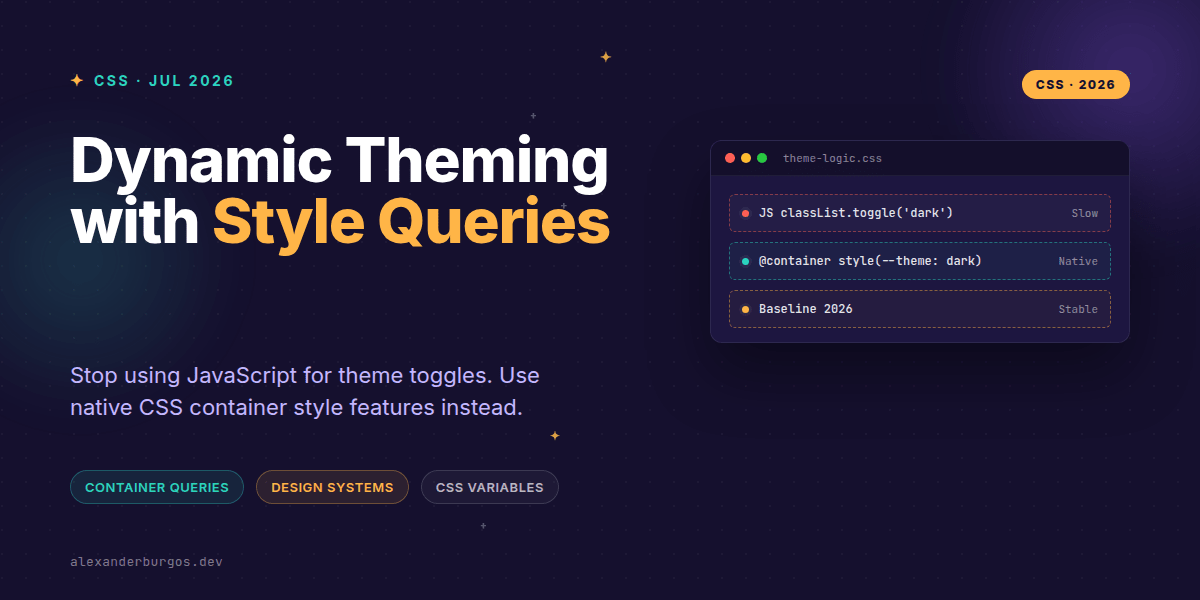
Right, let's talk about the death of the JavaScript theme toggle. For years, we've relied on heavy lifting from React state or DOM manipulation just to swap a component from light to dark mode. We'd toggle a .is-dark class on the body and hope our CSS selectors were specific enough to cascade correctly.
But that era is ending. With CSS Style Queries, we can now make components react directly to the custom properties of their parents. It's a fundamental shift in how we architect design systems, and honestly, it's one of the most exciting additions to the CSS Containment Module Level 3.
What Exactly Are Style Queries?
At its core, a style query allows you to apply styles to an element based on the computed style of its container. While the full spec eventually aims to let us query any CSS property, current browser implementations focus on CSS custom properties (variables).
As of May 2026, this feature is officially Baseline Newly Available and stable across all modern engines. This means we can finally move logic out of our JS bundles and back into our stylesheets where it belongs.
The Syntax: Reacting to Parents
The magic happens with the @container style() syntax. Unlike size queries, you don't actually need to define a container-type for a direct parent. Any non-empty element can act as a style container.
/* The parent sets the state */
.dashboard-section {
  --surface: dark;
}

/* The child queries that state */
@container style(--surface: dark) {
  .stat-card {
    background: #1a1a1a;
    color: #ffffff;
    border: 1px solid #333;
  }
}
I've found this particularly useful for "micro-theming." Imagine a card component that needs to look different when placed inside a sidebar versus a main content area. Instead of passing a variant="sidebar" prop through three levels of React components, you just set a variable on the sidebar container.
Named Containers for Deep Nesting
One common gotcha I see is trying to query an element's own properties. Style queries always look upwards. If you need to query an ancestor that isn't the immediate parent, you'll want to use a named container.
.app-shell {
  container-name: theme-root;
  --brand-mode: high-contrast;
}

@container theme-root style(--brand-mode: high-contrast) {
  .button-primary {
    outline: 3px solid currentColor;
    font-weight: 900;
  }
}
By naming the container, you ensure the query resolves against the .app-shell rather than whatever wrapper happens to be sitting directly above your button. It provides a level of architectural safety that nested class selectors never could.
The Power of Computed Contrast
One of my favourite patterns involves combining style queries with the contrast-color() function. This allows for truly autonomous components that theme themselves based on the background they are placed on.
.card {
  --bg: var(--brand-primary);
  --text-color: contrast-color(var(--bg));
  background: var(--bg);
  color: var(--text-color);
}

@container style(--text-color: black) {
  .card-icon {
    filter: drop-shadow(0 2px 4px rgba(0,0,0,0.1));
  }
}

@container style(--text-color: white) {
  .card-icon {
    filter: drop-shadow(0 2px 4px rgba(255,255,255,0.2));
  }
}
In this example, the icon's shadow style branches automatically based on whether the calculated text colour is light or dark. No JS, no complex logic—just the browser doing what it does best.
Common Pitfalls to Avoid
- Querying standard properties: While the spec mentions it, browsers currently only support custom properties. Don't try
style(background-color: red)yet. - Self-querying: Remember that an element cannot query itself. The property must be set on an ancestor.
- Empty elements: Style queries only work on non-empty elements that can act as containers.
Wrapping Up
- Use style queries to move component variants from JS props to CSS logic.
- Leverage custom properties as the 'source of truth' for your theme states.
- Remember to use named containers when querying distant ancestors.
I've been using this approach in my recent design system work and the reduction in 'glue code' is staggering. Give it a try in your next layout—you'll be surprised how much JavaScript you can delete.
If you want to go deeper and learn how to build real, production-ready CSS design systems step by step, check out my full course here: CSS Design Systems Course
The long version with support labels and runnable demos is in Modern CSS 2026 on Amazon Kindle.
I'd love to see what you build with style queries! Catch me on Twitter at https://x.com/alexandersstudi or connect on LinkedIn at https://www.linkedin.com/in/alexandersstudio/.