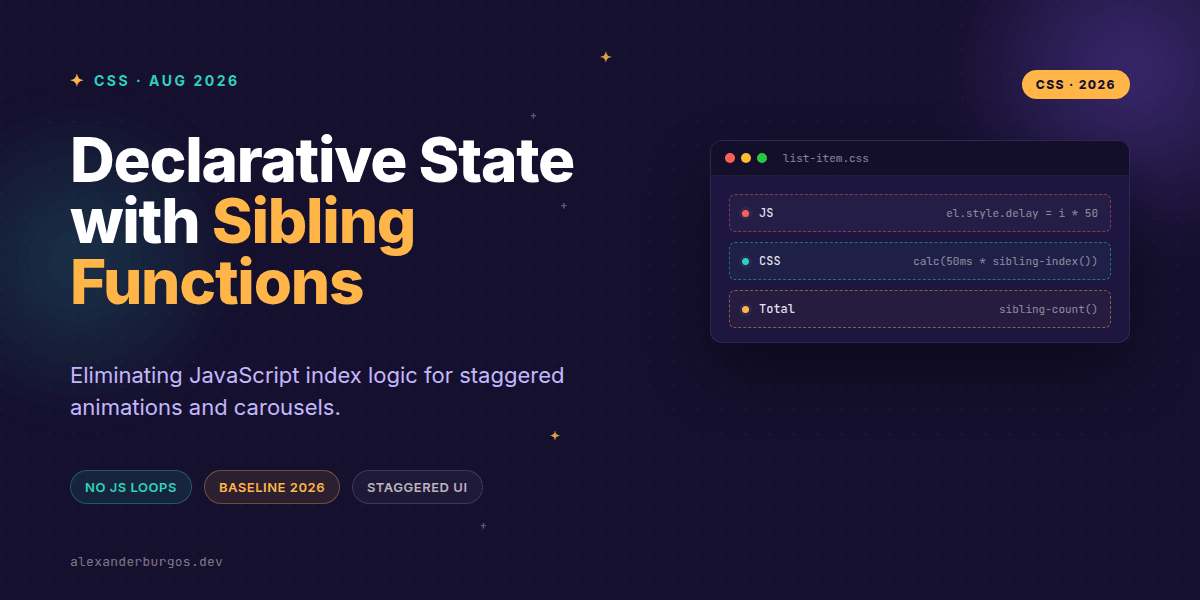
Right, let's talk about one of the most significant shifts in CSS layout logic we've seen in years. For as long as I've been building design systems, there's been a specific type of 'glue code' I've hated writing: the JavaScript loop that injects index-based inline styles just so we can have a staggered entrance animation.
We've all been there. You have a list of cards, and you want them to fade in one by one. You end up mapping over your React components or hitting the DOM with a forEach to set a --delay variable. It's brittle, it's extra JS, and frankly, it feels like something the browser should just know. Well, as of 2026, it finally does.
The End of the Index Loop
With sibling-index() and sibling-count() hitting baseline support, we now have native, integer-returning functions that live directly in our stylesheets. These functions allow an element to 'self-reflect' on its position within a parent container.
- sibling-index(): Returns a 1-based integer representing the element's position among its siblings.
- sibling-count(): Returns the total number of sibling elements, including itself.
It's effectively the CSS equivalent of element.parentElement.children.length, but it's calculated by the browser's style engine. This is a massive win for performance and maintainability in design systems.
Killer Use Case: Staggered Animations
I'm genuinely excited about how this cleans up component libraries. Instead of passing an index prop through three layers of React components just to set a delay, you can handle it entirely in your CSS file.
.card {
  animation: fade-in 400ms ease-out both;
  /* The first item has 50ms delay, the second 100ms, etc. */
  animation-delay: calc(sibling-index() * 50ms);
}
This isn't just about 'less code.' It's about resilience. If you dynamically reorder that list in the DOM, the browser recalculates the index and the animation delays update automatically. No JS re-renders required.
Building Mathematical Layouts
Beyond animations, these functions are a powerhouse for stateful UI components like carousels or progress steppers. I've found that combining sibling-index() with sibling-count() allows for layouts that adapt to their own density.
Imagine a navigation bar where you want the active indicator to be a specific width based on the total number of items, or a carousel where each slide needs to know its relative offset. You can now calculate these values declaratively:
.carousel__slide {
  /* Position slides based on their index */
  transform: translateX(calc((sibling-index() - 1) * 100%));
}

.progress-bar {
  /* Calculate percentage width based on current position vs total */
  width: calc(100% * sibling-index() / sibling-count());
}
A Few Gotchas to Keep in Mind
Before you rush to refactor your entire library, there are a few implementation details that might trip you up. In my experience, the biggest one is the index base.
- 1-Based Indexing: Like
:nth-child(), these functions start at 1, not 0. If you're doing math that expects a zero-offset, you'll need acalc(sibling-index() - 1). - Elements Only: The count ignores text nodes and comments. It only looks at element nodes, which is usually what we want for UI anyway.
- Value, Not Selector: You can't use
sibling-index()inside a selector likediv[index="sibling-index()"]. It's a value function meant for properties.
Why This Matters for UX Engineering
From a UX Engineering perspective, this moves us closer to the 'holy grail' of design systems: components that are fully encapsulated and context-aware without external dependencies. It reduces the 'tax' we pay for polished motion and layout transitions.
It also makes our accessibility (A11y) work cleaner. We can keep our DOM structure semantic and simple, using CSS to handle the visual complexity of positioning and timing, rather than cluttering the markup with layout-only data attributes.
Wrapping Up
- Use
sibling-index()to replace JavaScript-driven staggered animations. - Leverage
sibling-count()for dynamic layout calculations in menus and carousels. - Remember that these are 1-based integers—math adjustments in
calc()are your friend.
I'd encourage you to experiment with these in your next internal prototype. The feeling of deleting a useEffect that only exists to count DOM nodes is incredibly satisfying.
If you want to go deeper and learn how to build real, production-ready CSS design systems step by step, check out my full course here: CSS Design Systems Course
The full story including the testing layers and governance lives in Ship Your Design System on Amazon.
Feel free to reach out on Twitter or LinkedIn if you've found a clever way to use these functions in your own components!