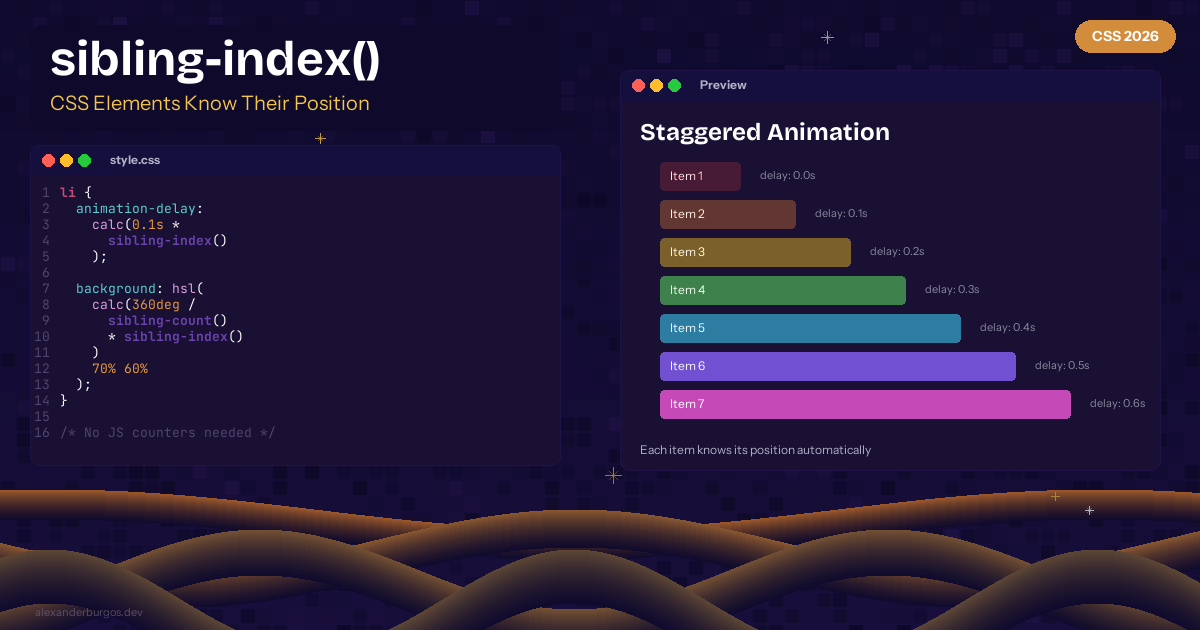
CSS sibling-index() and sibling-count() -- Elements Know Their Position
Ever needed to stagger animations based on element position? Or create a rainbow gradient across list items? Until now, you'd hard-code nth-child rules or reach for JavaScript. Not anymore.
CSS now has sibling-index() and sibling-count(). Chrome 138+ stable.
How They Work
li {
  /* Staggered fade-in */
  animation-delay: calc(0.1s * sibling-index());

  /* Rainbow colours */
  background: hsl(calc(360deg / sibling-count() * sibling-index()) 70% 60%);
}
Staggered Animations
.card {
  opacity: 0;
  animation: fadeIn 0.5s forwards;
  animation-delay: calc(0.08s * sibling-index());
}

@keyframes fadeIn {
  to { opacity: 1; transform: translateY(0); }
}
Proportional Sizing
.bar {
  width: calc(sibling-index() / sibling-count() * 100%);
}
Browser Support
Chrome 138+ (stable). Chromium-only for now.
- No JavaScript counters needed
- Works dynamically -- add/remove elements and values update
- Composable with calc()
- Perfect for data visualisations and staggered animations
• • •
Happy coding!
If you want to go deeper and learn how to build real, production-ready CSS design systems step by step, check out my full course here: CSS Design Systems Course If you found this helpful, I'd love to connect! Follow me on Twitter/X @alexandersstudi or LinkedIn for more CSS and design system tips.