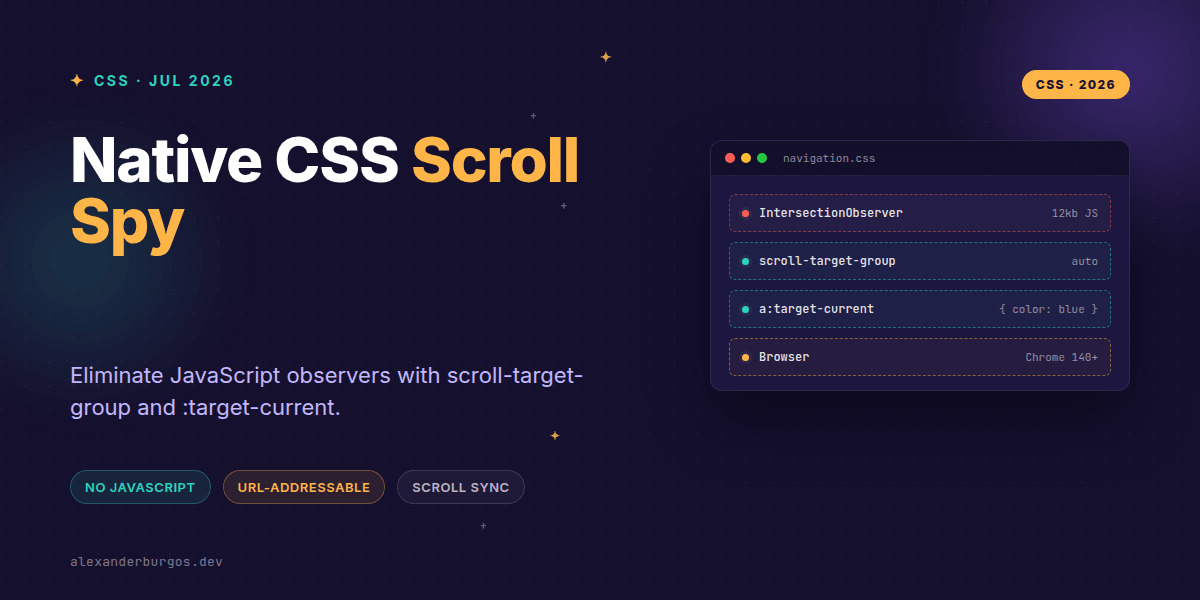
Ever wondered why we're still loading 15kb of JavaScript just to highlight a link in a sidebar? We've all been there—hooking up an IntersectionObserver, managing state, and trying to sync a Table of Contents with the scroll position without it feeling janky.
The good news? That era is coming to an end. With the introduction of scroll-target-group and the :target-current pseudo-class, the browser now handles scroll-synced navigation natively. It's faster, more accessible, and requires exactly zero lines of script.
The Problem with Traditional Scroll Spy
In the past, building a "scroll spy" UI meant writing a fair bit of logic. You had to track which heading was in the viewport, find the corresponding link in your navigation, and toggle an .active class. If you did it wrong, you'd end up with layout thrashing or a UI that felt a split-second behind the user's thumb.
Worse, these solutions often struggled with URL fragments. If you clicked a link, the page would jump, but if the observer wasn't calibrated perfectly, the wrong link might flash active for a moment. Modern CSS solves this by making the relationship between a link and its target a first-class citizen in the layout engine.
Enter scroll-target-group
The scroll-target-group property is the magic switch. When you set it to auto, you're telling the browser: "Every anchor tag inside this container that points to an ID on this page is now a scroll marker."
nav {
  scroll-target-group: auto;
  position: sticky;
  top: 2rem;
}
Once that container is defined, the browser starts doing the heavy lifting. It monitors the scroll targets (the elements on the page that match the href="#id" values) and tracks which one is currently in view.
Styling the Active State with :target-current
This is where it gets exciting. We no longer need to manually toggle classes. Instead, we use the :target-current pseudo-class. It's specifically designed to match the anchor element whose target is currently visible.
nav a:target-current {
  color: var(--accent-primary);
  border-left: 2px solid var(--accent-primary);
  font-weight: 600;
}
It's important to distinguish this from the standard :target selector. While :target matches the element the URL fragment points to, :target-current matches the link itself based on the actual scroll position. It’s the "active" state we've always wanted.
A Complete Reading UI Example
Let's look at how this fits together in a real-world scenario. Imagine a long-form article with a sticky sidebar. Here is how I'd structure the CSS to ensure it's progressive and robust.
/* 1. Base styles (work everywhere) */
.toc-link {
  color: #666;
  text-decoration: none;
  transition: color 0.2s;
}

/* 2. Enhanced styles for modern browsers */
@supports (scroll-target-group: auto) {
  .toc-container {
    scroll-target-group: auto;
  }

  .toc-link:target-current {
    color: #000;
    background: #f0f0f0;
  }
}
By using @supports, we ensure that browsers like Firefox or Safari (which are still catching up on this specific spec) simply show the standard links without the scroll-sync highlight. No broken layouts, just a graceful degradation.
Common Pitfalls to Avoid
- Missing Fragments: Only
<a>tags with a hash in thehref(e.g., #section-1) will work. Buttons or plain text won't trigger the behavior. - Scope Matters:
:target-currentonly works on elements that are designated as scroll markers. You can't just use it anywhere on the page. - Browser Support: As of mid-2026, this is landing in Chromium 140. Always check your analytics to see if your audience can handle the lack of JS fallback.
Why This Matters for Performance
I'm genuinely excited about this because it represents a shift toward "declarative UI." Instead of telling the browser how to calculate visibility (which is expensive and happens on the main thread), we are telling the browser what we want to happen.
The browser can then optimize this on the compositor thread. This leads to smoother scrolling, better battery life on mobile devices, and a significantly smaller bundle size for your React or Next.js applications.
Wrapping Up
- Use
scroll-target-group: autoto turn a navigation container into a smart scroll observer. - Apply
:target-currentto style the link that corresponds to the section currently in view. - Always wrap these features in
@supportsto maintain a functional experience for all users.
I'd encourage you to experiment with this in your next documentation project or blog layout. It's one of those "lightbulb" moments when you realize just how much heavy lifting CSS can do for us now.
If you want to go deeper and learn how to build real, production-ready CSS design systems step by step, check out my full course here: CSS Design Systems Course
The long version with support labels and runnable demos is in Modern CSS 2026 on Amazon Kindle.
Got questions about scroll-linked features? Catch me over on Twitter or let's connect on LinkedIn to chat about the future of UX engineering.