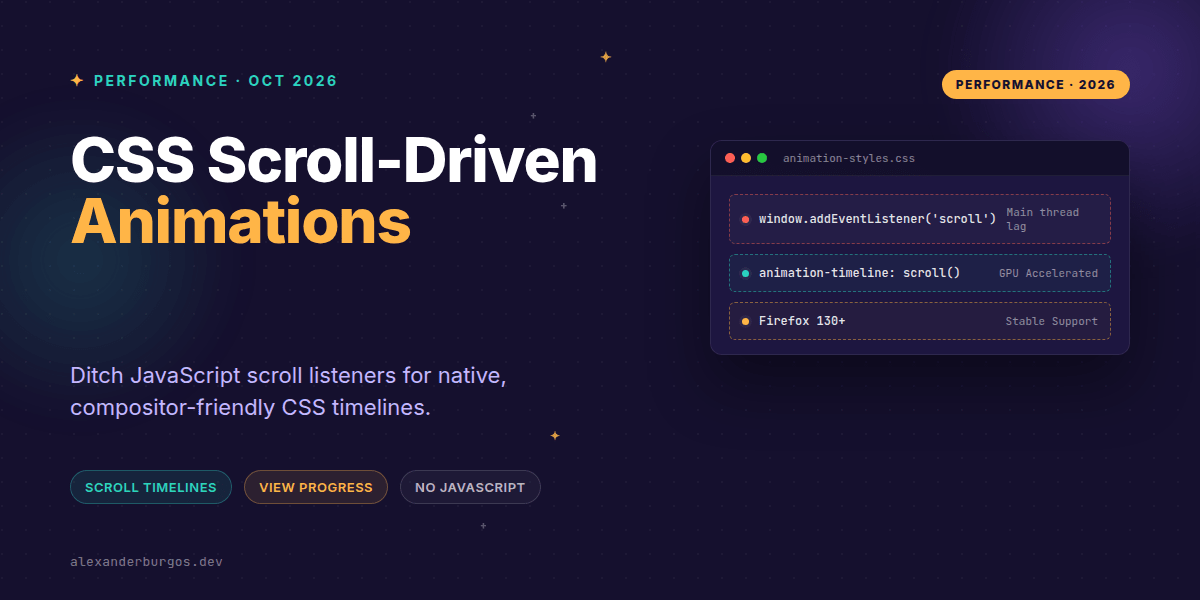
Right, let's talk about the death of the scroll listener. For years, if we wanted to build a reading progress bar or reveal elements as they entered the viewport, we had to reach for JavaScript. We’d subscribe to the scroll event, thrash the main thread with scrollTop calculations, and hope the user's device didn't catch fire.
With Firefox Stable finally joining the party this October, we've reached a massive milestone for CSS Architecture. We can now move these patterns entirely into the style sheet using Scroll-Driven Animations. It's cleaner, faster, and much easier to manage in a design system.
What's actually changed?
Traditionally, CSS animations are tied to a DocumentTimeline—basically a clock. The animation starts at 0s and ends at whatever duration you've set. Scroll-driven animations flip this on its head. Instead of a clock, they use scroll progress.
The W3C defines two main types of timelines that we can now use natively:
- Scroll-progress timeline: Maps the scroll position of a container (0% to 100%) to the progress of an animation.
- View-progress timeline: Maps the progress of an animation to an element's visibility as it enters and exits the scrollport.
Replacing Global Scroll Listeners
In a design system, a common request is a page-level progress bar. Previously, this meant a global React component or a window-level listener. Now, it's just a few lines of CSS. By using scroll(root block), we create an anonymous timeline tied to the root scroller's vertical axis.
@keyframes progress {
  from { transform: scaleX(0); }
  to   { transform: scaleX(1); }
}

.page-progress {
  position: fixed;
  top: 0;
  left: 0;
  width: 100%;
  height: 4px;
  background: var(--brand-primary);
  transform-origin: left;
  /* Declare animation first, then timeline */
  animation: progress linear both;
  animation-timeline: scroll(root block);
}
Notice the both fill mode. This ensures the animation stays at 0% before we start scrolling and stays at 100% once we hit the bottom. No more 'jumping' effects when the scroll reaches the end.
The 'Reveal on Scroll' Pattern
If you're building a card component that should fade in as it enters the screen, view() is your best friend. This creates a view-progress timeline based on the card's position relative to its nearest scroll container.
@keyframes reveal {
  from { opacity: 0; transform: translateY(20px); }
  to   { opacity: 1; transform: translateY(0); }
}

.card {
  animation: reveal 1ms linear both;
  animation-timeline: view(block);
}
I've included a 1ms duration here. Why? Because MDN's latest guidance notes that Firefox requires a non-zero duration for view-progress animations to work correctly. It’s a tiny detail that’ll save you hours of debugging.
Accessibility and Reduced Motion
This is where CSS really shines for design-system engineers. When we use JavaScript for animations, we often forget to check the user's motion preferences or we have to pass props down through several layers to handle it. With CSS timelines, we keep that logic right next to the styles.
@media (prefers-reduced-motion: reduce) {
  .page-progress,
  .card {
    animation: none !important;
    transform: none !important;
    opacity: 1 !important;
  }
}
By handling this at the component level, you ensure that your design system is inclusive by default. Users who find scroll-linked movement disorienting won't be subjected to it, and you haven't written a single line of window.matchMedia logic.
Critical Performance Gotchas
I've seen folks get excited and start animating margin or width using scroll timelines. Please, don't. Just because it's in CSS doesn't mean it's free. The browser still has to do work.
To get the benefit of the compositor, stick to transform and opacity. If you animate properties that trigger layout (like height), you'll end up with the same jank you had with JavaScript, just written in a different language.
Another thing to watch out for is the animation shorthand. The animation-timeline property is not part of the standard shorthand yet. If you define your timeline and then use the shorthand animation: reveal 1s; below it, the shorthand will reset the timeline to none. Always declare the timeline after the shorthand.
Progressive Enhancement
While Firefox is now in the fold, support isn't universal across every legacy browser yet. I always recommend wrapping these in a feature query. This ensures that browsers that don't support timelines just show the content statically, which is a perfectly fine fallback.
@supports (animation-timeline: scroll()) {
  .sticky-header {
    animation: shrink linear both;
    animation-timeline: scroll(root);
    animation-range: 0 100px;
  }
}Wrapping Up
- Use
scroll()for page-wide progress andview()for element-specific entry/exit effects. - Always include a non-zero duration (like
1ms) to ensure cross-browser compatibility, specifically for Firefox. - Prioritise
prefers-reduced-motionwithin your CSS to keep your components accessible without JS overhead.
The best way to get used to this is to find an old onScroll function in your codebase and try to port it to a CSS timeline. You'll be surprised at how much code you can delete.
If you want to go deeper and learn how to build real, production-ready CSS design systems step by step, check out my full course here: CSS Design Systems Course
I cover this and the other twenty-seven CSS shifts of 2026 in Modern CSS 2026 on Amazon, my catch-up book for people who learned CSS five years ago.
I’d love to see what you’re building with these new timelines. Come say hi and share your experiments on Twitter or connect with me on LinkedIn.