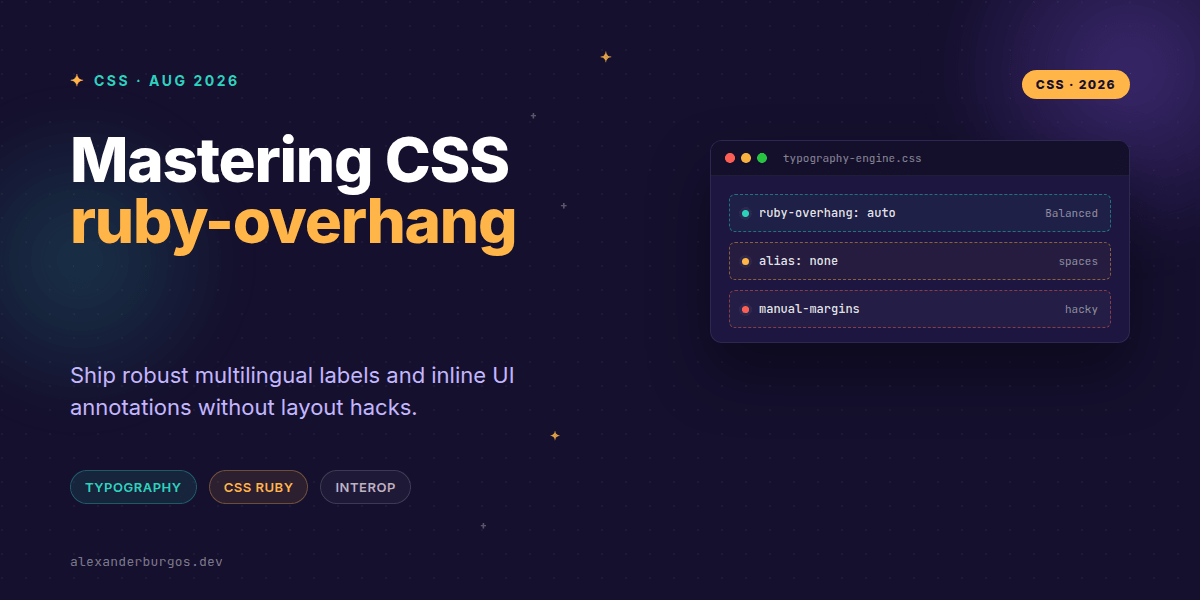
Right, let's talk about ruby-overhang. If you've ever tried to build a design system that supports Japanese Furigana or complex inline annotations, you know the struggle. We've usually had to choose between awkward gaps in our text or brittle layout hacks that break the moment a font scales.
With the release of Chrome 151, we finally have interoperable support for a property that solves this natively. It's a small addition to the CSS Ruby Annotation Layout Module, but for those of us building production-ready UIs, it's a game-changer for typographic consistency.
What is ruby-overhang exactly?
In the world of Ruby layout, an annotation (the <rt> element) is often wider than the base character it's describing. By default, browsers used to push adjacent text away to make room, creating these unsightly white spaces in the middle of sentences.
The ruby-overhang property gives us control over this. It determines whether that annotation is allowed to 'float' over the text next to it. It's the difference between a clean, professional block of text and something that looks like a broken PDF export.
The Chrome 151 Implementation
Chrome 151 brings us three main keywords: auto, spaces, and none. But there's a specific nuance here you need to watch out for if you're writing CSS for a shared library.
- auto: The browser decides how much to overhang. Usually, it follows the JIS 4051 recommendation of up to 0.5ic (half a character width).
- spaces: The annotation can only overhang whitespace or CJK punctuation. This is great for keeping the main text readable while tightening up the layout.
- none: In Chrome 151, this is actually an alias for
spaces. It prevents the annotation from overlapping other letters, but still allows it to sit over a space.
.design-system-ruby {
  /* Prevent awkward gaps in your UI labels */
  ruby-overhang: auto;

  /* Or be strict about overlapping actual glyphs */
  ruby-overhang: spaces;
}
Why this matters for Design Systems
I've found that when we build components for global audiences, we often forget that typography isn't just about font-family and line-height. When you're building a 'Label' or 'Tooltip' component that needs to support Ruby annotations, ruby-overhang is what makes the component feel 'native' to the language.
Because this property is inherited, you can set a sensible default at the root of your typography system. If you want a tight, data-dense UI, you might lean towards auto. If you're building a reading-focused interface where legibility is king, spaces is your best friend.
Common Pitfalls to Avoid
Don't expect pixel-perfect parity across every engine. The spec explicitly gives User Agents (browsers) discretion on the exact amount of overhang. If your design relies on a specific annotation being exactly 4px over the next word, you're going to have a bad time.
Also, remember that none isn't a 'hard stop' in the way it used to be in early drafts. Since it's aliased to spaces in modern implementations like Chrome 151, your annotations will still bleed into the margin of a space character. It's a feature, not a bug—it prevents text from looking cramped.
Wrapping Up
- Use
ruby-overhang: autoto let the browser handle typographic balance automatically. - Leverage inheritance by setting these properties on your base typography components rather than individual
<ruby>tags. - Test your layouts with different fonts, as the '0.5ic' rule means the overhang varies based on the character width of your typeface.
I'd encourage you to open up your latest project, pop in some Furigana, and toggle these values in the DevTools. It's one of those 'once you see it, you can't unsee it' typographic improvements.
If you want to go deeper and learn how to build real, production-ready CSS design systems step by step, check out my full course here: CSS Design Systems Course
If you want the long-form version of this with 23 chapters and runnable code, Ship Your Design System on Amazon is the handbook.
Catch me on Twitter for more CSS tips, or let's connect over on LinkedIn to talk shop about UX engineering.