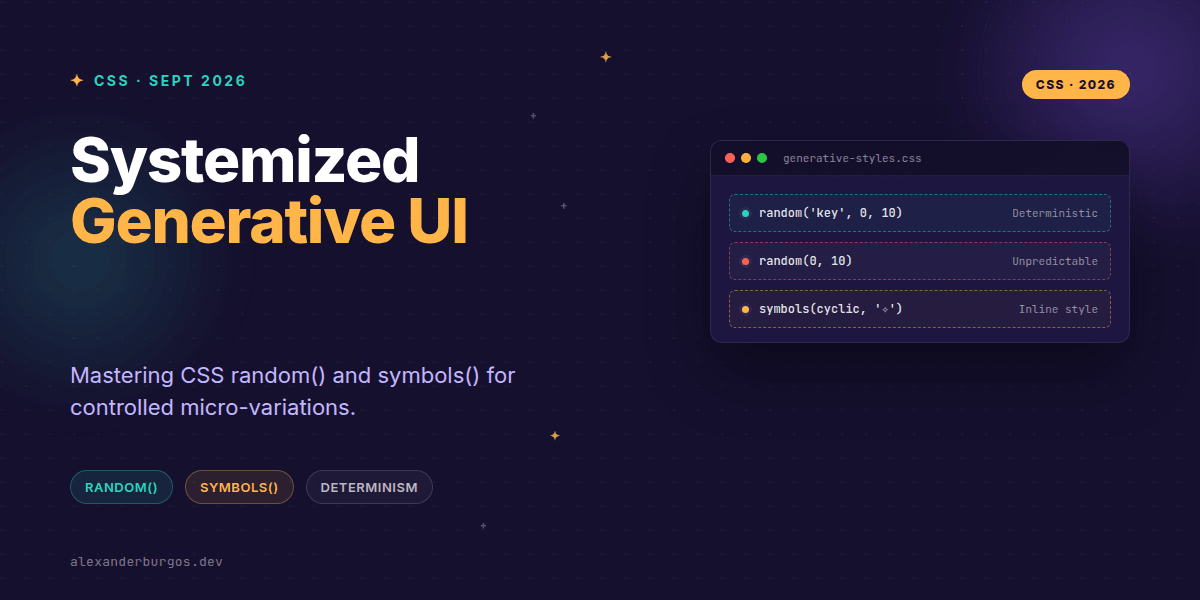
Ever wondered why we've spent a decade relying on JavaScript or heavy build-step preprocessors just to inject a bit of visual variety into our layouts? For years, adding a "random" rotation to a card or a unique list marker required complex DOM manipulation or nth-child hacks that were a nightmare to maintain.
With the release of Chrome 155, the game has officially changed. We've finally got native random() and symbols() functions that allow us to design controlled, generative UIs directly in the stylesheet. It's a massive win for UX engineers who want to add personality to a design system without sacrificing performance or accessibility.
The Power of Deterministic Randomness
The most exciting part of the random() function isn't just that it gives us a number—it's how it handles caching keys. By default, every time random() is called, it resolves to a new value. That sounds great until your layout jumps around during a re-render.
Chrome 155 allows us to pass a 'random key' as the first argument. If two elements share the same key, they share the same value. If an element keeps its key, its value stays stable. This is how we keep generative UI predictable.
/* A controlled wiggle for a card component */
.card-item {
  --rotation: random('card-wiggle', -2deg, 2deg);
  transform: rotate(var(--rotation));
}
Inline List Styles with symbols()
While random() handles the numbers, symbols() handles the markers. It allows us to define an anonymous counter style inline. In the past, you'd have to write a full @counter-style rule at the top of your CSS file just to change a bullet point to a specific emoji or character.
Now, you can define it exactly where you need it. It’s perfect for those one-off decorative lists that don't need a global system definition but still need to feel unique.
ul.special-features {
  list-style: symbols(cyclic "✦" "✧" "✨");
}
Systemizing the Chaos
As design system leads, our first instinct is often to control everything. Randomness feels like the enemy. But I've found that micro-variations actually make a digital interface feel more human and less like a rigid template.
The trick is to use these functions for aesthetic decoration, never for structural layout. You shouldn't use random() to decide how many columns a grid has, but you absolutely should use it to vary the border-radius of a blobby button or the animation-delay of a loading skeleton.
- Accessibility First: Custom symbols should be decorative. Ensure the underlying HTML
<ol>or<ul>still provides the semantic context screen readers need. - Fallback Logic:
symbols()defaults todecimalif it fails. Make sure your design doesn't break if a standard 1, 2, 3 appears instead of your custom stars. - Performance: Native CSS functions are significantly faster than JS-based randomization because they happen at the computed-value time within the browser's engine.
Wrapping Up
- Use random keys to ensure your generative styles are deterministic and testable.
- Leverage symbols() for quick, inline custom list markers without the overhead of @counter-style.
- Always reserve randomness for non-critical visual polish to maintain WCAG compliance.
I'm genuinely excited to see how this changes the way we build design system tokens. It’s time to stop building static boxes and start building living, breathing interfaces. Give it a try in the latest Chrome and see how it feels!
If you want the long-form version of this with 23 chapters and runnable code, Ship Your Design System on Amazon is the handbook.
If you want to go deeper and learn how to build real, production-ready CSS design systems step by step, check out my full course here: CSS Design Systems Course
Let's keep the conversation going! You can find me sharing more CSS tips on Twitter or connect with me for a deeper dive on LinkedIn.