Ever wondered why we're still writing JavaScript to calculate simple ratios for our UI components? I've spent far too many hours writing utility functions just to figure out if a scroll position is 40% or 60% through a container, or calculating the scale factor of a loading bar.
That's all changing. With the arrival of Firefox 154, we're seeing the broader adoption of the progress() math function. It's a game-changer for design systems because it moves the 'logic' of visual states exactly where it belongs: in the stylesheet.
What is the progress() function?
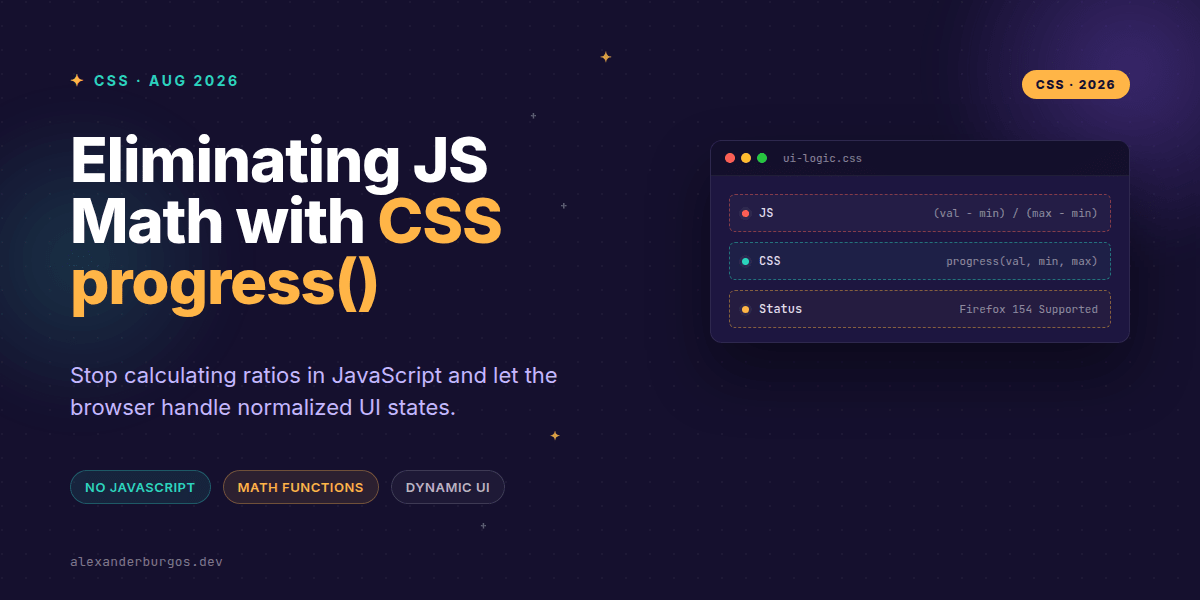
Defined in the CSS Values and Units Level 5 specification, progress() is a math function that returns a raw <number>. It takes three arguments: the current value, the start value, and the end value. It essentially performs the normalization math we usually do manually: (value - start) / (end - start).
The result is a scalar between 0 and 1. If your value is exactly in the middle of your range, you get 0.5. If it's at the end, you get 1. It’s simple, elegant, and incredibly powerful when paired with other modern CSS features like calc() or interpolate-size.
/* The basic syntax */
.element {
  --ratio: progress(var(--current), 0, var(--total));
  opacity: var(--ratio);
}
Why Firefox 154 matters for your Design System
While Chrome and Safari have been moving forward with this, Firefox 154 is the final piece of the puzzle for many of us working in cross-browser enterprise environments. MDN notes that while it might still sit behind the layout.css.progress-function.enabled flag in some builds, the developer notes for 154 confirm its arrival.
In my experience, once a feature hits the 'big three' (Chromium, Safari, and Firefox), it's time to start planning the migration. We can finally stop relying on ResizeObservers or Scroll listeners just to update a CSS Variable that represents a percentage.
Real-world UI Usecases
Let's look at how this actually cleans up our components. I've found three specific areas where this function shines:
- Loading Indicators: Instead of calculating
transform: scaleX()in React state, you just pass the raw numbers to CSS. - Scroll-Linked Visuals: Driving the opacity or blur of a header based on scroll-offset (using
scroll-timelinevalues). - Intent-Aware Components: Changing the scale of a button based on how close a pointer is to a specific container edge using container units.
/* Example: A progress bar driven by container width */
.progress-fill {
  width: 100%;
  transform-origin: left;
  /* Scales from 0 to 1 based on current vs total */
  transform: scaleX(progress(var(--downloaded), 0, var(--total-size)));
}
The Strict Rules of progress()
Right, let's talk about the gotchas. The most important rule is that you cannot mix types. If your first argument is a percentage, all three must be percentages. If you're using pixels, they all must be pixels.
- Valid:
progress(50px, 0px, 100px) - Invalid:
progress(50px, 0%, 100px) - Clamping: By default, values outside the range are clamped to 0 or 1. No more weird negative widths!
Wrapping Up
- Use
progress()to handle normalization math directly in CSS, reducing your JS bundle size. - Ensure your arguments share the same unit type (px, %, cqw, etc.) to avoid invalid property declarations.
- Treat this as a progressive enhancement for Firefox users until version 154 becomes your baseline.
I’m genuinely excited to see how this simplifies our design system tokens. Give it a try in your next experiment—you'll be surprised how much logic you can delete.
If you want to go deeper and learn how to build real, production-ready CSS design systems step by step, check out my full course here: CSS Design Systems Course
If this is the kind of thing you keep finding out late about, my book Modern CSS 2026 on Amazon is one chapter per shift, with honest support labels.
Let's chat about CSS architecture! You can find me sharing daily tips on Twitter or connect with me for deeper dives on LinkedIn.