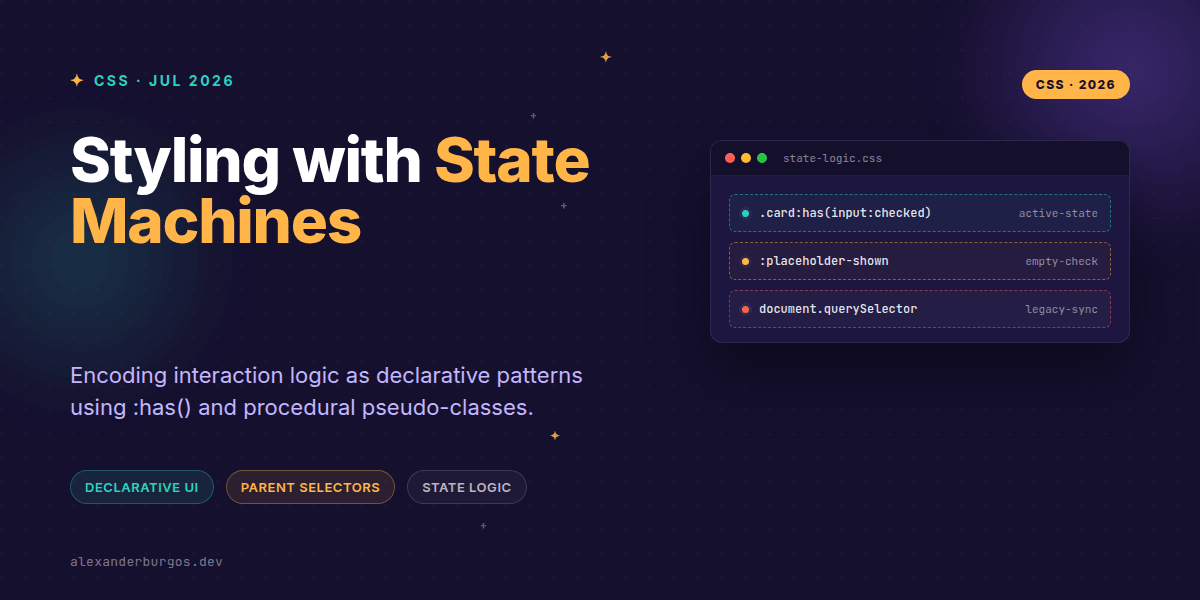
Ever wondered why we’re still writing hundreds of lines of JavaScript just to toggle a class on a parent container when a child element changes state? It’s a pattern we’ve all followed for a decade, but the game has changed entirely.
We’re entering an era where CSS isn’t just about how things look, but how they behave. By leveraging emerging procedural pseudo-classes—specifically the power of :has()—we can treat our stylesheets as declarative state machines. This isn't just a syntax sugar; it’s a fundamental shift in how we architect design systems.
The End of the 'Parent Selector' Myth
For years, the 'parent selector' was the Holy Grail of CSS. We wanted a way to say, "If this child exists or has this state, style the parent differently." We used to rely on Element.classList.toggle() in React or vanilla JS to bridge that gap.
With the arrival of :has() in all major browsers (shipped in Safari 15.4 and Chrome 105), that limitation has evaporated. According to the W3C spec, :has() is a relational pseudo-class. It represents an element if any of the selectors passed as arguments match at least one element relative to it. In plain English? It’s a conditional logic engine for your DOM tree.
Encoding Guard Conditions in CSS
In a formal state machine, you have states, transitions, and guard conditions. In our new CSS workflow, the DOM state (like :checked, :valid, or :focus-within) acts as the trigger, and :has() acts as the guard.
Let’s look at a classic problem: styling a form row based on the validity of its input. Previously, you'd need a listener on the input to bubble a state up to a wrapper. Now, it's a one-liner:
/* The parent reacts to the child's validity state */
.form-row:has(input:invalid) {
  --border-colour: var(--danger-red);
  --background: var(--error-subtle);
  border-left: 4px solid var(--border-colour);
}
This is declarative state management. We aren't telling the browser how to change the colour; we're describing the condition under which the colour should be different.
Building a Native Accordion Machine
Think about an accordion. Usually, you’d manage an isOpen state in React. But if you use semantic HTML with a hidden checkbox or the details/summary elements, CSS can handle the entire visual state machine.
/* Style the accordion container only when it is 'open' */
.accordion:has(input[type="checkbox"]:checked) {
  box-shadow: 0 10px 15px -3px rgba(0, 0, 0, 0.1);
  border-color: var(--primary-accent);
}
The Logic of Empty States and Placeholders
Another powerful tool in our procedural toolkit is :placeholder-shown. As noted in the web.dev guides, this pseudo-class is active when a form field has a placeholder attribute and the value is currently empty.
I’ve found this incredibly useful for floating label patterns. We can detect if a user has started typing without a single line of JS 'onChange' logic.
/* Move the label up when the user starts typing */
.field:has(input:not(:placeholder-shown)) .label {
  transform: translateY(-1.5rem) scale(0.8);
  color: var(--text-muted);
}
A Note on Custom Elements and :state()
I should clear up some confusion I've seen lately. There’s a lot of chatter about :state(). It’s important to remember that :state() isn't a general-purpose selector for all HTML elements. It’s specifically designed for Web Components (Custom Elements) to expose internal states to the outside world.
If you're building a design system using Lit or vanilla Web Components, :state() allows you to define custom states like --loading or --collapsed that can be styled from your global CSS without leaking implementation details.
Performance and Best Practices
Right, let's talk about performance. I've heard folks worry that :has() is slow because it's a 'parent selector'. While it’s true that relational selectors are more complex for the browser to calculate than a simple class, modern engines are highly optimised.
- Be specific: Avoid
*:has(.child). Scope your selectors to a component class like.card:has(.card-image). - Don't replace business logic: CSS state is for UI presentation. If you need to fetch data or handle complex accessibility roles (ARIA), stick to JavaScript.
- Keep it readable: If your selector looks like a regex nightmare, it probably belongs in a component's logic.
If this is the kind of thing you keep finding out late about, my book Modern CSS 2026 on Amazon is one chapter per shift, with honest support labels.
Wrapping Up
- Use
:has()to eliminate 'wrapper' classes and JS state synchronization for UI-only changes. - Combine
:has()with UI states like:invalidand:placeholder-shownfor robust form patterns. - Think of your CSS as a declarative map of your DOM's possible states, not just a list of styles.
I'd encourage you to go into your current project and look for a React useState hook that only toggles a CSS class. Try replacing it with :has(). You'll be surprised how much cleaner your components become.
If you want to go deeper and learn how to build real, production-ready CSS design systems step by step, check out my full course here: CSS Design Systems Course
Found this useful? Let's chat about it over on Twitter or connect with me on LinkedIn for more deep dives into UX engineering.