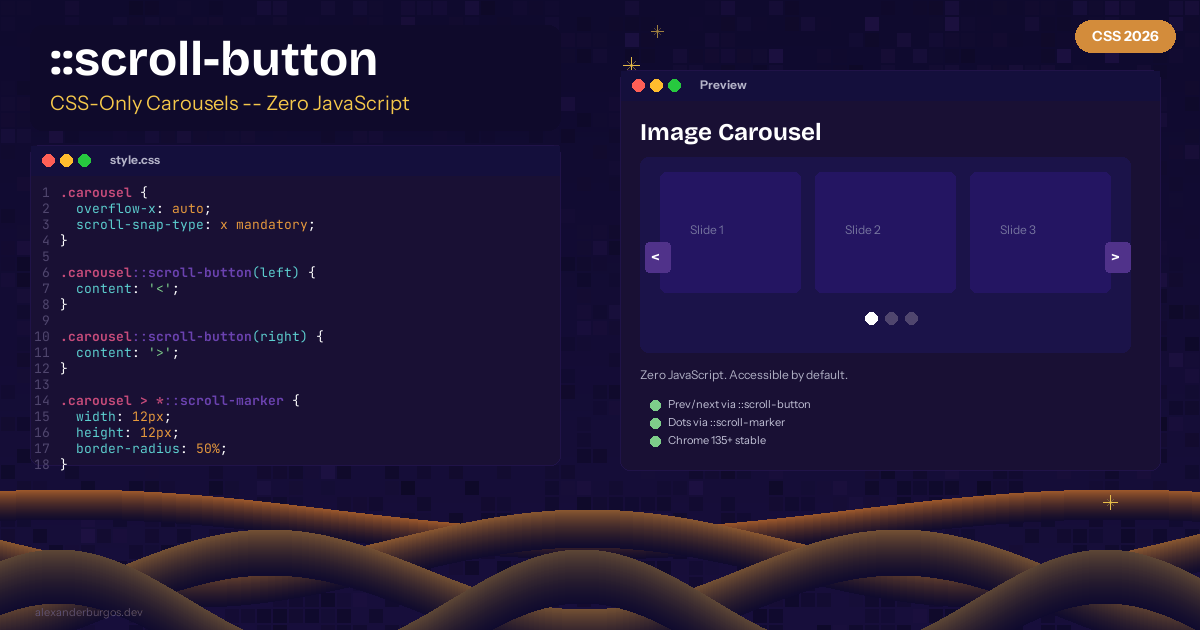
CSS-Only Carousels -- ::scroll-button and ::scroll-marker
Carousels. Love them or hate them, they're everywhere. And for years, building an accessible carousel meant pulling in a JavaScript library, managing scroll state, and hoping for the best. Sound familiar?
CSS now has ::scroll-button() and ::scroll-marker pseudo-elements for fully functional carousels with zero JavaScript. Chrome 135+ stable.
Navigation Buttons
.carousel {
  overflow-x: auto;
  scroll-snap-type: x mandatory;
  scroll-behavior: smooth;
}

.carousel::scroll-button(left) {
  content: '<';
}

.carousel::scroll-button(right) {
  content: '>';
}
Pagination Dots
.carousel::scroll-marker-group {
  display: flex;
  gap: 0.5rem;
  justify-content: center;
}

.carousel > *::scroll-marker {
  content: '';
  width: 12px;
  height: 12px;
  border-radius: 50%;
  background: #ccc;
}

.carousel > *::scroll-marker:target-current {
  background: #333;
}
Why This Is Huge
- Zero JavaScript -- browser handles all scroll logic
- Accessible by default -- keyboard and screen reader support
- Buttons auto-disable at scroll boundaries
- Pagination dots track current position automatically
Browser Support
Chrome/Edge 135+ (stable). Firefox and Safari in progress. Part of Interop 2026.
Here's the thing -- this isn't just nice-to-have. The browser is doing what we've asked JavaScript libraries to do for over a decade.
Happy coding!
If you want to go deeper and learn how to build real, production-ready CSS design systems step by step, check out my full course here: CSS Design Systems Course If you found this helpful, I'd love to connect! Follow me on Twitter/X @alexandersstudi or LinkedIn for more CSS and design system tips.