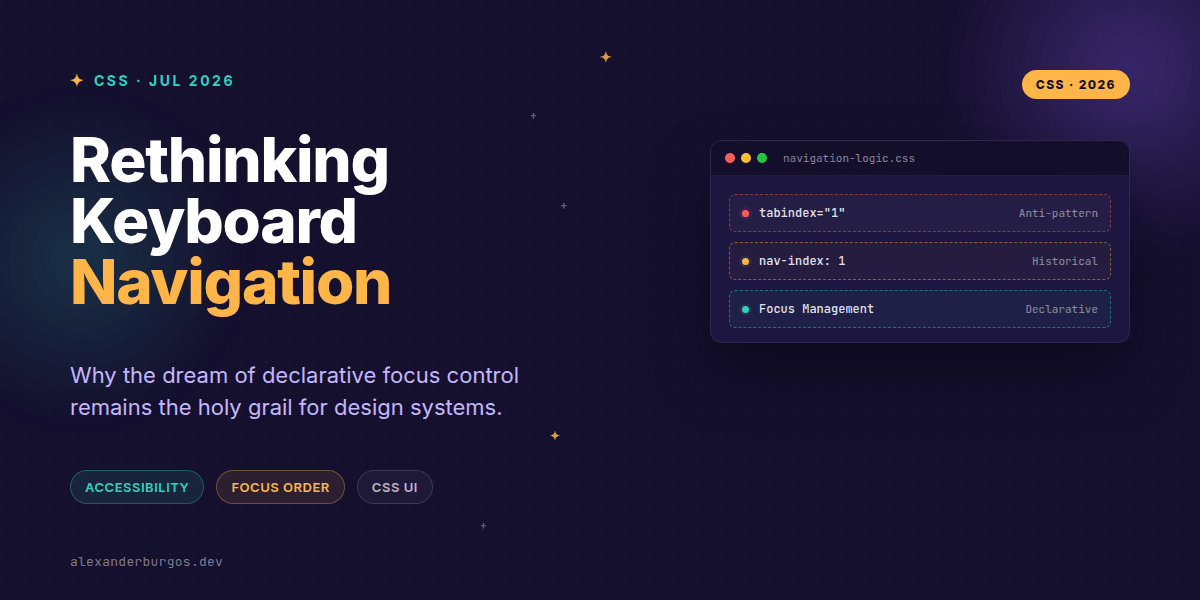
Ever wondered why we're still fighting with tabindex hacks and complex JavaScript focus traps in 2026? It feels like one of those problems that CSS should have solved a decade ago. Well, the truth is, it almost did.
Last week I was debugging a modal component in our design system, and I found myself writing yet another useEffect hook just to ensure the keyboard focus stayed where it belonged. It's frustrating because the visual layout is handled by CSS, yet the logical navigation order is still tethered to the DOM structure or manual HTML attributes.
The Ghost of CSS nav-index
There's a property you might find in the dusty corners of the W3C archives: nav-index. It was part of the CSS3 UI proposal back in 2012. The goal was beautiful in its simplicity: an input-method-neutral way to specify the sequential navigation order directly in your stylesheets.
/* This is what we could have had */
.sidebar-toggle {
  nav-index: 1;
}

.main-content {
  nav-index: 2;
}
According to the original W3C wiki, the property was intended to define "the order in which elements will receive focus when navigated by the user via the keyboard." A value of '1' meant first. It was clean, declarative, and lived exactly where design logic belongs—in the CSS.
Why It Never Reached Your Browser
If you try to use nav-index today, or even in our current 2026 browsers, nothing happens. It's a no-op. Historically, it was only ever implemented by Opera (specifically versions 11.5 to 12). When Opera moved to the Blink engine with version 15, the property was abandoned.
By 2015, it was officially dropped from the spec due to a "lack of implementation interest." The industry decided that tabindex in HTML was sufficient. But as design system engineers, I think we can all agree that tabindex is a blunt instrument that often creates more accessibility issues than it solves.
The Problem with Modern Focus Management
In a modern design system, we often separate the visual order from the DOM order for layout flexibility. Using Flexbox order or CSS Grid can make a site look perfect while making the keyboard navigation a total nightmare. Since the screen reader and tab-key follow the DOM, the user ends up jumping all over the screen.
- Tabindex is global: Managing
tabindex="1"across a whole application is impossible without conflicts. - JS Overhead: We're forced to use libraries like focus-trap-react just to handle basic modal behaviour.
- Maintenance: Changing a UI layout requires updating both CSS and HTML attributes to keep sync.
Rethinking the Future
I've been thinking a lot about what a modern nav-index would look like if we revived it today. Imagine if we could scope navigation orders to specific containers. Instead of a global index, we could have a navigation-group property that creates a local focus context.
While nav-index is dead, the need for it is more alive than ever. We're building increasingly complex interfaces—dashboards, spatial UI, and data-heavy apps—where the default document flow isn't enough.
Wrapping Up
nav-indexwas a failed CSS3 experiment that aimed to move focus logic into stylesheets.- Avoid using it in production; it only worked in pre-2013 Opera and is now obsolete.
- Stick to logical DOM order and careful use of
tabindex="0"or-1for modern accessibility.
Let's keep experimenting with how we structure our components. Even without a purely declarative CSS solution, we can build better experiences by keeping our DOM order as close to our visual order as possible.
If you want to go deeper and learn how to build real, production-ready CSS design systems step by step, check out my full course here: CSS Design Systems Course
If you want the long-form version of this with 23 chapters and runnable code, Ship Your Design System on Amazon is the handbook.
I'd love to hear your thoughts on focus management. Catch me on Twitter at https://x.com/alexandersstudi or connect with me on LinkedIn at https://www.linkedin.com/in/alexandersstudio/.