Ever wondered why we're still manually toggling .is-playing classes on our video player wrappers? It feels like a relic of 2015. We've got the most powerful styling engine in history, yet we're still writing JS observers just to show a pause icon.
Right, let's talk about the new media element pseudo-classes. With Chrome 152 hitting stable, joining Firefox 150 and Safari 15.4, we finally have a cross-browser CSS API for media states. We can now target :playing, :paused, :buffering, and even :muted directly in our stylesheets.
The New State Palette
The spec introduces several "resource state" pseudos that match <audio> and <video> elements. According to MDN, these allow us to style elements based on whether they are actively rendering frames or waiting for the network.
- :playing: Matches when the media is actively playing.
- :paused: Matches when the media is intentionally stopped or hasn't started.
- :buffering: Matches when the media is trying to play but waiting on data.
- :muted: Matches when the volume is at zero or the muted attribute is present.
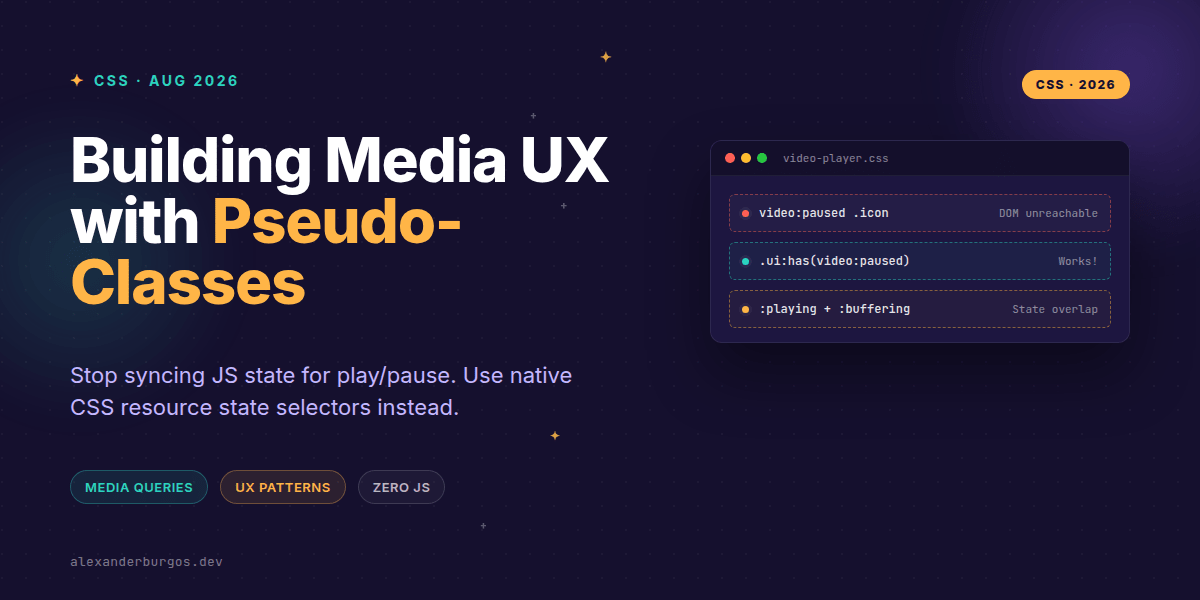
One nuance I've found particularly interesting is the relationship between playing and buffering. Per the spec, an element is still considered :playing even while it's :buffering. This means your 'playing' styles will persist while the user sees a loading spinner—which is actually exactly what you want for UX continuity.
The Progressive Enhancement Pattern
We've all been there: trying to style the internal controls of a video tag. Forget it. You can't reach inside a <video> element to style its shadow DOM reliably across browsers. The real magic happens when you combine these pseudos with :has().
/* The Modern Media Player Pattern */
.video-container:has(video:playing) .play-btn {
  display: none;
}

.video-container:has(video:playing) .pause-btn {
  display: flex;
}

.video-container:has(video:buffering) .loading-spinner {
  opacity: 1;
}
This pattern is a game-changer for design systems. Instead of your React or Vue components managing a complex state machine for media, the CSS handles the visual representation. Your JS only needs one job: calling .play() or .pause().
Common Gotchas to Avoid
There are a few traps I've stepped into while implementing this in production-ready components. First, :paused isn't just for when a user hits the pause button; it's the default state for a video that hasn't started yet. If you have a 'Replay' UI, you'll need to be careful how you distinguish between 'Not Started' and 'Paused Mid-way'.
Secondly, don't forget :stalled. While :buffering is for active data fetching, :stalled is for when the browser is trying to fetch but the server isn't responding. In a robust design system, you should probably style both to show a 'Connection Issues' warning.
Wrapping Up
- Use :has(video:playing) on wrappers to drive custom UI logic without JS class toggling.
- Remember that :buffering is a sub-state of playing—style them together for the best UX.
- Target :muted to show visual volume indicators that stay in sync even if the user uses hardware keys.
I'm genuinely excited to see how this simplifies our component libraries. Go ahead and try swapping out your media state listeners for these native selectors—your bundle size will thank you.
If you want to go deeper and learn how to build real, production-ready CSS design systems step by step, check out my full course here: CSS Design Systems Course
I cover the full pipeline in Ship Your Design System, 200 pages on Amazon Kindle.
Let's chat more about CSS architecture over on Twitter or connect with me on LinkedIn.